
Webhooks Built
for AI Agents
Connect your AI agents to real-time notifications from any enterprise app through the StackOne platform. Customize distribution and event information so your agents act on what matters, and observe every delivery in one place.
Scale agent notifications regardless of providers' limits.






Agent-Ready Events
Centralize and customize the events that trigger your AI agents.

Connect
One gateway for every app's events
Real-time notifications from any connector, fanned out to every agent. No polling, no per-provider builds.

Optimize
Events your agents can act on
Route each event and shape its data, so your agents act only on the right events, with the right data.

Secure
Know which events reach your agent
StackOne logs every webhook delivery, retry, and failure across all your connectors in one place, so silent failures surface and every agent action is auditable.
One Event.
Many Agent Runs.
Subscribe your agents to your apps' events. A record changes, the right agents act. Start to finish, no human in the loop.
Event
Employee joined
hibob_webhook_employee_joined - Pull the new hire
hibob_get_employee - Enroll in onboarding training
hibob_create_training_record - Set their first goals
hibob_create_goals
Event
Opportunity updated
salesforce_webhook_opportunity_updated - Update the account
salesforce_update_account - Log a note on the deal
salesforce_create_note
- Create a follow-up task
salesforce_create_task - Schedule a meeting
salesforce_schedule_meeting
Event
Application created
smartrecruiters_webhook_application_created - Pull the application
smartrecruiters_get_candidate_application - Screen the candidate
smartrecruiters_update_candidate - Schedule the interview
smartrecruiters_create_interview
Not Too Many. Not Too Little.
Not Too Much.
Most webhooks weren't built for AI agents. They fire events agents don't always need, send too few details to act on, or pile on payload that bloats their context. StackOne lets you fix all three on the connector profile, so every event reaches your agents with exactly what they need, and nothing they don't.
Filter
A Salesforce org can fire around 1,000 record changes a day, but only about 50 are the closed-won deals your agent cares about. On the connector profile, filter out the other 950 before they reach the agent.
Enrich
A thin webhook can arrive as just a record ID. On the connector profile, enrich it with the fields your agent needs — like the name, email, and company — so it acts without a follow-up call.
Reshape
A provider can ship a large, nested payload. On the connector profile, reshape its data to the few fields your agent uses, keeping its context clean.
Set Up Agent Webhooks
in Four Steps
Read the full setup guide - 1
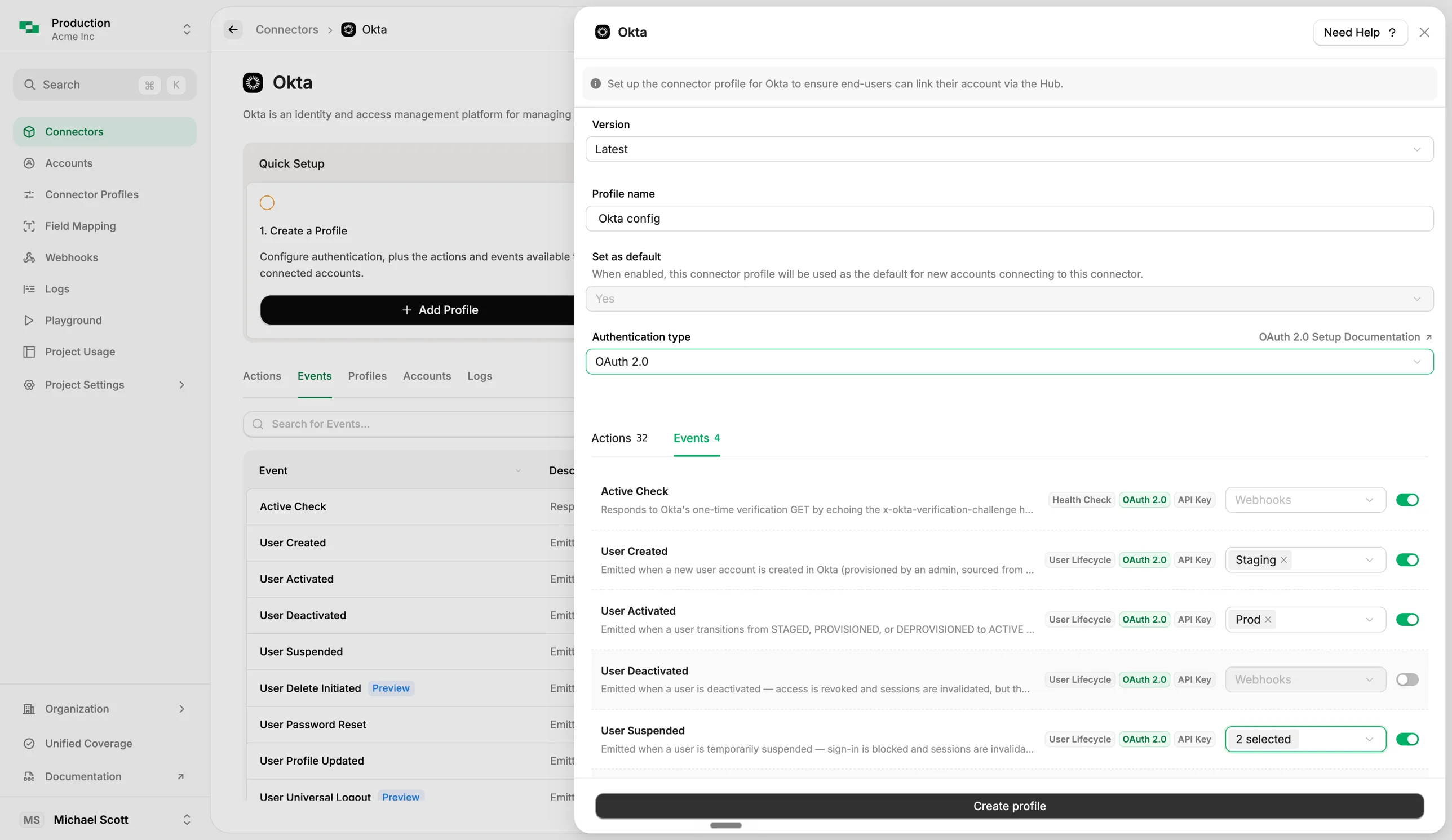
Create a webhook
On the Webhooks page, click Add Webhook and give it a name and your HTTPS endpoint URL. It must exist before you can route any events to it.
- 2
Enable and route events on the connector
Open the connector's profile, go to the Events tab, toggle on the events you want, and pick your webhook from the dropdown so they're delivered to your URL.
- 3
Connect an account
Link an account for that connector. For programmatic connectors, StackOne registers the subscription automatically for every linked account.
- 4
Paste the URL where needed
A few connectors don't expose a subscription API, so copy the Native Webhook URL from the profile into the provider's app config, and events start flowing.
Explore Enterprise Connectors
with Webhooks for AI Agents
Connect your AI agents to any connector below, and build agentic workflows triggered by real-time app events.
- 117 events
- 112 events
- 109 events
- 105 events
- 96 events
- 72 events
- 67 events
- 63 events
- 62 events
- 57 events
- 55 events
- 52 events
- 51 events
- 50 events
- 50 events
- 50 events
- 49 events
- 49 events
- 49 events
- 47 events
- 47 events
- 46 events
- 46 events
- 45 events
- 45 events
- 45 events
- 44 events
- 43 events
- 43 events
- 43 events
- 42 events
- 42 events
- 42 events
- 41 events
- 39 events
- 39 events
- 38 events
- 36 events
- 36 events
- 36 events
- 34 events
- 34 events
- 34 events
- 33 events
- 33 events
- 31 events
- 31 events
- 29 events
- 28 events
- 28 events
- 28 events
- 28 events
- 27 events
- 27 events
- 26 events
- 26 events
- 25 events
- 25 events
- 25 events
- 25 events
- 24 events
- 24 events
- 24 events
- 24 events
- 24 events
- 23 events
- 23 events
- 22 events
- 21 events
- 21 events
- 21 events
- 21 events
- 20 events
- 20 events
- 20 events
- 20 events
- 19 events
- 19 events
- 19 events
- 19 events
- 18 events
- 18 events
- 18 events
- 17 events
- 16 events
- 16 events
- 16 events
- 15 events
- 15 events
- 15 events
- 15 events
- 15 events
- 15 events
- 15 events
- 15 events
- 15 events
- 14 events
- 14 events
- 14 events
- 14 events
- 14 events
- 13 events
- 12 events
- 12 events
- 12 events
- 12 events
- 12 events
- 11 events
- 11 events
- 11 events
- 11 events
- 11 events
- 11 events
- 10 events
- 10 events
- 10 events
- 10 events
- 10 events
- 10 events
- 10 events
- 10 events
- 10 events
- 9 events
- 9 events
- 9 events
- 9 events
- 9 events
- 8 events
- 8 events
- 8 events
- 8 events
- 8 events
- 7 events
- 7 events
- 7 events
- 7 events
- 7 events
- 7 events
- 7 events
- 6 events
- 6 events
- 6 events
- 6 events
- 6 events
- 6 events
- 6 events
- 6 events
- 6 events
- 5 events
- 5 events
- 5 events
- 4 events
- 4 events
- 4 events
- 4 events
- 4 events
- 4 events
- 4 events
- 3 events
- 3 events
- 3 events
- 3 events
- 3 events
- 3 events
- 2 events
- 2 events
- 2 events
- 2 events
- 2 events
- 2 events
- 2 events
- 2 events
- 2 events
- 2 events
- 2 events
- 2 events
- 2 events
- 1 events
- 1 events
- 1 events
- 1 events
- 1 events
- 1 events
- 1 events
- 1 events
- 1 events
- 1 events
- 1 events
- 1 events
- 1 events
- 1 events


No connectors match your filter.
Webhook resources

Webhooks for AI agents: why agentic workflows need them purpose-built
AI agents can act the moment a system changes, using webhooks. But webhooks built for software hit three limits in agentic workflows. Here is how to fix each.
7 min read
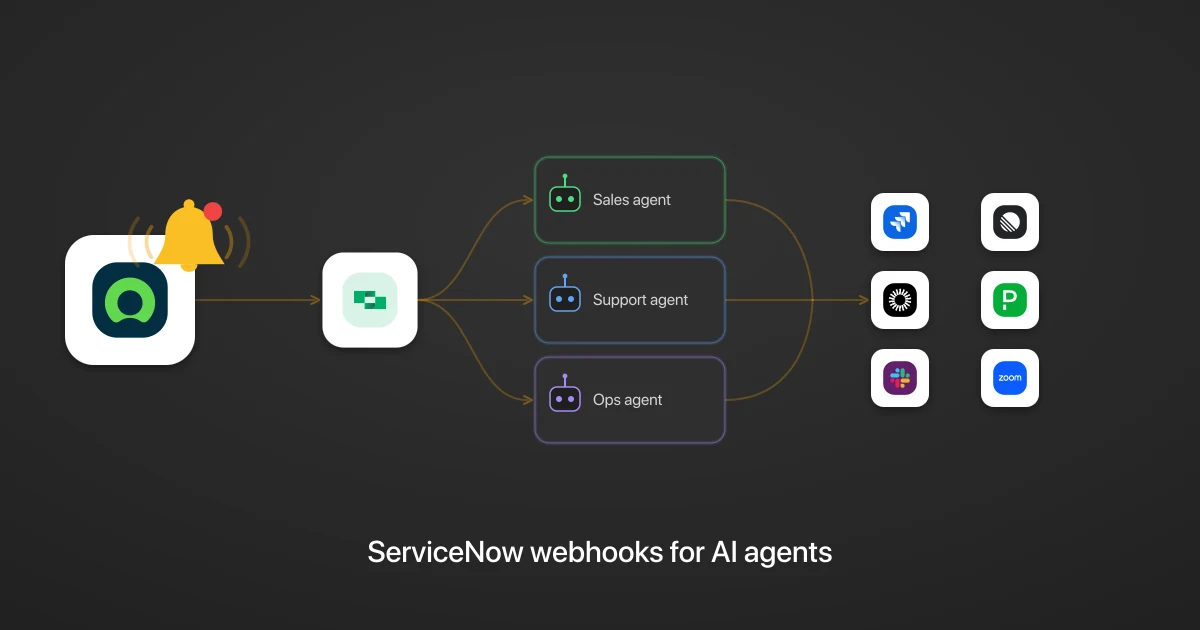
ServiceNow webhooks for AI agents: turn IT service events into cross-app agentic workflows
Turn ServiceNow events into cross-app agentic workflows, cut token spend and lag, and get a full audit trail of every action.
7 min read
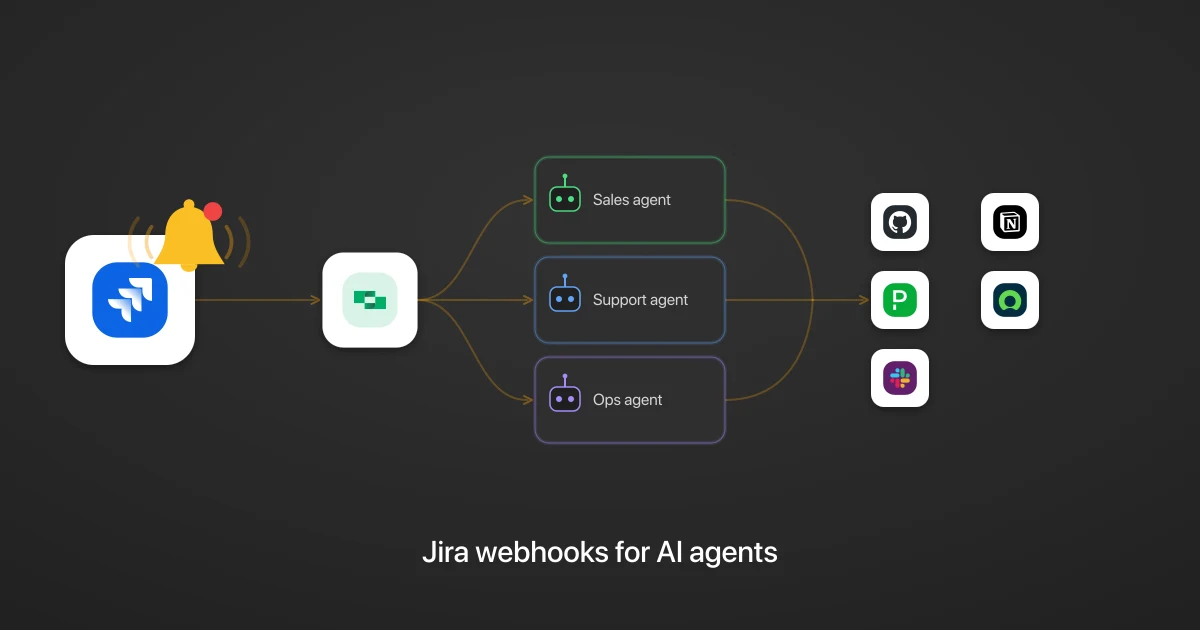
Jira webhooks for AI agents: turn issue and sprint events into cross-app agentic workflows
Turn Jira events into cross-app agentic workflows, cut token spend and lag, and get a full audit trail of every action.
6 min read
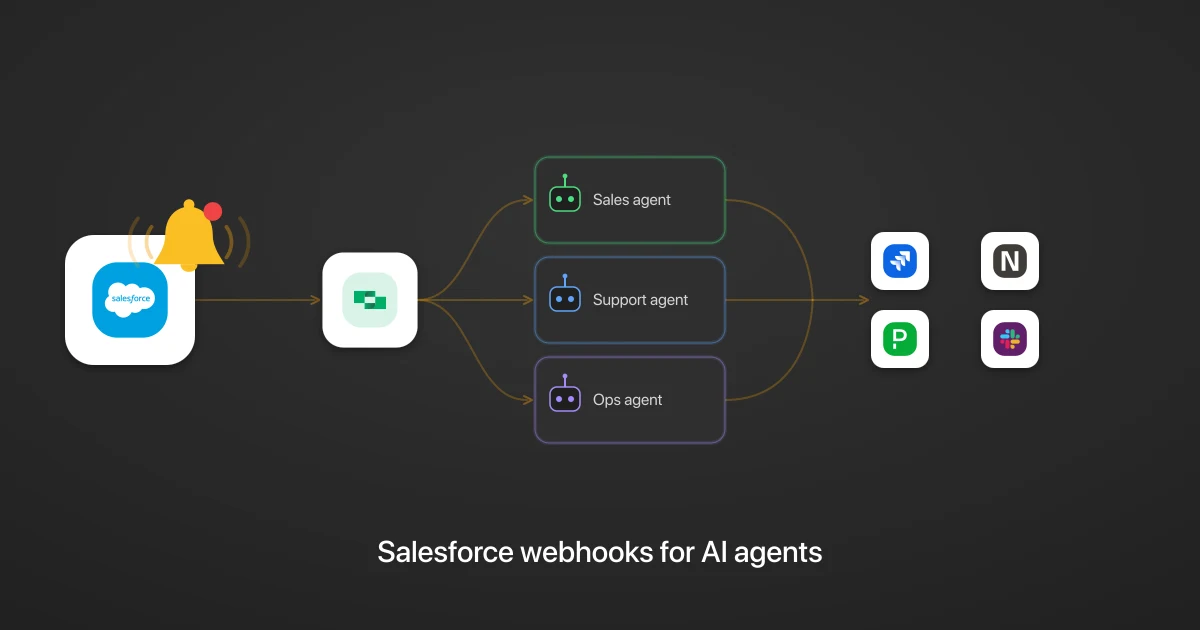
Salesforce webhooks for AI agents: turn CRM events into cross-app agentic workflows
Turn Salesforce events into cross-app agentic workflows, cut token spend and lag, and get a full audit trail of every action.
7 min read
Frequently Asked Questions
What are AI agent webhooks?
Why use webhooks instead of polling for AI agents?
Can one event trigger multiple AI agents?
Do I need to build a separate integration for each provider?
Which connectors support webhooks?
Does payload transformation happen automatically?
What happens when a webhook delivery fails?
Trigger agent actions from your apps
Every connector's webhooks in one place, observable and agent-ready.