
Toggl Integration for AI Agents
Connect your AI agent to 92 QA'd Toggl actions via MCP, A2A, or SDK, with agent authentication, tool-calling execution, and security built-in, plus 29 events to subscribe to.








Toggl AI Agent Actions
92 production-ready actions for your agent to do more on Toggl.
Toggl Webhook Events
29 real-time Toggl events your AI agent can subscribe to.
- Webhook Ping / Validation Handles Toggl's PING event. Echoes the validation_code back in the response body to complete synchronous subscription validation, and answers ordinary connectivity pings with HTTP 200.
- Client Created Webhook Processes Toggl Track client.created webhook events, fired when a client is created in the workspace.
- Client Updated Webhook Processes Toggl Track client.updated webhook events, fired when a client is updated in the workspace.
- Client Deleted Webhook Processes Toggl Track client.deleted webhook events, fired when a client is deleted in the workspace.
- Project Created Webhook Processes Toggl Track project.created webhook events, fired when a project is created in the workspace.
- Project Updated Webhook Processes Toggl Track project.updated webhook events, fired when a project is updated in the workspace.
- Project Deleted Webhook Processes Toggl Track project.deleted webhook events, fired when a project is deleted in the workspace.
- Project Group Created Webhook Processes Toggl Track project_group.created webhook events, fired when a project group is created in the workspace.
- Project Group Updated Webhook Processes Toggl Track project_group.updated webhook events, fired when a project group is updated in the workspace.
- Project Group Deleted Webhook Processes Toggl Track project_group.deleted webhook events, fired when a project group is deleted in the workspace.
- Project User Created Webhook Processes Toggl Track project_user.created webhook events, fired when a project user is created in the workspace.
- Project User Updated Webhook Processes Toggl Track project_user.updated webhook events, fired when a project user is updated in the workspace.
- Project User Deleted Webhook Processes Toggl Track project_user.deleted webhook events, fired when a project user is deleted in the workspace.
- Tag Created Webhook Processes Toggl Track tag.created webhook events, fired when a tag is created in the workspace.
- Tag Updated Webhook Processes Toggl Track tag.updated webhook events, fired when a tag is updated in the workspace.
- Tag Deleted Webhook Processes Toggl Track tag.deleted webhook events, fired when a tag is deleted in the workspace.
- Task Created Webhook Processes Toggl Track task.created webhook events, fired when a task is created in the workspace.
- Task Updated Webhook Processes Toggl Track task.updated webhook events, fired when a task is updated in the workspace.
- Task Deleted Webhook Processes Toggl Track task.deleted webhook events, fired when a task is deleted in the workspace.
- Time Entry Created Webhook Processes Toggl Track time_entry.created webhook events, fired when a time entry is created in the workspace.
- Time Entry Updated Webhook Processes Toggl Track time_entry.updated webhook events, fired when a time entry is updated in the workspace.
- Time Entry Deleted Webhook Processes Toggl Track time_entry.deleted webhook events, fired when a time entry is deleted in the workspace.
- Timesheet Created Webhook Processes Toggl Track timesheet.created webhook events, fired when a timesheet is created in the workspace.
- Timesheet Updated Webhook Processes Toggl Track timesheet.updated webhook events, fired when a timesheet is updated in the workspace.
- Timesheet Deleted Webhook Processes Toggl Track timesheet.deleted webhook events, fired when a timesheet is deleted in the workspace.
- Workspace User Created Webhook Processes Toggl Track workspace_user.created webhook events, fired when a workspace user is created in the workspace.
- Workspace User Updated Webhook Processes Toggl Track workspace_user.updated webhook events, fired when a workspace user is updated in the workspace.
- Workspace User Deleted Webhook Processes Toggl Track workspace_user.deleted webhook events, fired when a workspace user is deleted in the workspace.
- Workspace Updated Webhook Processes Toggl Track workspace.updated webhook events, fired when a workspace is updated in the workspace.
Toggl AI Agent Use Cases
Connect your AI agent to Toggl and help your team scale the HR operations they run by hand today.
Use StackOne to connect your AI agent to your HRIS, identity management, and LMS to automate employee onboarding.
ViewUse StackOne to connect your AI agent to your HRIS, knowledge base, and messaging tools to automate HR policy Q&A.
ViewUse StackOne to connect your AI agent to your HRIS, identity management, and ITSM to automate employee offboarding and deprovisioning.
ViewDo More, Build Less
Integration Infrastructure for Toggl AI Agents





"What impressed us most about StackOne is its ambition and clarity. They're creating infrastructure that modern software and the entire AI agent ecosystem can rely on. The depth of secure integrations, the pace of delivery, and the team's foresight into AI's future uniquely position StackOne to redefine this category."


Luna Schmid, Partner at GV
"We've been impressed by how quickly and deeply StackOne integrates with complex enterprise systems -- and now, with their focus on agent-to-agent interoperability, they're unlocking even more powerful use cases for customers. StackOne delivers all of the above in a universal layer -- without compromise."


Barbry McGann, SVP at Workday Ventures





Product Teams Love Building Agent Integrations With StackOne
A US medical research organisation



Scroll to explore
More HRIS / HCM Integrations Like Toggl
163+ actions
162+ actions
129+ actions
127+ actions
120+ actions
120+ actions
117+ actions
Toggl AI agent integration resources
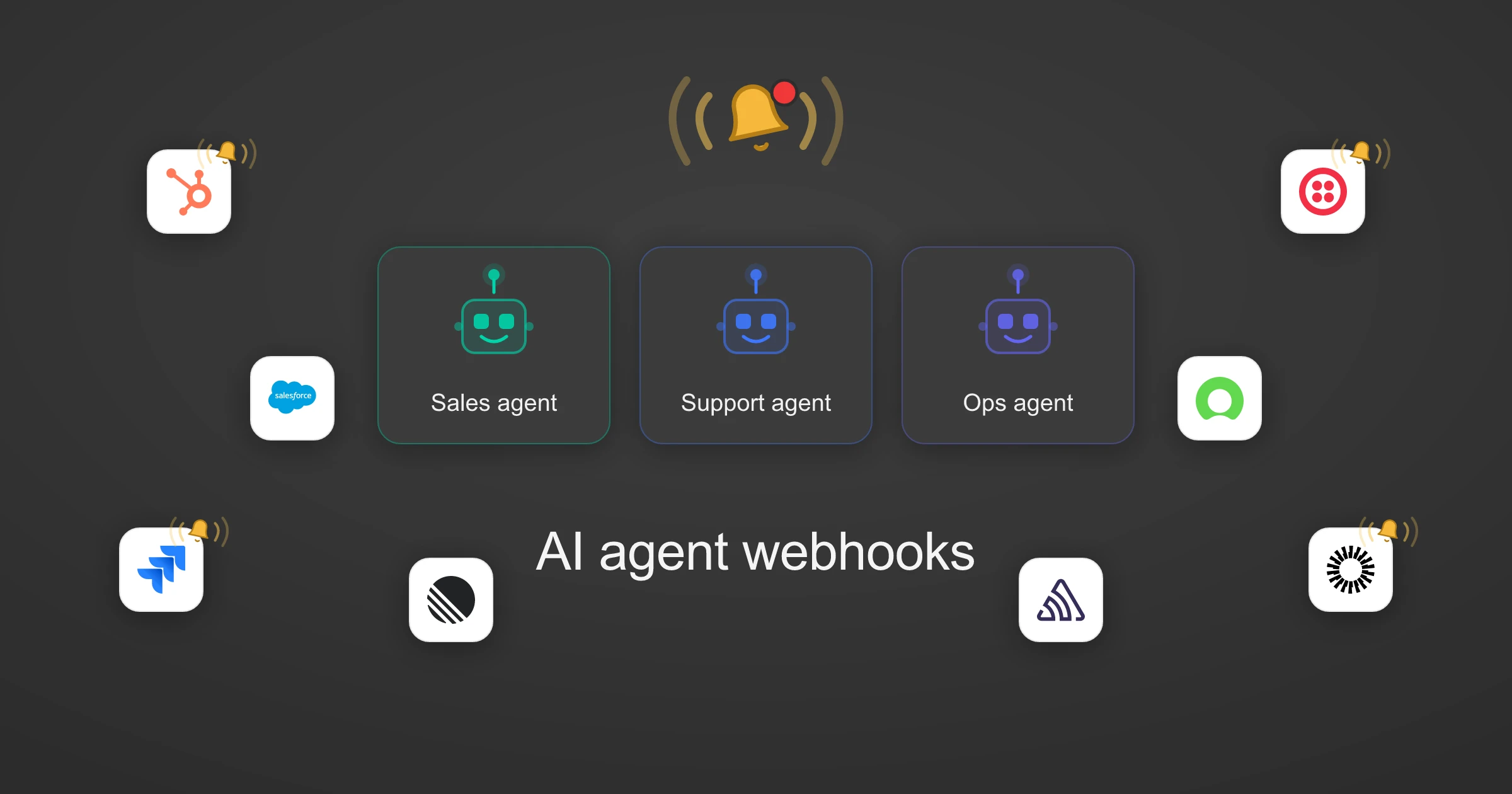
Webhooks for AI agents: why agentic workflows need them purpose-built
AI agents can act the moment a system changes, using webhooks. But webhooks built for software hit three limits in agentic workflows. Here is how to fix each.
7 min read
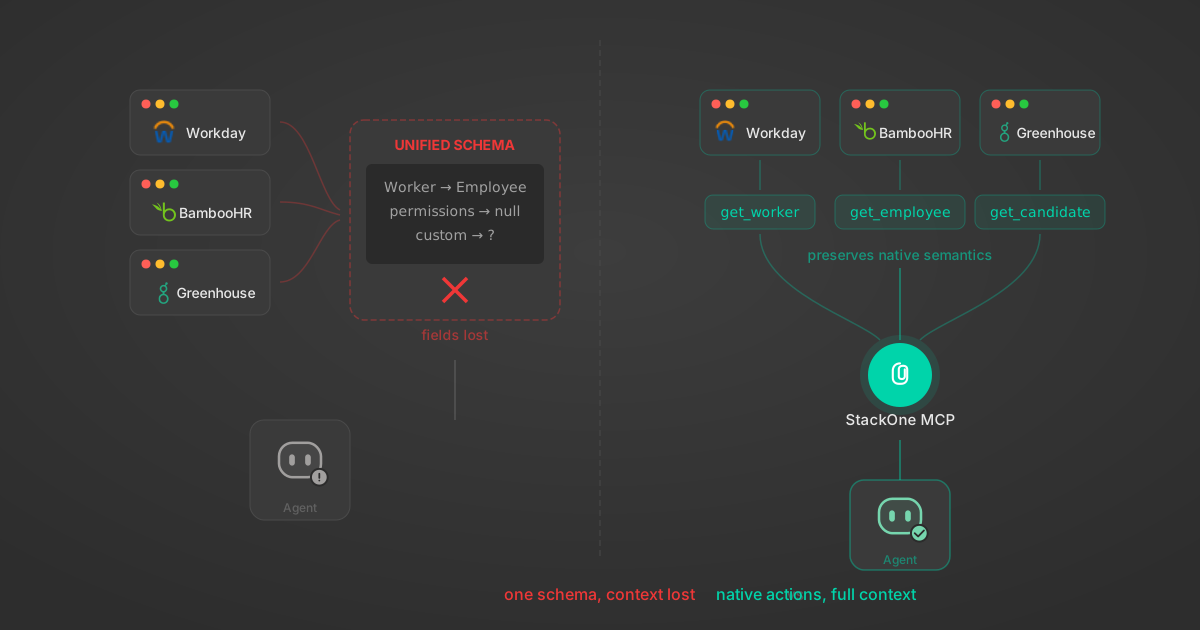
Unified API Limitations for AI Agent Integration: 7 Ways They Break
Unified APIs work for traditional software but fail AI agents in specific, measurable ways. Here are 7 problems we found after building both approaches, with examples from Workday, Greenhouse, Jira, and Salesforce.
14 min
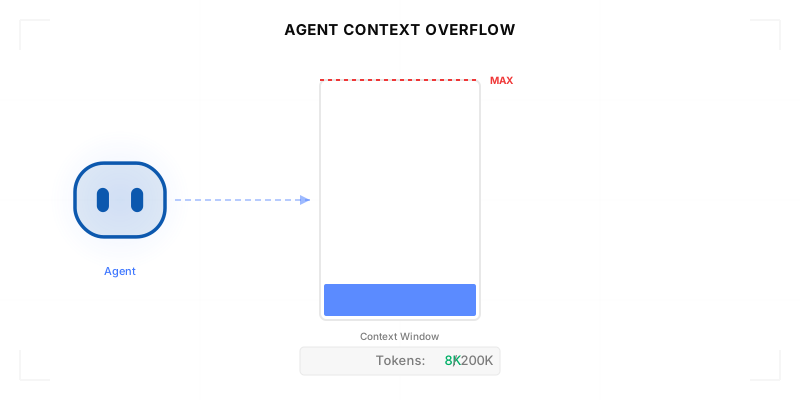
Agentic Context Engineering: Why AI Agents Kill Their Own Context Windows
AI agents exceed their context windows without knowing it. Six failure patterns and seven survival architectures for agentic context engineering.
15 min

MCP Code Mode: Keeping Tool Responses Out of Agent Context
Anthropic's code_execution processes data already in context. Custom MCP code mode keeps raw tool responses in a sandbox. 14K tokens vs 500.
11 min

Comparing BM25, TF-IDF, and Hybrid Search for MCP Tool Discovery
Benchmarking BM25, TF-IDF, and hybrid search for MCP tool discovery across 916 tools. The 80/20 TF-IDF/BM25 hybrid hits 21% Top-1 accuracy in under 1ms.
10 min
Put your AI agents to work
All the tools you need to build and scale AI agent integrations, with best-in-class connectivity, execution, and security.