
Skip to main content The #1 agentic semantic tool search: 91.6% first-try accuracy on S1 Search Bench Explore Tool Discovery
Connectors Notion
Live 35 Actions 9 Events

Notion Integration for AI Agents

Connect your AI agent to 35 Notion actions via MCP, A2A, or SDK, with agent authentication, tool-calling execution, and security built-in, plus 9 events to subscribe to.


StackOne
DrataGPLocalyzeFlipMindtoolsScreenloop

Notion AI Agent Actions

35 production-ready actions for your agent to do more on Notion.

35 Actions
Append Block Children - Add content blocks (text, headings, lists, images, etc.) to an existing page or block. Use this after create_page to add more content, or to append to any existing page. The block_id parameter accepts a page_id directly.
Get Block - Retrieve a single block's type, content, and metadata by its block_id (does NOT return children — use get_block_children for nested content).
Get Block Children - Retrieve the content blocks inside a page or parent block. This is how you read a page's actual content (text, headings, lists, etc.) — get_page only returns properties/metadata, not content.
Update Block - Modify an existing block's content (text, headings, to-dos, etc.) by block_id. ALWAYS call this after reading blocks when the user asks to change or update existing content. First use get_block_children to find the block_id and type, then call this action with the new content.
Delete Block - Archive (soft-delete) a block by its block_id. The block is moved to trash, not permanently deleted — it can be restored by setting in_trash to false via update_block.
Create Comment - Create a comment on a page or block, or reply to an existing discussion thread. Use the page_id directly from create_page or search results — no need to re-search after creation.
List Comments - List all unresolved comments on a page or block, with pagination. Resolved comments are excluded from results.
Retrieve Comment - Retrieve a single comment's full details (content, author, timestamps, parent) by its comment_id.
Create Database - Create a new Notion database under a parent page, with an optional initial schema (columns/properties) defined via initial_data_source. Returns the database object including its data_sources list.
Get Database - Retrieve a database's metadata and its list of data sources (with IDs) by database_id. Does NOT return rows — use query_data_source for that. Use retrieve_data_source to get a data source's schema.
Update Database - Update database-level attributes (title, icon, cover, parent, archive status). To update columns/schema, use update_data_source instead.
Create Data Source - Add a new data source (with its own schema/columns) to an existing database. Use this when a database needs multiple data sources with different property schemas.
Retrieve Data Source - Retrieve a data source's schema (columns/properties) by its data_source_id. To get rows, use query_data_source instead. Get the data_source_id from get_database.
Update Data Source - Update a data source's schema (add, rename, or remove columns), title, icon, or trash status. To update row values, use update_page instead.
Query Data Source - Query a database's data source to retrieve rows (pages) with optional filtering and sorting. This is how you list or search for rows in a Notion database.
List Data Source Templates - List all page templates available for a data source, including each template's ID, name, and default status. Useful before create_page with template parameter.
Create File Upload - Step 1 of file upload — create a file upload session to get an upload URL. Then call send_file_upload (step 2), and complete_file_upload (step 3, multi_part only).
Send File Upload - Step 2 of file upload — send the actual file data for a file upload session created by create_file_upload. For multi_part, call complete_file_upload after all parts are sent.
Complete File Upload - Step 3 of multi_part file upload only — finalize after all parts are sent via send_file_upload. Not needed for single_part or external_url modes.
List File Uploads - List all file uploads created by this bot integration, sorted most recent first. Filter by status (pending, uploaded, expired, failed) to find specific uploads.
Retrieve File Upload - Retrieve a single file upload's metadata and status (pending, uploaded, expired, failed) by its file_upload_id. Use after send_file_upload to verify upload completion.
Get Unified Credentials - Get the current Notion connection's unified credentials and identity.
List Unified Organizations - List unified organizations in Notion.
Get Unified Organization - Get a unified Notion organization by ID.
List Unified Users - List unified users in Notion.
Get Unified User - Get a unified Notion user by ID.
Create Page - Create a new page in a Notion workspace. After creation, the returned page object contains the new page_id — use it directly for follow-up actions (append_block_children, create_comment, move_page) without re-searching.
Get Page - Retrieve a Notion page's properties and metadata by its page_id (does NOT return page content — use get_block_children for that).
Update Page - Update page properties, icon, cover, or trash status by page ID. IMPORTANT — You must already have the page_id; if you only have a page name or title, you MUST call search first to find the page_id before calling this action. This action CANNOT look up pages by name. To change a page's parent location, use move_page instead.
Get Page Property - Retrieve a single page property value by page_id and property_id, with pagination support for large properties (title, rich_text, relation, people) that exceed the 25-reference limit returned by get_page.
Move Page - Move a page to a different parent page or database. THIS IS THE ONLY ACTION that can change a page's parent location — update_page CANNOT do this. Use move_page whenever the user asks to "move", "relocate", "reparent", or "transfer" a page to a new location.
Search - Search for pages and data sources by title text. Use this to find a page_id when you only have a page name — required before calling update_page, move_page, or any action that needs a page_id you do not already have. Once you have the ID from search results, proceed directly to the next action without searching again.
List Users - List ALL users (people and bots) in the Notion workspace. Returns the complete set of workspace members across all pages — always iterate through ALL results and report the full count. Guests are excluded by Notion.
Get User - Retrieve a single Notion user's profile (name, email, avatar, type) by their user_id. Get user IDs from list_users results.
Get Bot User - Retrieve the bot user (integration identity) associated with the current API token, including the workspace_id and the person who authorized the integration.

Notion Webhook Events

9 real-time Notion events your AI agent can subscribe to.

9 Events
  • URL Verification Handles Notion's one-time webhook verification challenge. Notion requires the verification_token to be pasted back into the Notion UI manually — it does not read the HTTP response. This action emits the token as an event so StackOne forwards it to your configured outbound webhook URL, where you can read it and complete verification in Notion. Enable and route this event to a webhook on the connector profile to receive the token. Requires the account to be connected first (so the native webhook URL carries the account token).
  • Page Created Processes Notion page.created events when a new page is created.
  • Page Property Values Updated Processes Notion page.property_values.updated events when page properties are changed.
  • Page Content Updated Processes Notion page.content_updated events when page content is changed. These events may be aggregated and delayed.
  • Database Created Processes Notion database.created events when a new database is created.
  • Database Schema Updated Processes Notion database.schema_updated events when a database schema is changed.
  • Comment Created Processes Notion comment.created events when a new comment is added to a page or discussion.
  • Comment Updated Processes Notion comment.updated events when an existing comment is modified.
  • Comment Deleted Processes Notion comment.deleted events when a comment is removed from a page or discussion.

Do More, Build Less

Integration Infrastructure for Notion AI Agents

Multiple Interfaces

Access integrations via API, AI SDKs, MCP & A2A.

Notion MCP server
Managed Authentication

Pre-built authentication UI.

Agent auth
Falcon Engine

Every Notion action runs on Falcon.

Agent Execution Engine
StackOne Defender
StackOne Defender Meta PG v1 Meta PG v2 DeBERTa 88.7% 67.5% 63.1% 56.9% Detection accuracy

88.7% prompt injection detection.

Prompt injection defense

"What impressed us most about StackOne is its ambition and clarity. They're creating infrastructure that modern software and the entire AI agent ecosystem can rely on. The depth of secure integrations, the pace of delivery, and the team's foresight into AI's future uniquely position StackOne to redefine this category."

Luna Schmid, Partner at GV

"We've been impressed by how quickly and deeply StackOne integrates with complex enterprise systems -- and now, with their focus on agent-to-agent interoperability, they're unlocking even more powerful use cases for customers. StackOne delivers all of the above in a universal layer -- without compromise."

Barbry McGann, SVP at Workday Ventures

G2 - High Performer G2 - Easiest To Do Business With G2 - Users Love Us G2 - Users Most Likely To Recommend G2 - Easiest Admin

Product Teams Love Building Agent Integrations With StackOne

G2

More Documents & Knowledge Integrations Like Notion

Notion AI agent integration resources

Webhooks for AI agents: why agentic workflows need them purpose-built

AI agents can act the moment a system changes, using webhooks. But webhooks built for software hit three limits in agentic workflows. Here is how to fix each.

7 min read
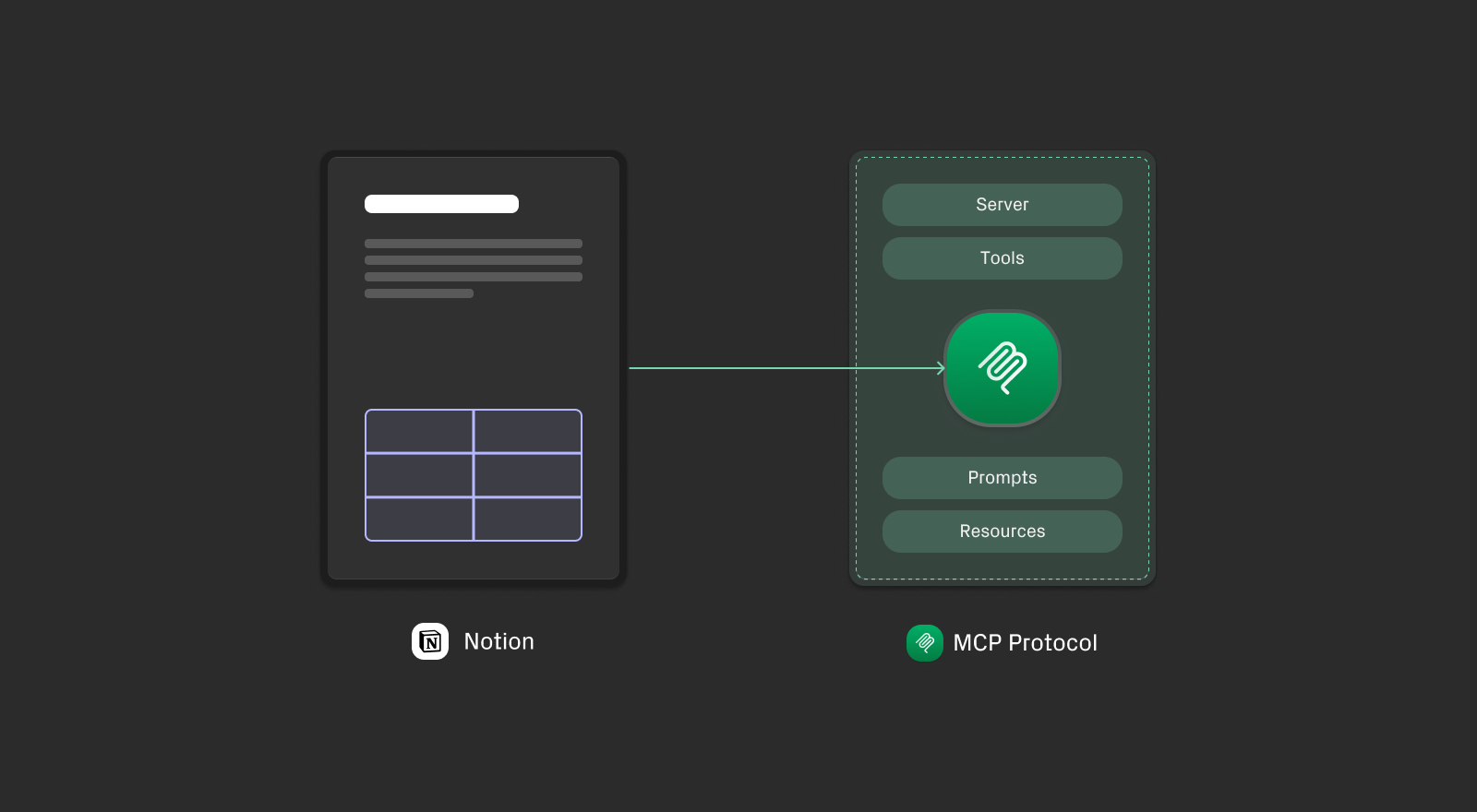
Notion MCP Server: Capabilities, Limitations, and Alternatives

The official Notion MCP server handles search and retrieval well. This post covers what it can't do and when the StackOne MCP server is the right alternative.

9 min

Agentic Context Engineering: Why AI Agents Kill Their Own Context Windows

AI agents exceed their context windows without knowing it. Six failure patterns and seven survival architectures for agentic context engineering.

15 min

MCP Code Mode: Keeping Tool Responses Out of Agent Context

Anthropic's code_execution processes data already in context. Custom MCP code mode keeps raw tool responses in a sandbox. 14K tokens vs 500.

11 min

Comparing BM25, TF-IDF, and Hybrid Search for MCP Tool Discovery

Benchmarking BM25, TF-IDF, and hybrid search for MCP tool discovery across 916 tools. The 80/20 TF-IDF/BM25 hybrid hits 21% Top-1 accuracy in under 1ms.

10 min

Notion integration FAQ

Do I need to create my own auth app to connect Notion to StackOne?
Only if you use OAuth. Notion also offers an Internal Integration token (no auth app needed) for single-workspace setups. Generate one inside Notion and paste it into the StackOne dashboard auth config for the Notion connector. For OAuth, you'd register a Public Integration in Notion's developer portal instead. See the Notion auth docs.

Put your AI agents to work

All the tools you need to build and scale AI agent integrations, with best-in-class connectivity, execution, and security.















