Announcing our $20m Series A from GV (Google Ventures) and Workday Ventures
Read More
Connectors
Live
On-Demand
Building
68
Actions

[Integration] connector for AI agents

Honeycomb
Connect your AI agent to [Integration] with production-ready actions. Ship in minutes.

StackOne AI agent actions
for [Integration].

68
Actions
Thank you! Your submission has been received!
Oops! Something went wrong while submitting the form.
Create Batch Events
-
Send Multiple Events To A Honeycomb Dataset In A Single Request.
Create Board
-
Create A New Board With Query Panels, SLO Panels, Or Text Panels.
Create Board View
-
Create A New View For A Board With Specified Filters.
Create Burn Alert
-
Create A New Burn Alert For An SLO.
Create Calculated Field
-
Create A New Calculated Field (Derived Column) In A Dataset.
Create Column
-
Create A New Column In A Dataset.
Create Dataset
-
Create A Dataset In The Environment Associated With Your API Key.
Create Event
-
Send/Log A Single Event To A Honeycomb Dataset - Record Telemetry, Deployment Events, Or Custom Data.
Create Marker
-
Create A Marker To Indicate A Point In Time On Graphs.
Create Marker Setting
-
Create A Marker Setting To Define A Group Of Similar Markers.
Create Query
-
Create A Query To Analyze Data - Calculate Latency, Count Events, Aggregate Metrics, Analyze Performance.
Create Query Annotation
-
Create A Query Annotation To Associate A Name And Description To A Query.
Create Query Result
-
Run A Query Asynchronously And Create A Result. Enterprise Feature.
Create Recipient
-
Create A New Notification Recipient.
Create SLO
-
Create A New Service Level Objective.
Create Trigger
-
Create A New Trigger In A Dataset.
Delete Board
-
Delete A Public Board By Specifying Its ID.
Delete Board View
-
Delete A Board View By Specifying Its ID.
Delete Burn Alert
-
Delete A Burn Alert From An SLO.
Delete Calculated Field
-
Delete A Calculated Field From A Dataset.
Delete Column
-
Delete A Column From A Dataset.
Delete Dataset
-
Deletes A Dataset. This Is An Irreversible Operation.
Delete Marker
-
Delete A Marker From A Dataset.
Delete Marker Setting
-
Delete A Marker Setting From A Dataset.
Delete Query Annotation
-
Delete A Query Annotation.
Delete Recipient
-
Delete A Notification Recipient.
Delete SLO
-
Delete An SLO.
Delete Trigger
-
Delete A Trigger From A Dataset.
Get Auth (Configuration Key)
-
Check Configuration API Key Permissions And Authentication Status.
Get Auth (Ingest Key)
-
Check Ingest API Key Permissions And Authentication Status.
Get Board
-
Get A Single Board By Its Unique Identifier.
Get Board View
-
Retrieve A Single Board View By ID.
Get Burn Alert
-
Get A Single Burn Alert By ID.
Get Calculated Field
-
Get A Single Calculated Field By ID.
Get Column
-
Get A Single Column By ID From A Dataset.
Get Dataset
-
Get Detailed Information About A Specific Dataset By Its Slug Identifier.
Get Dataset Definition
-
Get The Dataset Definition Describing Fields With Special Meaning.
Get Query
-
Retrieve A Query Specification By Its ID.
Get Query Annotation
-
Get A Single Query Annotation By ID.
Get Query Result
-
Retrieve Query Results By Result ID. Enterprise Feature.
Get Recipient
-
Get A Single Recipient By ID.
Get SLO
-
Get A Single SLO By ID.
Get Trigger
-
Get A Single Trigger By ID.
List Board Views
-
Retrieve A List Of All Views For A Board.
List Boards
-
List All Dashboards (Boards) For Monitoring And Visualizing Observability Data.
List Burn Alerts
-
List All Burn Alerts For An SLO.
List Calculated Fields
-
List All Calculated Fields (Derived Columns) In A Dataset.
List Columns
-
List All Columns (Fields/Attributes/Schema) In A Dataset - Shows Available Fields To Query.
List Datasets
-
List All Observability Datasets And Environments - Shows Available Data Containers In Honeycomb.
List Marker Settings
-
List All Marker Settings In A Dataset.
List Markers
-
List Deployment Markers, Release Annotations, And Event Markers On Observability Graphs.
List Query Annotations
-
List All Query Annotations In A Dataset.
List Recipients
-
List All Notification Recipients.
List SLOs
-
List All Service Level Objectives.
List Triggers
-
List All Alerts And Monitoring Triggers Configured In A Dataset For Notifications.
Update Board
-
Update A Board By Specifying Its ID And Full Details.
Update Board View
-
Update A Board View By Specifying Its ID And Full Details.
Update Burn Alert
-
Update An Existing Burn Alert.
Update Calculated Field
-
Update A Calculated Field'S Expression Or Metadata.
Update Column
-
Update A Column'S Metadata In A Dataset.
Update Dataset
-
Update A Dataset'S Settings.
Update Dataset Definition
-
Update The Dataset Definition With Fields Having Special Meaning.
Update Marker
-
Update An Existing Marker.
Update Marker Setting
-
Update An Existing Marker Setting.
Update Query Annotation
-
Update An Existing Query Annotation.
Update Recipient
-
Update An Existing Notification Recipient.
Update SLO
-
Update An Existing SLO.
Update Trigger
-
Update An Existing Trigger.
No actions available.
Do more, build less.

Managed integration infrastructure for [Integration] AI agents.

Connectors & Actions

800+ Connectors.
8,000+ Actions.

Multiple Interfaces

Access integrations via API, AI SDKs, MCP & A2A.

Managed Authentication

Pre-built authentication UI.

Enterprise-Ready

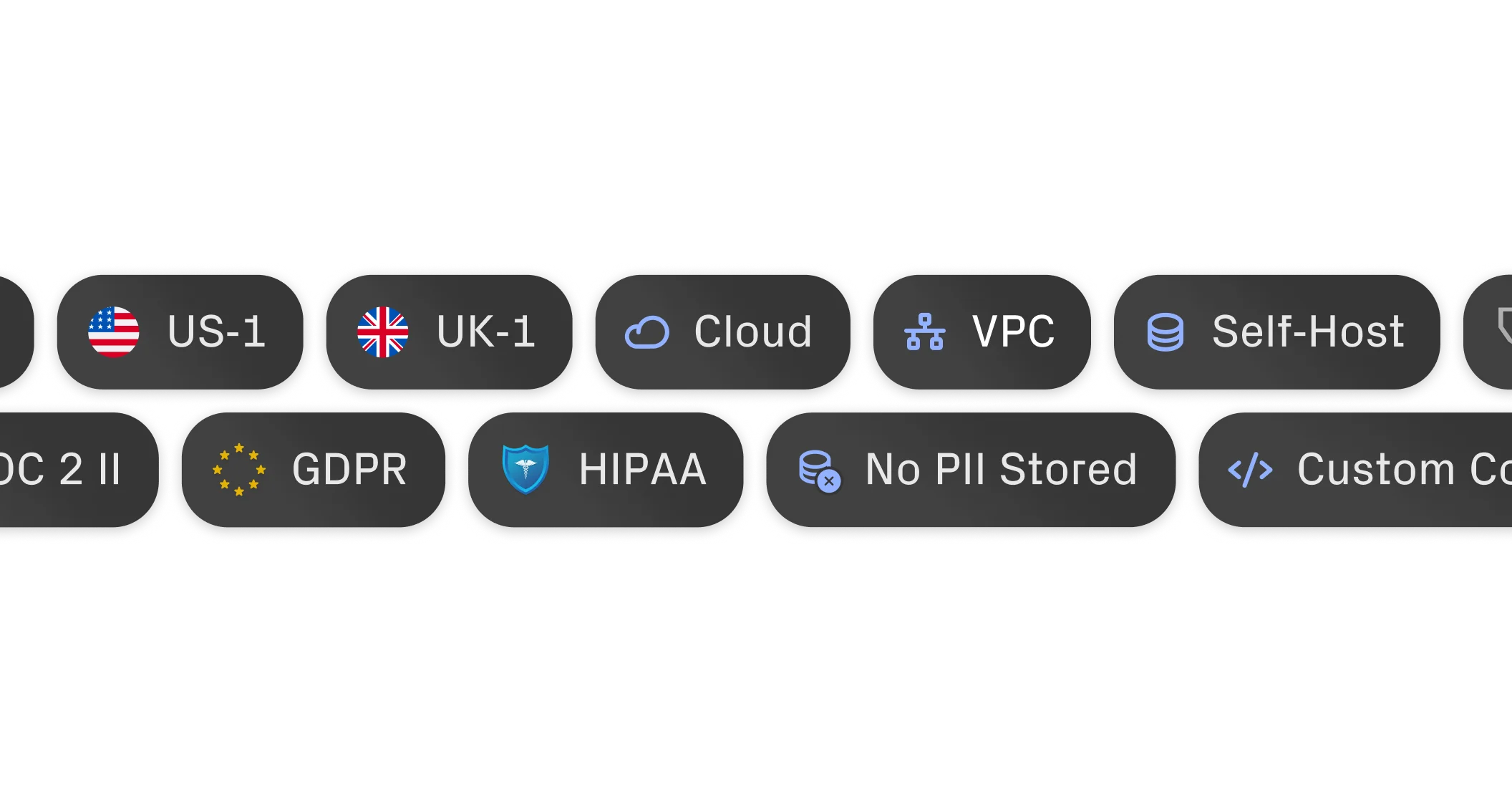
Enterprise-Ready architecture.
Recognised for performance, loved for simplicity.
StackOne is Workday Certified and a Workday Portfolio Company.
G2 - High PerformerG2 - Easiest To Do Business WithG2 - Users Love UsG2 - Users Most Likely To RecommendG2 - Easiest Admin

"What impressed us most about StackOne is its ambition and clarity. They're creating infrastructure that modern software and the entire AI agent ecosystem can rely on. The depth of secure integrations, the pace of delivery, and the team’s foresight into AI’s future uniquely position StackOne to redefine this category."

Luna Schmid, Partner at GV

"We’ve been impressed by how quickly and deeply StackOne integrates with complex enterprise systems – and now, with their focus on agent-to-agent interoperability, they’re unlocking even more powerful use cases for customers. In a space where speed and scale often trade off with reliability, compliance, and functionality, StackOne delivers all of the above in a universal layer – without compromise."

Barbry McGann, Managing Director and SVP at Workday Ventures

Ready to integrate your AI agents?

Customers

Product teams love building with StackOne.

G2 Logo
Rate star with g2 badgeRate star with g2 badgeRate star with g2 badgeRate star with g2 badgeRate star with g2 badge

Put your AI agents to work.

All the tools you need to build and scale AI agents integrations, with best-in-class security & privacy.
Get Started Now
StackOne Logo
Credits
|
Global Business Tech Awards 2024 Finalist LogoGlobal Business Tech Awards 2024 Finalist Logo
LinkedIn IconTwitter IconGitHub Icon