Expense Report Audit
Audit Every Expense. Instantly.
Use StackOne to connect your AI agent to your expense management, HRIS, and accounting systems to automate expense report auditing.




AI Agents
Connect
MCP and A2A to REST, SOAP, and proprietary APIs.
Optimize
Tool discovery, data shaping, and reliable execution.
Secure
Scoped permissions, audit trails, and observability.
StackOne Integration Layer


 StackOne Integration Layer
Connect
200+ connectors, build your own, and multi-protocol support.
Optimize
Context, token, and speed optimization infrastructure.
Secure
Permissions API and prompt injection protection.
What Can AI Agents Do for Expense Report Auditing?
Your agent validates every line item against policy, pulls employee context from HRIS, flags violations, routes compliant reports for approval, and syncs results to accounting.
Ingest Expense Reports
Detect new submissions and retrieve line items, receipts, and submitter details from SAP Concur, Expensify, or Brex. Pull employee data from Workday or BambooHR.
Validate Against Policy
Evaluate each line item against expense policy rules — per-category amount limits, receipt requirements, eligible expense categories, and duplicate transaction detection.
Sync to Accounting
On approval, create the expense transaction record in QuickBooks or Xero for reimbursement processing.
Write Audit Trail
Record every policy check, flag, approver decision, and timestamp to Google Drive or SharePoint for compliance records.
Ingest Expense Reports
Detect new submissions and retrieve line items, receipts, and submitter details from SAP Concur, Expensify, or Brex. Pull employee data from Workday or BambooHR.
Validate Against Policy
Evaluate each line item against expense policy rules — per-category amount limits, receipt requirements, eligible expense categories, and duplicate transaction detection.
Sync to Accounting
On approval, create the expense transaction record in QuickBooks or Xero for reimbursement processing.
Write Audit Trail
Record every policy check, flag, approver decision, and timestamp to Google Drive or SharePoint for compliance records.
Why Building a Good Expense Audit Agent Is Hard
Connecting to 10+ Expense, HRIS, and Accounting Providers
An expense audit agent needs connectors to SAP Concur, Expensify, Brex, Ramp, and Navan for reports, Workday or BambooHR for employee context, and QuickBooks or Xero for posting. Building and maintaining each one — auth, pagination, rate limits — is a massive lift.
Token Cost Grows with Report Volume
Without search-first architecture, the agent pre-loads every action definition across expense, HRIS, and accounting systems into its context window. At month-end audit volume, that burns tokens on irrelevant tools before the agent even starts validating.
Receipt Text and Merchant Names Carry Prompt Injection Risk
Expense descriptions, receipt OCR output, and merchant names are untrusted input. Any of those fields can contain adversarial instructions designed to trick the agent into approving fraudulent submissions or exfiltrating financial data.
Getting High Accuracy Requires Purpose-Built Tools
Validating expenses requires reading line items, receipt images, employee role, and policy rules in coordinated calls. Raw API wrappers expose too many low-level details, lead to hallucinated parameters, and fail silently on mismatched schemas.
How StackOne Makes Expense Audit Agents Possible
Everything your expense audit agent needs to validate reports, pull employee context, and sync approvals — with the controls finance teams demand.
200+ connectors with 10K+ agent-optimized actions
Pre-built connectors for SAP Concur, Expensify, Brex, Ramp, Workday, BambooHR, QuickBooks, and Xero with full native action coverage and agent instructions included.
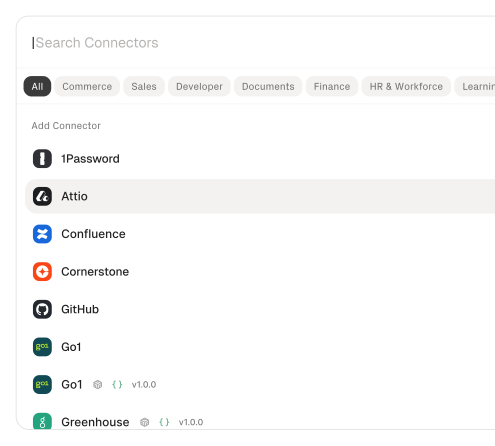
Managed Auth handles credentials across providers
OAuth flows, API keys, and token refresh managed per tenant for every connected expense, HRIS, and accounting system — agents never touch raw credentials.
Search and execute finds the right action
Agent searches StackOne's action catalog by natural language and executes the matching expense or HRIS action — no pre-loading thousands of tool definitions.
Managed Webhooks deliver expense events consistently
StackOne subscribes to submission, approval, and rejection events across connected expense platforms, handling registration, retries, and delivery differences so the agent receives a consistent event stream.
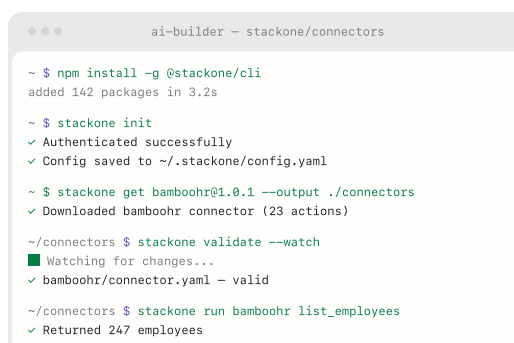
Connector Studio extends to any system
Build custom connectors for unsupported expense platforms or internal approval systems via REST, SOAP, or GraphQL — no waiting on vendor support.
Defender blocks prompt injection from expense data
StackOne Defender screens inbound expense descriptions, receipt text, and merchant names for injection attempts before the agent processes them, preventing adversarial content from manipulating audit behavior.
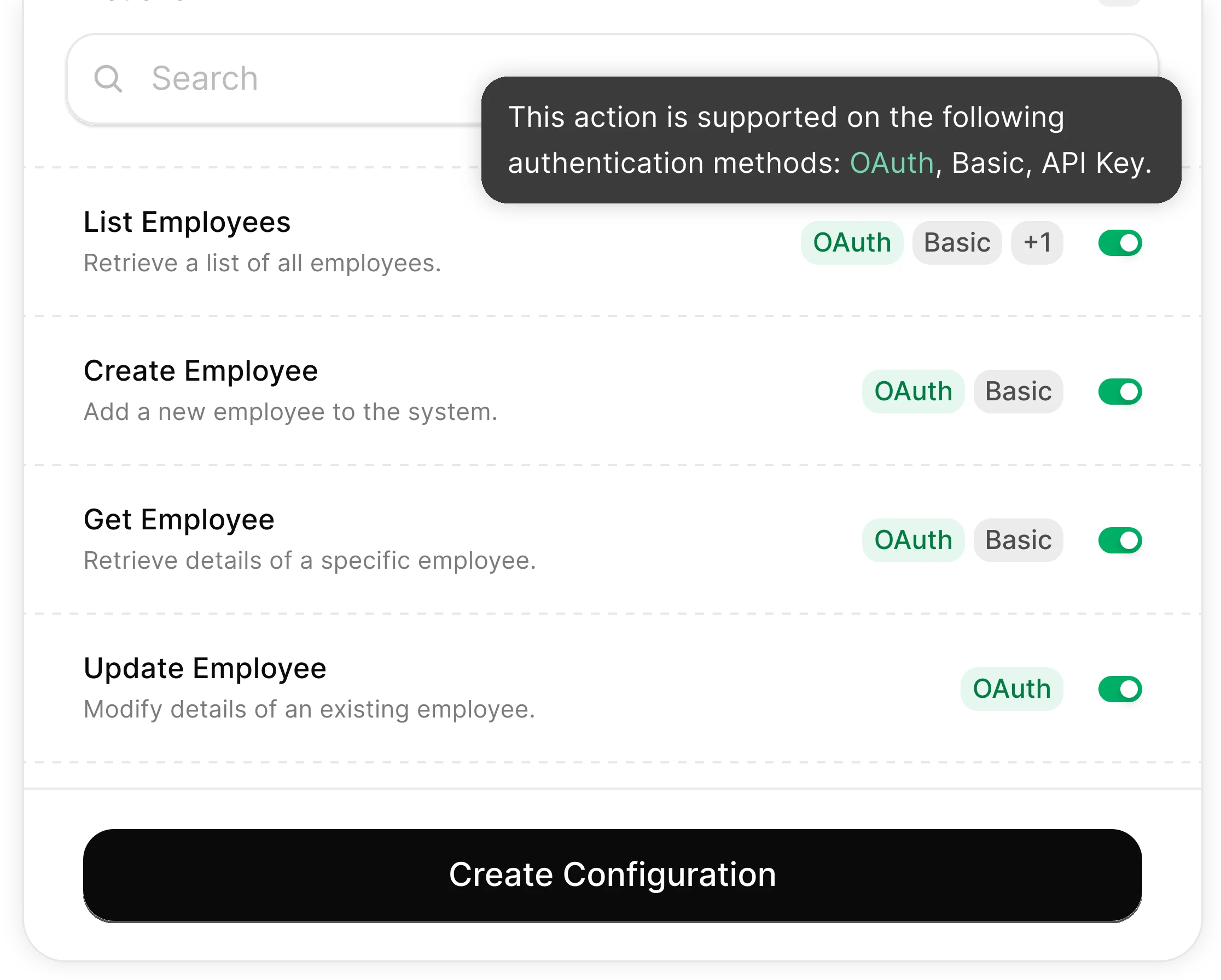
You Control What the Agent Can Do
Scoped permissions define exactly which expense fields the agent reads and which approval actions it can trigger. Full audit trail of every operation for SOX compliance.
Integrates with your entire finance stack. Whatever it is.
Connect Any Agent to Automate Expense Auditing

Any Agent Framework
Claude, OpenAI, LangChain, Vercel AI SDK, CrewAI, Pydantic AI — StackOne works with every major agent framework out of the box.


Any Agent Builder
Whether you're building with code, a visual builder, or an enterprise platform — StackOne provides the integration layer your agent needs.
Connect Your Agent to Your Finance Stack
Start building in minutes. MCP connectors to every system your agent needs.
Frequently Asked Questions
Connect Your Agent to Your Finance Stack
Start building in minutes. MCP connectors to every system your agent needs.