Webinar & Event Follow-Up
Convert Every Registrant
Use StackOne to connect your AI agent to your webinar platform, marketing automation, and CRM to automate event registration and follow-up.



AI Agents
Connect
MCP and A2A to REST, SOAP, and proprietary APIs.
Optimize
Tool discovery, data shaping, and reliable execution.
Secure
Scoped permissions, audit trails, and observability.
StackOne Integration Layer


 StackOne Integration Layer
Connect
200+ connectors, build your own, and multi-protocol support.
Optimize
Context, token, and speed optimization infrastructure.
Secure
Permissions API and prompt injection protection.
What Can AI Agents Do for Webinar & Event Follow-Up?
Your agent syncs registrations, sends reminders, tracks attendance, segments contacts by engagement, and triggers personalized follow-up sequences across every system.
Sync Registrations Across Systems
Capture registrant data from Zoom and sync contact records to HubSpot or Salesforce. Push event metadata to marketing automation for campaign tagging.
Send Pre-Event Reminders
Trigger confirmation emails and calendar invites on registration. Schedule reminder drips at one week, one day, and one hour before the event via Mailchimp, ActiveCampaign, or Slack.
Track Attendance and Engagement
Pull post-event data from Zoom — attended vs. no-show, session duration, poll responses, and Q&A activity. Write attendance status and engagement scores back to CRM records.
Segment Contacts by Behavior
Apply engagement-based segmentation: high engagement attendees as hot leads, regular attendees as warm, no-shows into nurture tracks. Tag contacts in HubSpot or Salesforce and sync segments to marketing platforms.
Score Leads and Hand Off to Sales
Aggregate webinar engagement signals — attendance, duration, poll responses, link clicks — into the lead scoring model. Contacts exceeding the MQL threshold are auto-routed to the sales queue in CRM with full event context.
Sync Registrations Across Systems
Capture registrant data from Zoom and sync contact records to HubSpot or Salesforce. Push event metadata to marketing automation for campaign tagging.
Send Pre-Event Reminders
Trigger confirmation emails and calendar invites on registration. Schedule reminder drips at one week, one day, and one hour before the event via Mailchimp, ActiveCampaign, or Slack.
Track Attendance and Engagement
Pull post-event data from Zoom — attended vs. no-show, session duration, poll responses, and Q&A activity. Write attendance status and engagement scores back to CRM records.
Segment Contacts by Behavior
Apply engagement-based segmentation: high engagement attendees as hot leads, regular attendees as warm, no-shows into nurture tracks. Tag contacts in HubSpot or Salesforce and sync segments to marketing platforms.
Execute Personalized Follow-Up
Send attendees a thank-you with the recording link and resources via Gmail or marketing automation. Email no-shows the on-demand recording and next-event invite. Alert SDRs via Slack for high-engagement contacts.
Score Leads and Hand Off to Sales
Aggregate webinar engagement signals — attendance, duration, poll responses, link clicks — into the lead scoring model. Contacts exceeding the MQL threshold are auto-routed to the sales queue in CRM with full event context.
Why Building a Good Webinar Follow-Up Agent Is Hard
Connecting Webinar, CRM, Marketing, and Messaging Systems
The agent must maintain connectors to Zoom, HubSpot, Salesforce, Mailchimp, ActiveCampaign, and Slack — each with distinct auth, pagination, and rate-limit behavior to build and maintain independently.
Webinar Platforms Have Complex, Proprietary APIs
Zoom Webinars, GoToWebinar, and On24 each expose different data models for registration, attendance, and engagement. Every provider multiplies the connector engineering effort required.
Token Cost Grows with Multi-System Orchestration
Without search-first discovery, the agent loads every action definition from every connected system before each run, burning tokens and increasing cost — especially at high registration volume.
Registrant Data Carries Prompt Injection Risk
Registration forms, webinar Q&A responses, and poll answers contain free-text user input that flows directly into agent prompts, creating prompt injection risk across every workflow step.
How StackOne Makes Webinar Follow-Up Agents Possible
Everything your webinar automation agent needs to sync registrations, track attendance, and trigger follow-up sequences — with the controls IT demands.
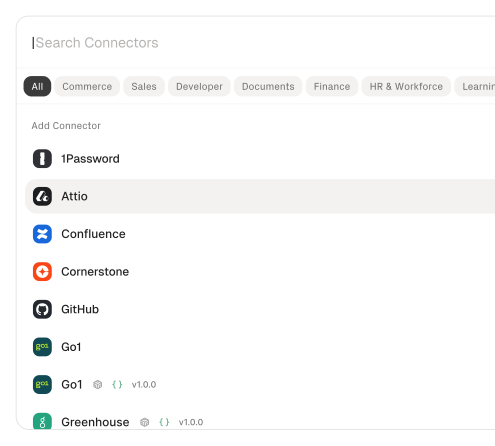
200+ connectors with 10K+ agent-optimized actions
Pre-built connectors for Zoom, HubSpot, Salesforce, Mailchimp, ActiveCampaign, and Slack with full native action coverage and agent instructions included.
Managed Auth handles credentials across providers
OAuth flows, API keys, and token refresh managed per tenant for every connected webinar platform, CRM, and marketing tool — agents never touch raw credentials.
Search and execute finds the right action
Agent searches StackOne's action catalog by natural language and executes the matching webinar or marketing action — no pre-loading thousands of tool definitions.
Managed Webhooks deliver registration and attendance events
StackOne subscribes to event notifications from connected providers, handling registration, retries, and delivery differences — with synthetic polling where native webhooks are unavailable.
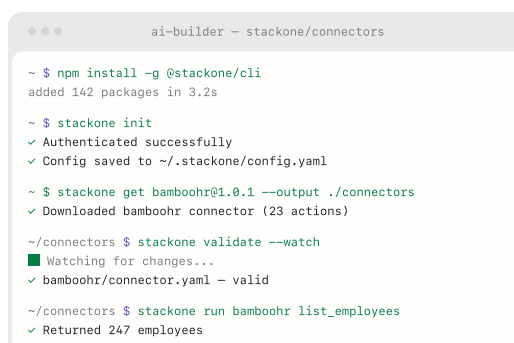
Connector Studio extends to any webinar platform
Build custom connectors for GoToWebinar, On24, or any REST, SOAP, or GraphQL API without modifying agent logic — write once, available across all protocols.
Defender blocks prompt injection from registrant data
StackOne Defender screens inbound registrant text — form fields, Q&A responses, poll answers — for injection attempts before the agent processes it, preventing adversarial content from manipulating follow-up logic.
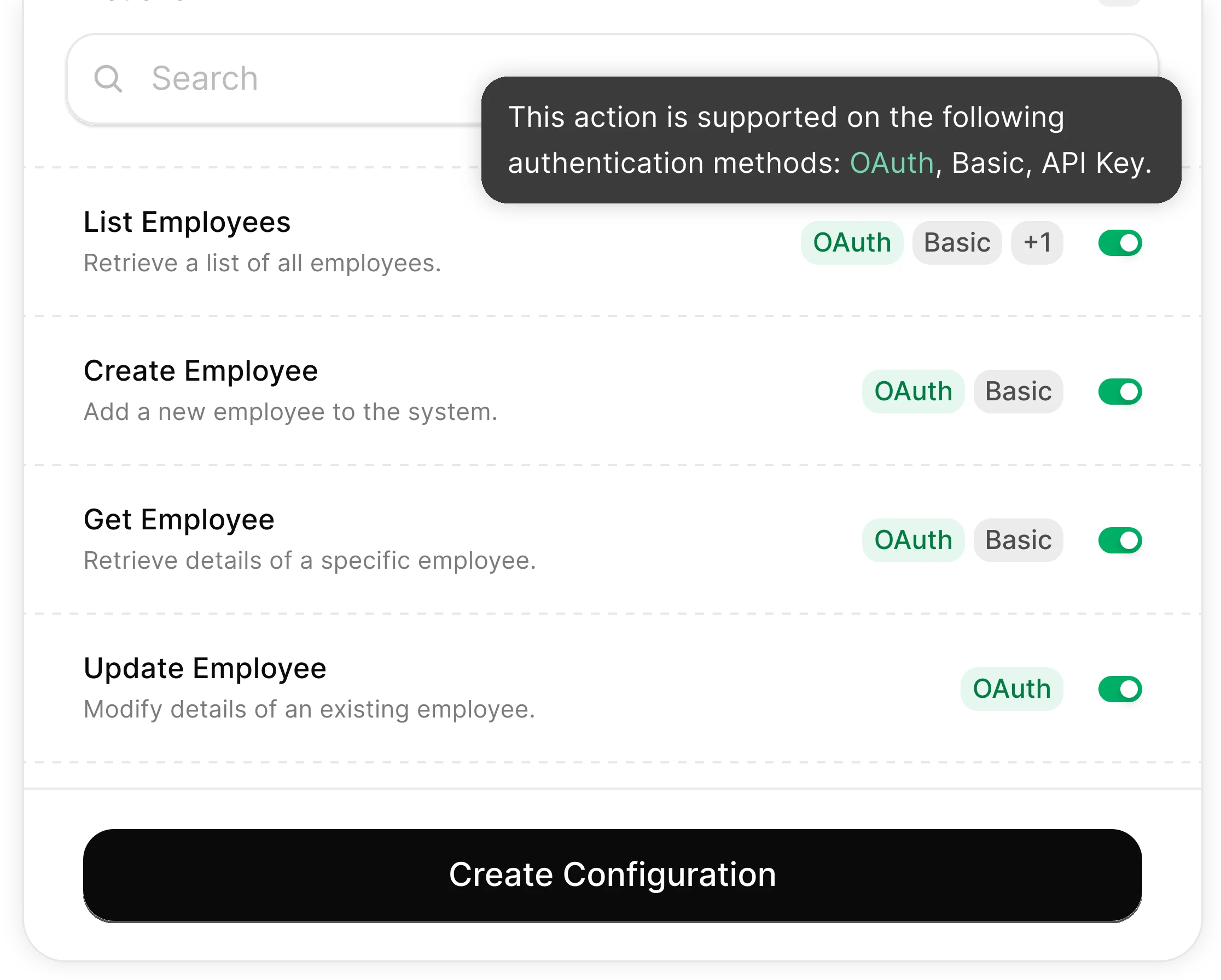
You Control What the Agent Can Do
Scoped permissions define exactly which contact fields the agent reads and which marketing actions it can trigger. Full audit trail of every operation.
Integrates with your entire marketing stack. Whatever it is.
Connect Any Agent to Automate Webinar Follow-Up

Any Agent Framework
Claude, OpenAI, LangChain, Vercel AI SDK, CrewAI, Pydantic AI — StackOne works with every major agent framework out of the box.


Any Agent Builder
Whether you're building with code, a visual builder, or an enterprise platform — StackOne provides the integration layer your agent needs.
Connect Your Agent to Your Marketing Stack
Start building in minutes. MCP connectors to every system your agent needs.
Frequently Asked Questions
Connect Your Agent to Your Marketing Stack
Start building in minutes. MCP connectors to every system your agent needs.