
Zendesk MCP Server
for AI Agents
Connect your AI agent to StackOne's Zendesk MCP server and give it 72 MCP tools out of the box. Auth, tool execution, and security all managed.
 StackOne






Coverage
72 Agent Actions
Create, read, update, and delete across Zendesk — and extend your agent's capabilities with custom actions.

Authentication
Agent Tool Authentication
Per-user OAuth in one call. Your Zendesk MCP server gets session-scoped tokens with zero credentials stored on your infra.
Agent Auth →
Security
Agent Protection
Every Zendesk tool response scanned for prompt injection in milliseconds — 88.7% accuracy, all running on CPU.
Prompt Injection Defense →
Performance
Max Agent Context. Min Cost.
Free up to 96% of your agent's context window to enhance reasoning and reduce cost, on every Zendesk call.
Tools Discovery →What is the Zendesk MCP Server?
A Zendesk MCP server lets AI agents read and write Zendesk data through the Model Context Protocol — Anthropic's open standard for connecting LLMs to external tools. StackOne's Zendesk MCP server ships with 72 pre-built actions, fully extensible via the Connector Builder — plus managed authentication, prompt injection defense, observability, and agent execution runtime. Connect it from MCP clients like Claude Desktop, Claude Code, Cursor, Goose, and VS Code, or from agent frameworks like OpenAI Agents SDK, LangChain, and Vercel AI SDK.
All Zendesk MCP Tools
Every action from Zendesk's API, ready for your agent. Create, read, update, and delete — scoped to exactly what you need.
Brands
- Create Brand
Create a new brand with a unique subdomain, name, and optional Help Center and identity settings
- List Brands
Retrieve a paginated list of all brands in the Zendesk account, sorted by name
- Update Brand
Update one or more properties of an existing brand by its ID
- Delete Brand
Soft-delete a brand from the Zendesk account by its ID
Brand Logos
- Update Brand Logo
Upload a logo image for a brand, replacing any logo already set
- Delete Brand Logo
Remove the logo currently set on a brand
Group Memberships
- Create Group Membership
Add an agent to a group, optionally making it the agent's default group
- List Group Memberships
Retrieve all agent-to-group memberships in the Zendesk account
- Delete Group Membership
Remove an agent from a group by the membership record's numeric ID
Groups
- Create Group
Create a new agent group for organizing ticket routing and agent assignment workflows
- List Groups
Retrieve a paginated list of all agent groups in the Zendesk account
- Update Group
Update the name, description, or visibility of an existing agent group by its ID
- Delete Group
Permanently delete a group from Zendesk by its ID (soft delete - group ID is preserved in ticket history)
Organization Memberships
- Create Organization Membership
Add a user to an organization, optionally making it the user's default organization
- List Organization Memberships
Retrieve all user-to-organization memberships in the Zendesk account
- Delete Organization Membership
Remove a user from an organization by the membership record's numeric ID
Organizations
- Create Organization
Create a new organization to group end users and control ticket visibility and routing
- List Organizations
Retrieve a paginated list of all organizations in the Zendesk account
- Search Organizations
Look up organizations by external ID or name using case-insensitive exact matching
- Update Organization
Update one or more properties of an existing organization by its ID
- Delete Organization
Permanently delete an organization from the Zendesk account by its ID
Tags
- Add Tags
Add one or more tags to a ticket without removing its existing tags, with optional safe-update collision protection
- List Tags
Retrieve the most popular tags used across tickets in the last 60 days, sorted by decreasing usage count
- Search Tags
Autocomplete search for tags by name prefix to find registered and recently used tags
- Set Tags
Replace all existing tags on a ticket with a new set of tags
- Remove Tags
Remove specific tags from a ticket while leaving all other existing tags in place, with optional safe-update collision protection
Ticket Fields
- Create Ticket Field
Create a custom ticket field of a given type, such as a dropdown, checkbox, or multi-select
- List Ticket Fields
Retrieve all ticket field definitions configured in the Zendesk account, including system and custom fields
- Update Ticket Field
Update the title, options, or visibility of an existing ticket field by its numeric ID
- Delete Ticket Field
Permanently delete a custom ticket field by its numeric ID
Ticket Forms
- Create Ticket Form
Create a new ticket form defining which ticket fields are presented and in what order
- List Ticket Forms
Retrieve the ticket forms configured in the Zendesk account
- Update Ticket Form
Update one or more properties of an existing ticket form by its ID
- Delete Ticket Form
Delete a ticket form from the Zendesk account by its ID
Tickets
- Create Ticket
Create a new support ticket with a subject, initial comment, and optional requester, assignee, priority, type, tags, and custom fields
- List Tickets
Retrieve a paginated list of all tickets in the Zendesk account across all statuses
- Update Ticket
Update an existing ticket's properties, add a comment, change status, reassign it, or modify tags and custom fields
- Delete Ticket
Delete a ticket by its numeric Zendesk ID (moved to deleted tickets, where an admin can restore or purge it)
Ticket Triggers
- List Ticket Triggers
Retrieve all ticket automation triggers with optional filtering by active status or category and configurable sorting
- Search Ticket Triggers
Search for triggers by title keyword with optional filtering by active status, category, and sorting
- Update Ticket Trigger
Update an existing trigger's title, conditions, actions, or settings (note - conditions and actions arrays are fully replaced, not merged)
- Delete Ticket Trigger
Permanently delete a trigger from the Zendesk account by its ID
Users
- Create User
Create a new end user, agent, or admin in the Zendesk account
- List Users
Retrieve a paginated list of all users in the Zendesk account including agents, admins, and end users
- Search Users
Search for users by name, email, phone, external id, or any other user property
- Update User
Update the profile, role, or access settings of an existing user by their numeric ID
- Delete User
Permanently delete a user by their numeric Zendesk ID
Other (25)
- Upload Files
Upload a file to Zendesk and receive an upload token for attaching it to a ticket comment
- Create Trigger
Create a new ticket automation trigger with defined conditions and actions for automatic workflow execution
- List Search Results
Search Zendesk tickets, users, organizations, and groups using Zendesk's powerful query string syntax with filters, operators, and wildcards
- List Resource Tags
Retrieve all tags currently applied to a specific ticket by its ID
- List Ticket Comments
Retrieve all comments (public replies and internal notes) for a specific ticket in chronological order
- List Audits For Ticket
Retrieve the full change history of a ticket, including every field change and comment
- Show Brand
Retrieve complete details for a single brand by its numeric Zendesk ID
- Check Host Mapping Validity
Check whether a custom hostname is a valid host mapping for a Zendesk subdomain before assigning it to a brand
- Check Brand Host Mapping Validity
Check whether the host mapping already assigned to a specific brand is still valid
- Count Tickets
Get an approximate total count of tickets in the Zendesk account
- Count Users
Get an approximate total count of users in the Zendesk account
- Count Organizations
Get an approximate total count of organizations in the Zendesk account
- Show Group Membership
Retrieve a single agent-to-group membership record by its numeric ID
- Show Group
Retrieve complete details for a single agent group by its numeric Zendesk ID
- Show Organization Membership
Retrieve a single user-to-organization membership record by its numeric ID
- Show Organization
Retrieve complete details for a single organization by its numeric Zendesk ID
- Count Tags
Get an approximate total count of all tags in the Zendesk account
- Show Attachment
Retrieve metadata and the download URL for a single attachment by its attachment ID
- Show Ticket Field
Retrieve a single ticket field definition by its numeric ID
- Show Ticket Form
Retrieve the full configuration of a single ticket form by its numeric ID
- Show Ticket
Retrieve complete details for a single support ticket by its numeric Zendesk ID
- Merge Tickets Into Target Ticket
Merge one or more source tickets into a target ticket, closing the sources
- Show Ticket Trigger
Retrieve the full configuration of a specific trigger including its conditions, actions, and category
- Show User
Retrieve complete profile details for a single Zendesk user by their numeric user ID
- Show Self
Retrieve the profile of the currently authenticated Zendesk user based on the active API credentials
Zendesk AI Agent Use Cases
Connect your AI agent to Zendesk and help your team scale the support operations they run by hand today.
Use StackOne to connect your AI agent to your helpdesk, CRM, and messaging tools to automate ticket triage and priority routing.
ViewUse StackOne to connect your AI agent to your telephony, CRM, and messaging tools to automate voice call summarization and CRM logging.
ViewUse StackOne to connect your AI agent to your CRM, email, and calendar tools to automate post-demo follow-up.
ViewSet Up Your Zendesk MCP Server in Minutes
One endpoint. Any framework. Your agent is talking to Zendesk in under 10 lines of code.
Agent Frameworks


 JSON
JSON{
"mcpServers": {
"stackone": {
"command": "npx",
"args": [
"-y",
"mcp-remote@latest",
"https://api.stackone.com/mcp?x-account-id=<account_id>",
"--header",
"Authorization: Basic <YOUR_BASE64_TOKEN>"
]
}
}
}Check More Customer Support MCP Servers
115+ actions
113+ actions
101+ actions
77+ actions
73+ actions
69+ actions
67+ actions
Zendesk Resources
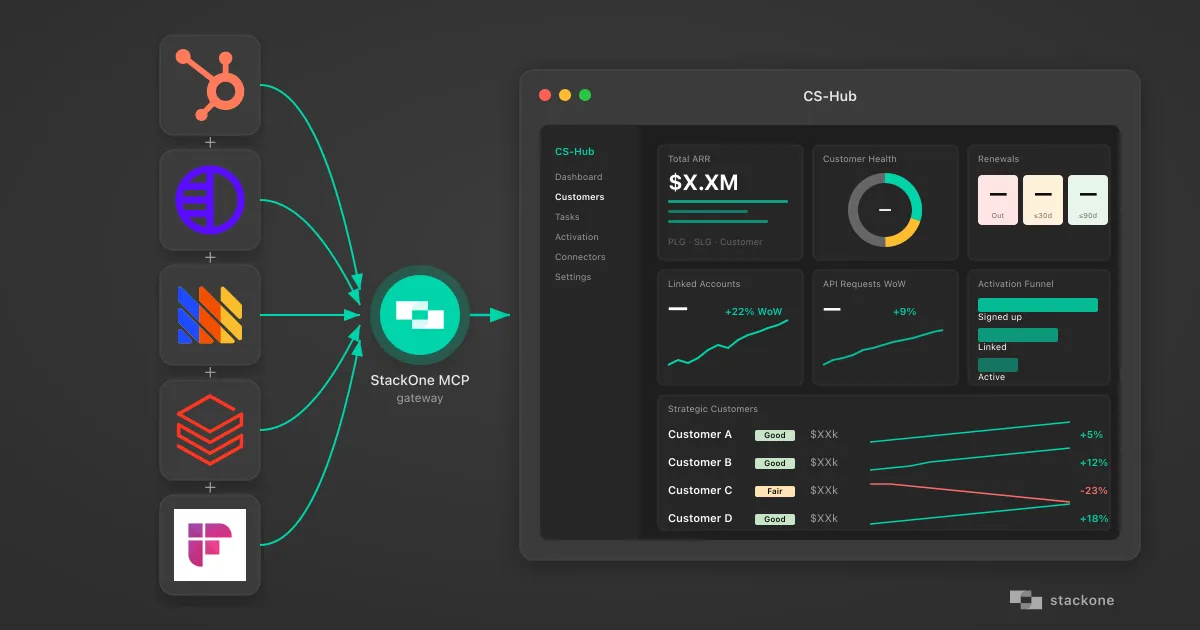
How I Vibe-Coded a Customer Success Hub Using StackOne's AI Native Integration Platform
How a non-developer vibe-coded a customer success dashboard pulling HubSpot, Pylon, PostHog, Databricks, and Fireflies through StackOne's MCP gateway.
7 min read

MCP Code Mode: Keeping Tool Responses Out of Agent Context
Anthropic's code_execution processes data already in context. Custom MCP code mode keeps raw tool responses in a sandbox. 14K tokens vs 500.
11 min

Comparing BM25, TF-IDF, and Hybrid Search for MCP Tool Discovery
Benchmarking BM25, TF-IDF, and hybrid search for MCP tool discovery across 916 tools. The 80/20 TF-IDF/BM25 hybrid hits 21% Top-1 accuracy in under 1ms.
10 min
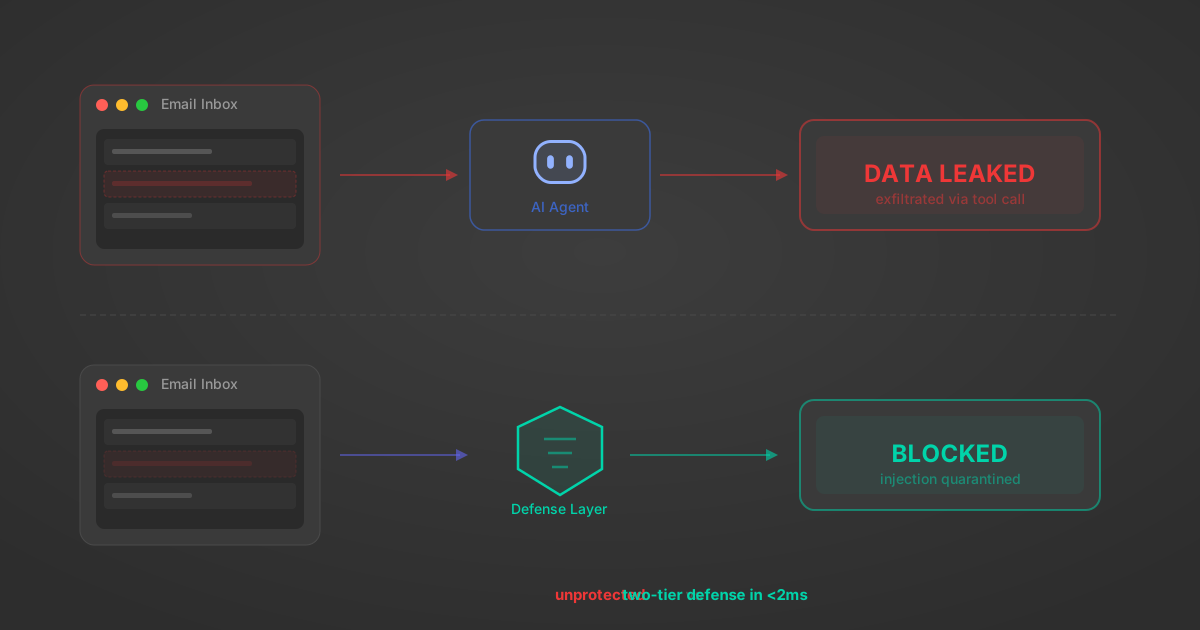
Indirect Prompt Injection Defense for MCP Tools: A Technical Guide
MCP tools that read emails, CRM records, and tickets are indirect prompt injection vectors. Here's how we built a two-tier defense that scans tool results in ~11ms.
12 min
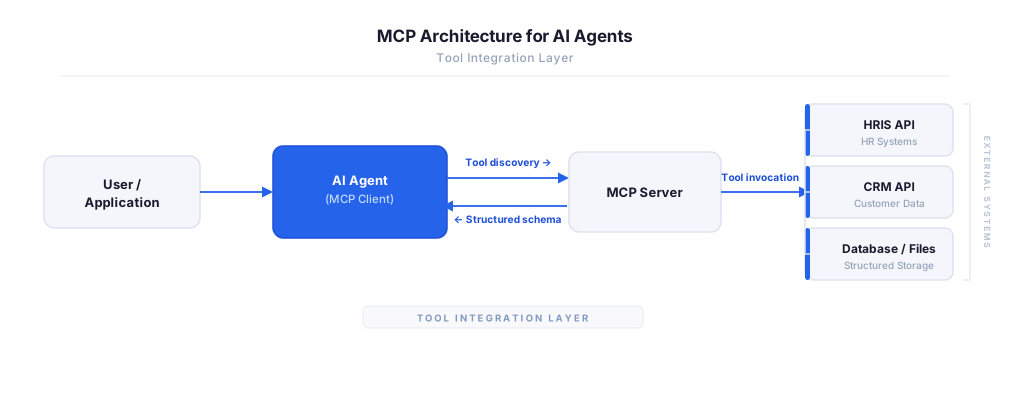
MCP vs A2A: Architecture, Security, and When to Use Each
MCP vs A2A: what each protocol standardizes, how they differ, their shared security risks including indirect prompt injection, and when to use one, both, or a hybrid architecture.
12 min
MCP vs API: What Hundreds of Connector Builds Taught Us
MCP wraps APIs, it doesn't replace them. After building hundreds of connectors that serve both, here's when each approach wins.
14 min read
Zendesk MCP Server FAQ
Does StackOne have a Zendesk MCP server?
Zendesk MCP server vs direct API integration — what's the difference?
How does Zendesk authentication work for AI agents?
origin_owner_id.Are Zendesk MCP tools vulnerable to prompt injection?
What is the context bloat of a Zendesk agent and how do I avoid it?
Can I limit which actions my Zendesk agent can access?
Can I create custom agent actions for my Zendesk MCP server?
When should I NOT use a Zendesk MCP server?
What AI frameworks and AI clients does the StackOne Zendesk MCP server support?
Put your AI agents to work
All the tools you need to build and scale AI agent integrations, with best-in-class connectivity, execution, and security.