
TeamViewer MCP Server
for AI Agents
Connect your AI agent to StackOne's TeamViewer MCP server and give it 102 MCP tools out of the box. Auth, tool execution, and security all managed.
 StackOne






Coverage
102 Agent Actions
Create, read, update, and delete across TeamViewer — and extend your agent's capabilities with custom actions.

Authentication
Agent Tool Authentication
Per-user OAuth in one call. Your TeamViewer MCP server gets session-scoped tokens with zero credentials stored on your infra.
Agent Auth →
Security
Agent Protection
Every TeamViewer tool response scanned for prompt injection in milliseconds — 88.7% accuracy, all running on CPU.
Prompt Injection Defense →
Performance
Max Agent Context. Min Cost.
Free up to 96% of your agent's context window to enhance reasoning and reduce cost, on every TeamViewer call.
Tools Discovery →What is the TeamViewer MCP Server?
A TeamViewer MCP server lets AI agents read and write TeamViewer data through the Model Context Protocol — Anthropic's open standard for connecting LLMs to external tools. StackOne's TeamViewer MCP server ships with 102 pre-built actions, fully extensible via the Connector Builder — plus managed authentication, prompt injection defense, observability, and agent execution runtime. Connect it from MCP clients like Claude Desktop, Claude Code, Cursor, Goose, and VS Code, or from agent frameworks like OpenAI Agents SDK, LangChain, and Vercel AI SDK.
All TeamViewer MCP Tools
Every action from TeamViewer's API, ready for your agent. Create, read, update, and delete — scoped to exactly what you need.
Users
- Create User
Creates a user
- List Users
Returns users with filter criteria
- Get User
Returns a user
- Update User
Updates a user
- Delete User
Deletes the user
User Roles
- Create User Role
Create a new custom user role.
- List User Roles
List all custom user roles defined in the company.
- Update User Role
Update an existing user role's name or permissions.
- Delete User Role
Deletes an existing user role
User Groups
- Create User Group
Creates a new user group
- List User Groups
Returns all user groups
- Get User Group
Get a single user group by its id.
- Update User Group
Changes a user group
- Delete User Group
Delete a user group by its id.
User Group Members
- Add User Group Members
Adds users to a user group
- List User Group Members
Returns members of a user group
- Remove User Group Members
Removes accounts from a user group
Accounts
- Get Account
Returns the account
- Update Account
Update the authenticated account's settings.
Companys
- Get Company
Returns the company details
- Update Company
Update company details
Company Address Book States
- Get Company Address Book State
Gets the activation state of a company's address book
- Set Company Address Book State
Sets the activation state of a company's address book
Contacts
- Create Contact
Creates a new contact and adds it to a group
- List Contacts
Retrieves all contacts with optional filtering
- Get Contact
Retrieves a specific contact by ID
- Delete Contact
Deletes a contact from the buddy list
A Computers & Contacts Groups
- Create A Computers & Contacts Group
Create a Computers & Contacts group.
- Update A Computers & Contacts Group
Update a Computers & Contacts group.
- Delete A Computers & Contacts Group
Delete a Computers & Contacts group.
Devices
- Create Device
Add a device to the Computers & Contacts list.
- List Devices
List devices (computers) in the Computers & Contacts list.
- Get Device
Get a single device by its id.
- Update Device
Update a device's properties.
- Delete Device
Remove a device from the Computers & Contacts list.
Device Groups
- Create Device Group
Creates a managed group
- List Device Groups
Lists managed groups
- Get Device Group
Gets details for a managed group
- Update Device Group
Changes properties of a managed group
- Delete Device Group
Removes a managed group
Device Group Managers
- Add Device Group Managers
Adds managers to a managed group
- List Device Group Managers
Lists managers of a managed group
- Remove Device Group Manager
Removes a manager from a managed group
Managed Devices
- List Managed Devices
Lists all directly managed devices of the manager
- Get Managed Device
Gets details for a single managed device
- Update Managed Device
Changes properties of a device
- Delete Managed Device
Removes management from a device
Managed Device Managers
- Add Managed Device Managers
Adds direct managers to a device
- List Managed Device Managers
Lists direct managers of a device
- Remove Managed Device Manager
Removes a manager from a device
Sessions
- Create Session
Create a new service-case (support) session.
- List Sessions
List service-case (support) sessions.
- Get Session
Get a single service-case session by its code.
- Update Session
Update a service-case session.
- Delete Session
Delete a service-case session by its code.
Connection Reports
- List Connection Reports
Returns the session reports, the number of remaining reports and a link to request the further reports if the remaining number is > 0.
- Get Connection Report
Get a single connection (session) report by its id.
- Update Connection Report
Update a connection report's editable fields.
- Delete Connection Report
Delete a connection report by its id.
Meetings
- Create Meeting
Schedule a new meeting.
- List Meetings
List the account's scheduled meetings.
- Get Meeting
Get a single meeting by its id.
- Update Meeting
Update a scheduled meeting.
- Delete Meeting
Delete (cancel) a scheduled meeting by its id.
Unified Groups
- List Unified Groups
List unified groups in TeamViewer.
- Get Unified Group
Get a unified TeamViewer group by ID.
Unified Organizations
- List Unified Organizations
List the connected TeamViewer company as a single unified organization.
- Get Unified Organization
Get the connected TeamViewer company as a unified organization by ID.
Unified Roles
- List Unified Roles
List unified roles in TeamViewer.
- Get Unified Role
Get a unified TeamViewer role by ID.
Unified Users
- List Unified Users
List unified users in TeamViewer.
- Get Unified User
Get a unified TeamViewer user by ID.
Other (30)
- Add Device To Group
Adds a device to a managed group
- Get Roles Assigned To User
Returns the roles assigned to the user
- Get User Effective Permissions
Returns the user's consolidated permissions from assigned roles
- Get User Role Permission Definitions
Returns the permission definitions of a role
- List Role Account Assignments
Returns assigned user accounts of a user role
- List Role User Group Assignments
Returns assigned user groups of a user role
- Get User Group Assigned Role
Returns user group's assigned role
- List Account Tenants
Returns the account's tenants
- Get Company License
Returns the company license details
- List Address Book Hidden Members
Lists the hidden members of a company's address book
- List Computers & Contacts Groups
List Computers & Contacts groups.
- Get A Computers & Contacts Group By Id
Get a Computers & Contacts group by id.
- List Device Types
Get the types of devices.
- List Device Group Devices
Lists devices of a managed group
- List Company Managed Devices
Lists one page of company-managed devices
- List Managed Device Groups
Lists managed groups a device is part of
- List Device Reports
List device (incoming-session) reports.
- Get Meeting Invitation
Get the invitation text for a meeting.
- Get Unified Credentials
Get the current TeamViewer connection's unified credentials and identity.
- List Unified Resource Types
List unified resource types in TeamViewer.
- List Unified Resource Users
List unified resource users in TeamViewer.
- Remove Device From Group
Removes a device from a managed group
- Assign Role To Accounts
Assigns a user role to user accounts
- Unassign Role From Accounts
Removes a user role assignment from user accounts
- Assign Role To User Group
Assigns a user role to a user group
- Unassign Role From User Group
Removes the user role assignment of a user group
- Hide Address Book Members
Hides accounts from company's address book
- Unhide Address Book Members
Unhides the given accounts from a company's address book
- Assign Device To User
Assign device to user account POST /api/v1/devices/assign
- Edit Managed Device Groups
Edits groups of a device
Set Up Your TeamViewer MCP Server in Minutes
One endpoint. Any framework. Your agent is talking to TeamViewer in under 10 lines of code.
Agent Frameworks


 JSON
JSON{
"mcpServers": {
"stackone": {
"command": "npx",
"args": [
"-y",
"mcp-remote@latest",
"https://api.stackone.com/mcp?x-account-id=<account_id>",
"--header",
"Authorization: Basic <YOUR_BASE64_TOKEN>"
]
}
}
}Check More Project Management MCP Servers
203+ actions
185+ actions
147+ actions
145+ actions
142+ actions
138+ actions
136+ actions
Platform Resources

MCP Code Mode: Keeping Tool Responses Out of Agent Context
Anthropic's code_execution processes data already in context. Custom MCP code mode keeps raw tool responses in a sandbox. 14K tokens vs 500.
11 min

Comparing BM25, TF-IDF, and Hybrid Search for MCP Tool Discovery
Benchmarking BM25, TF-IDF, and hybrid search for MCP tool discovery across 916 tools. The 80/20 TF-IDF/BM25 hybrid hits 21% Top-1 accuracy in under 1ms.
10 min
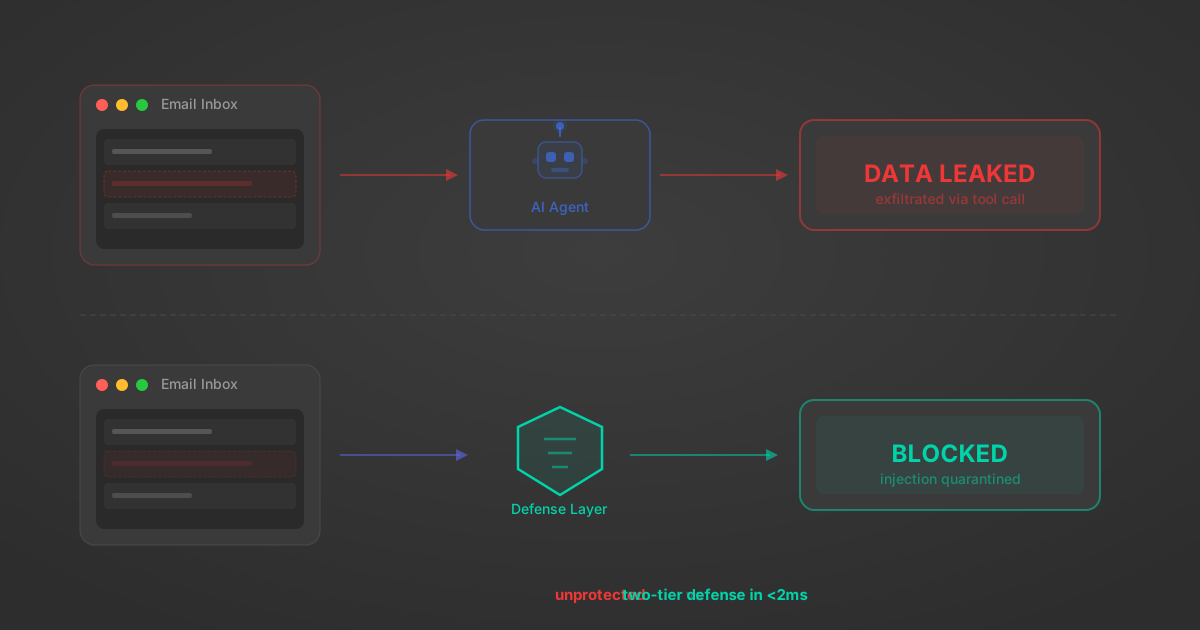
Indirect Prompt Injection Defense for MCP Tools: A Technical Guide
MCP tools that read emails, CRM records, and tickets are indirect prompt injection vectors. Here's how we built a two-tier defense that scans tool results in ~11ms.
12 min
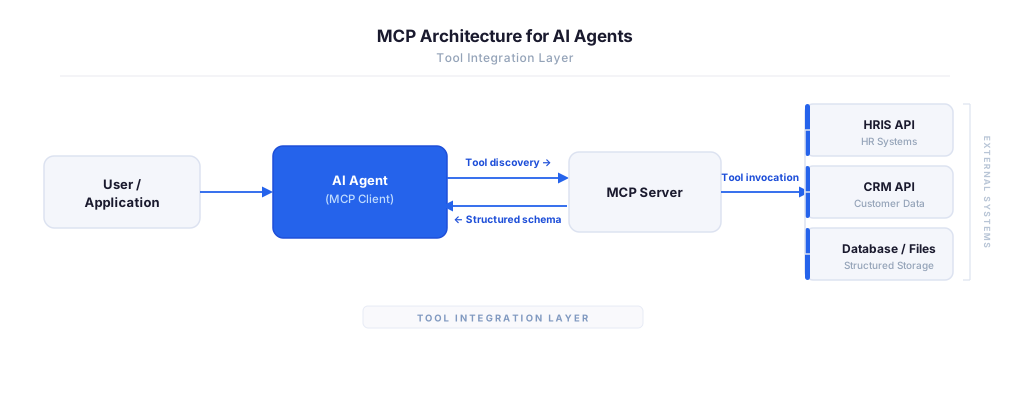
MCP vs A2A: Architecture, Security, and When to Use Each
MCP vs A2A: what each protocol standardizes, how they differ, their shared security risks including indirect prompt injection, and when to use one, both, or a hybrid architecture.
12 min
MCP vs API: What Hundreds of Connector Builds Taught Us
MCP wraps APIs, it doesn't replace them. After building hundreds of connectors that serve both, here's when each approach wins.
14 min read
TeamViewer MCP Server FAQ
Does StackOne have a TeamViewer MCP server?
TeamViewer MCP server vs direct API integration — what's the difference?
How does TeamViewer authentication work for AI agents?
origin_owner_id.Are TeamViewer MCP tools vulnerable to prompt injection?
What is the context bloat of a TeamViewer agent and how do I avoid it?
Can I limit which actions my TeamViewer agent can access?
Can I create custom agent actions for my TeamViewer MCP server?
When should I NOT use a TeamViewer MCP server?
What AI frameworks and AI clients does the StackOne TeamViewer MCP server support?
Put your AI agents to work
All the tools you need to build and scale AI agent integrations, with best-in-class connectivity, execution, and security.