


November 2026
Owner and Connector Names for Gateway Accounts
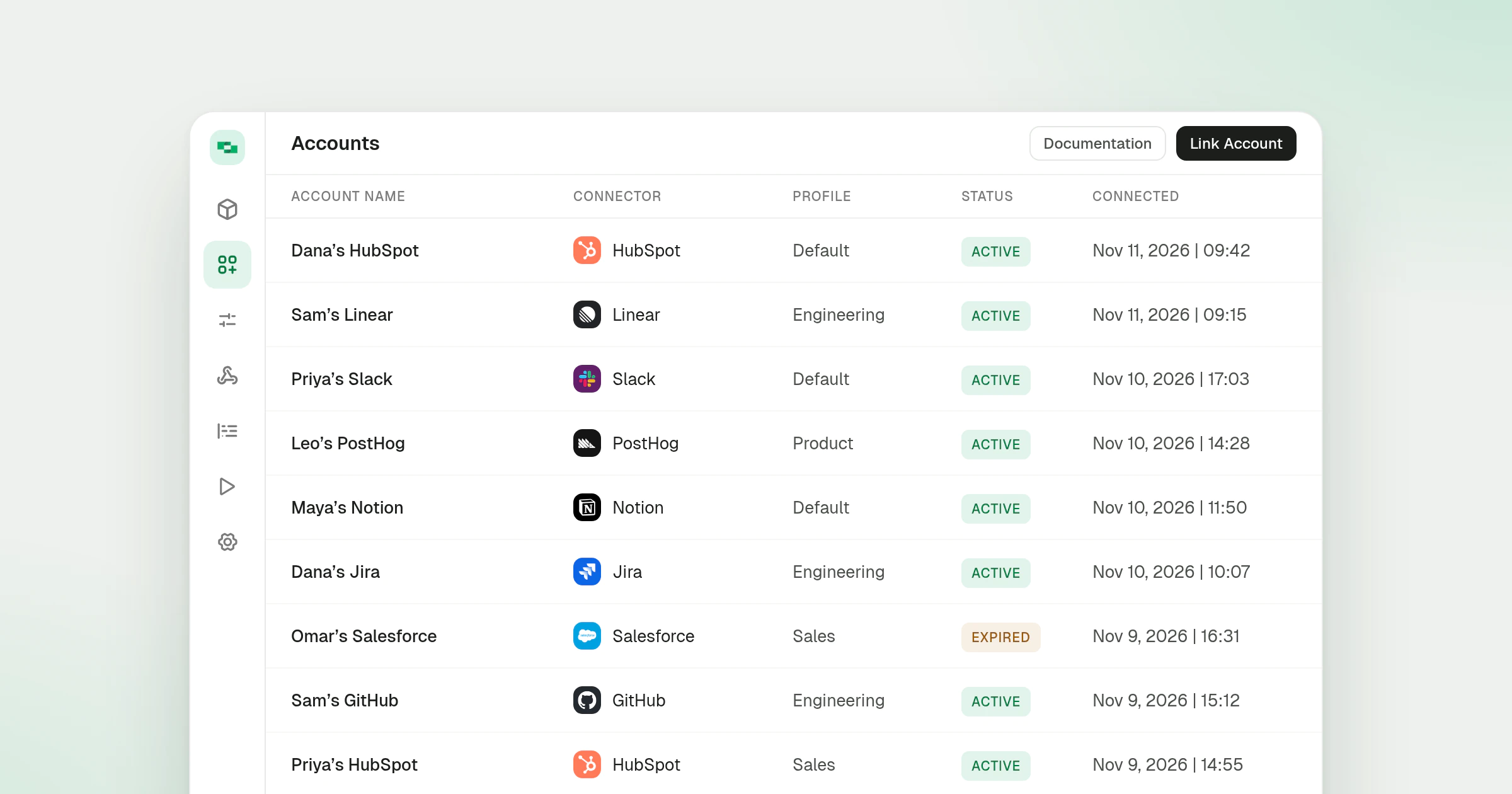
In a Gateway organization, a newly linked account is now named after the person who owns it and the connector, for example “Dana’s HubSpot”. Before, an account took the full name of the person who linked it, so every account one person linked showed the same name on the Accounts page.
What’s new
- Owner’s first name and connector - The account name is the owner’s first name followed by the connector name.
- The same name on every linking path - The name is set when the account is created, whether the owner linked it from the dashboard, the OAuth wizard, a remote MCP connector or the Hub.
- Relinking keeps the name - When the owner relinks an account that already exists, the account keeps its current name.
- Other links are unchanged - Accounts linked with an API key, and accounts whose owner is someone other than the person linking them, keep the name sent with the link.
Account names show on the Accounts page and in the account side panel. Linking is covered in the linking accounts guide, and organization types are explained in organizations and projects.