


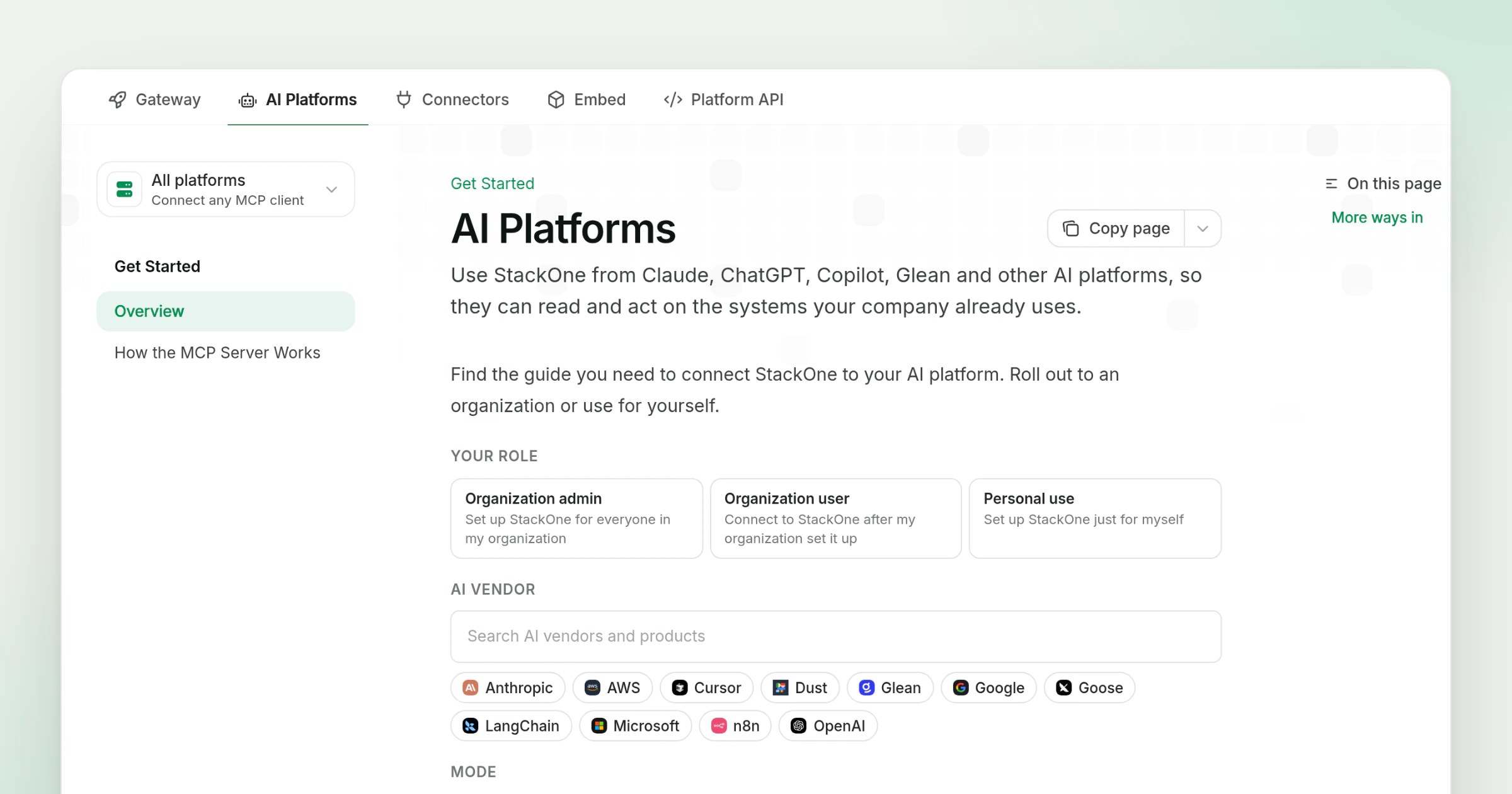
AI Platforms Section in the Docs
The StackOne docs have a new AI Platforms tab next to Gateway, Connectors, Embed and Platform API. It holds every guide for connecting StackOne to an AI platform, grouped by vendor, with a dropdown in the sidebar to switch between them.
What’s new
- A section per vendor. The dropdown lists Anthropic, AWS, Cursor, Dust, Glean, Google, Goose, LangChain, Microsoft, n8n and OpenAI, and each one opens on its own overview page.
- Guides by role. Platforms an admin rolls out, such as Claude, ChatGPT and Amazon Quick, have separate pages for the organization admin who makes StackOne available, the organization users who connect after that, and personal setup. Products like Dust, Goose and n8n have a single page for connecting StackOne.
- An overview that points you to the right guide. The AI Platforms overview asks for your role, your AI vendor and the mode you work in (AI assistants, coding agents or agentic workflows), then links the matching guide.
- One page on the MCP server. How the MCP Server Works explains the server once, and every vendor guide links back to it.
An admin rolling out Claude to a team can start from Claude: Make StackOne Available. The tab builds on the documentation restructure and the end-user guide for StackOne in Claude.