


September 2026
Audit Logs and SIEM Export
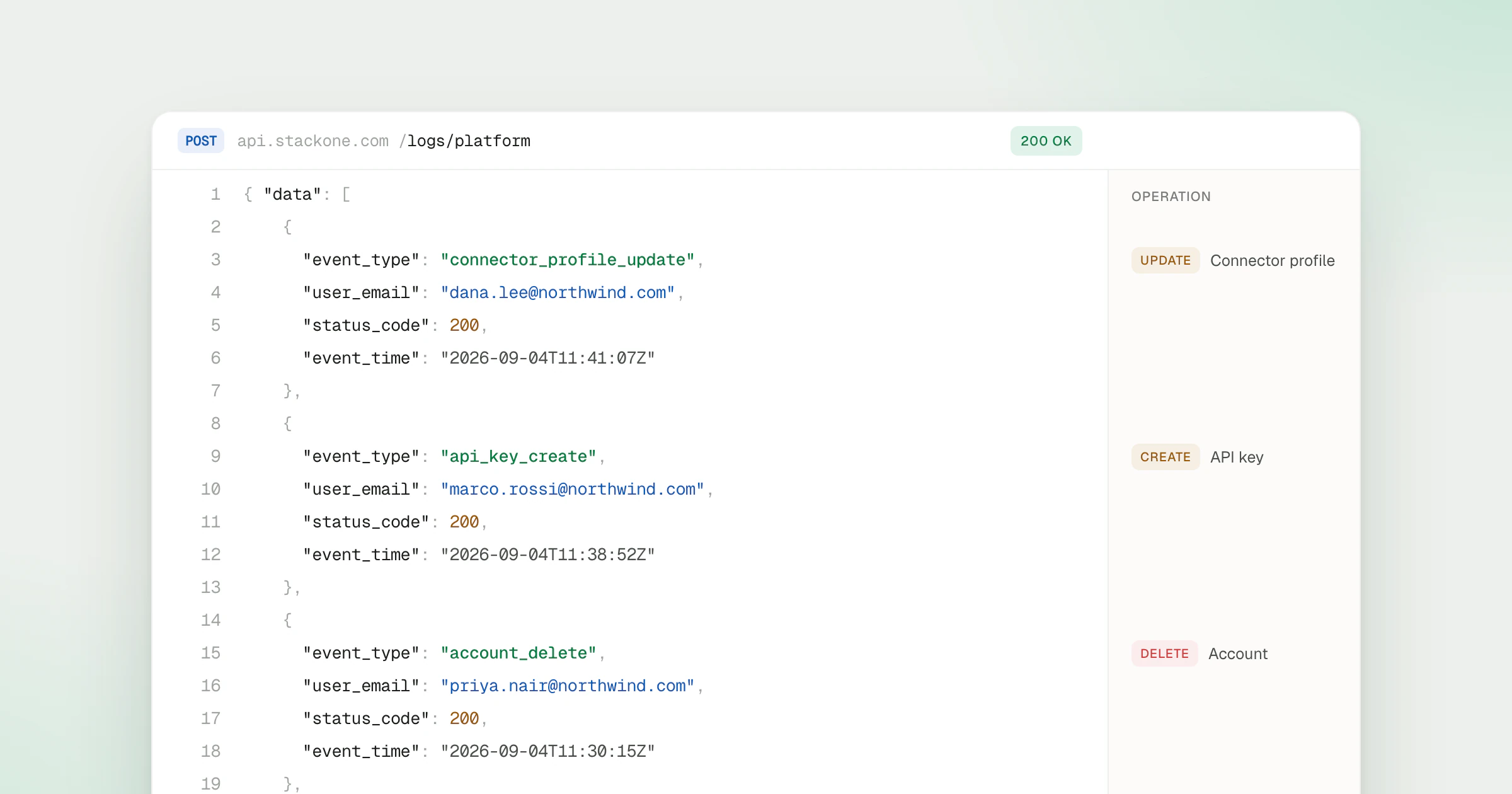
Platform logs are the audit trail of operations on StackOne itself, such as creating an account or deleting an integration. The Logs API returns them alongside the action logs StackOne records for every tool call, with no setup. A small collector pulls both from the Logs API and forwards them to Splunk, Datadog or any SIEM, so agent activity and setup changes sit next to the rest of your audit data.
What’s new
- Platform logs -
POST /logs/platformlists operations on StackOne itself. Filter byresource(such asaccount),resource_id,action(such ascreate) or the actor’s email to see who changed what. - Action logs -
POST /logslists action logs, one row per action run, MCP tool calls included.GET /logs/actions/{actionRunId}returns a single run. - Policy decisions - When Tool Policies decide a call,
GET /logs/actions/{actionRunId}/policyreturns the rules that decided it and the version each was at.GET /logs/actions/{actionRunId}/defenderreturns the Defender verdict. - Rollout reporting -
POST /logs/stats/aggregatereturns request volume, error counts and latency by dimension. - Sign-in logs - Every login attempt, success or failure, appears in Security logs under Organization > Security > Logs.
- Any SIEM or data platform - The collector forwards records to Splunk, Datadog, Elastic, Grafana, Snowflake or your own data lake.
The Logs API is the one behind the Logs page, and it takes a project API key. If that project has an IP Allowlist, add the collector’s address, since only listed addresses can call the project’s API. List Platform Logs documents every filter, and Observability covers the logs StackOne keeps.
Availability
- Included in the Enterprise plan. See pricing.