
September 2026
SSO Setup, Just-in-Time Provisioning and Enforcement
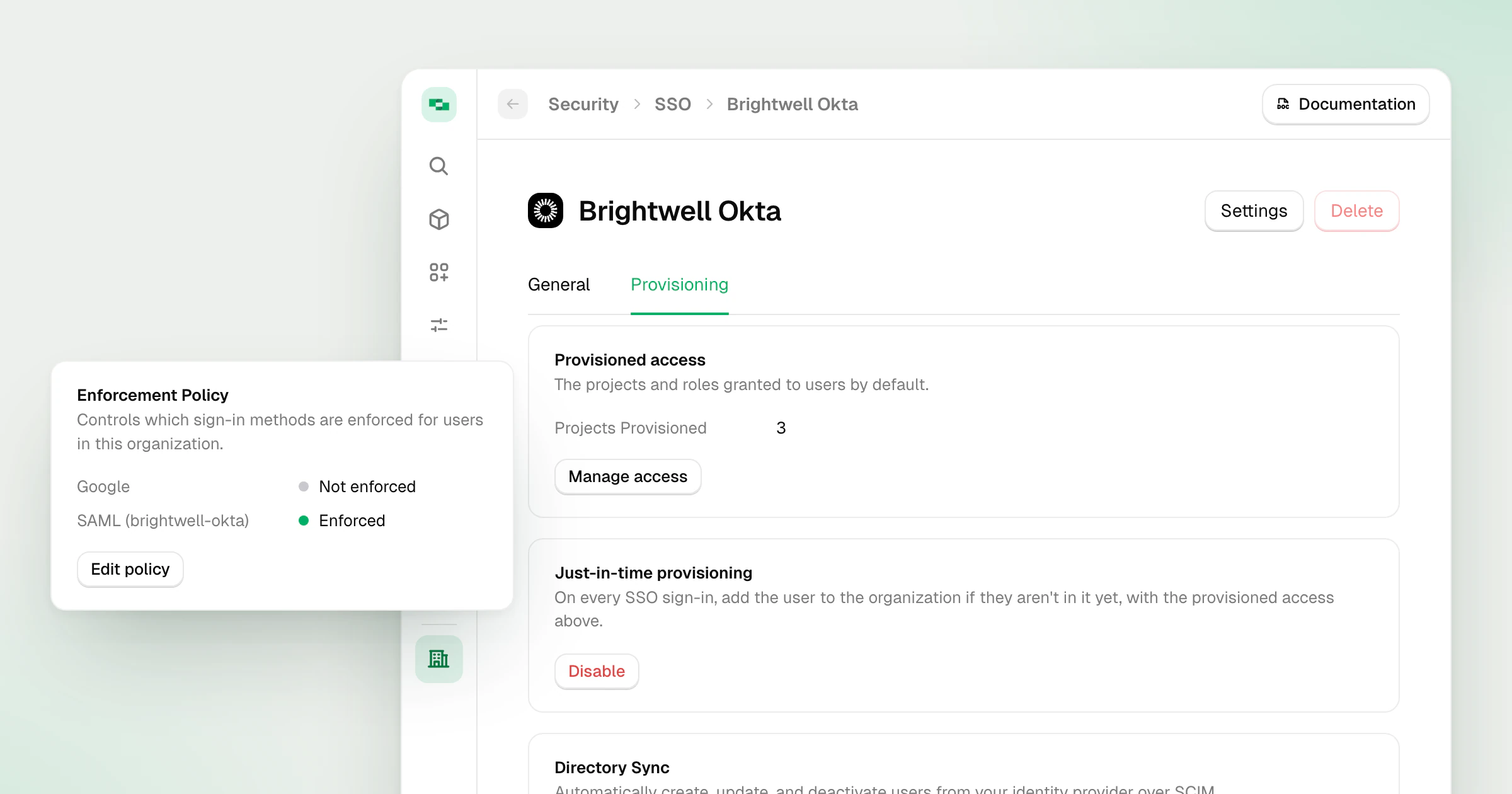
The SAML SSO setup flow in StackOne has been rebuilt, and the connection now does more than check a password. Just-in-Time provisioning adds people from Okta, Microsoft Entra or any SAML 2.0 provider the first time they sign in, so assigning someone to the StackOne app in your identity provider is enough to let them in. An Enforcement Policy then limits the organization to the sign-in methods you choose.
What’s new
- Guided connection setup - Name the connection and pick your identity provider. StackOne derives the identifiers your identity provider needs from that name, and the connection stays editable after setup.
- Just-in-Time provisioning - Select Enable JIT on the connection. Anyone assigned to the StackOne app joins the organization at their first SSO sign-in, with the projects and roles set in Provisioned access, and no invitation is sent.
- Existing StackOne users join too - People who already have a StackOne account through another organization are added the next time they sign in through your connection.
- Organization Admin from the identity provider - Send the
stackone_roleattribute with the valueadminand that person joins as an Organization Admin. - Enforcement Policy - Add the SAML connection to Enforced methods under Organization > Security > Authentication. Anyone whose session did not come through SSO is asked to sign in through your identity provider.
- Enforcement per organization - The policy covers the organization that sets it. A user who also belongs to other organizations keeps signing in to those as before.
JIT only adds people. With it on, a user you delete rejoins at their next sign-in, so disable them in Manage Team or unassign them in the identity provider instead. To remove people automatically when they leave, pair SSO with Directory Sync.
Follow the Single Sign-On guide to set up the connection, then Just-in-Time Provisioning to turn it on.
Availability
- Available on Enterprise plans only. See pricing.