MCP Servers

The MCP Gateway for Production AI agents

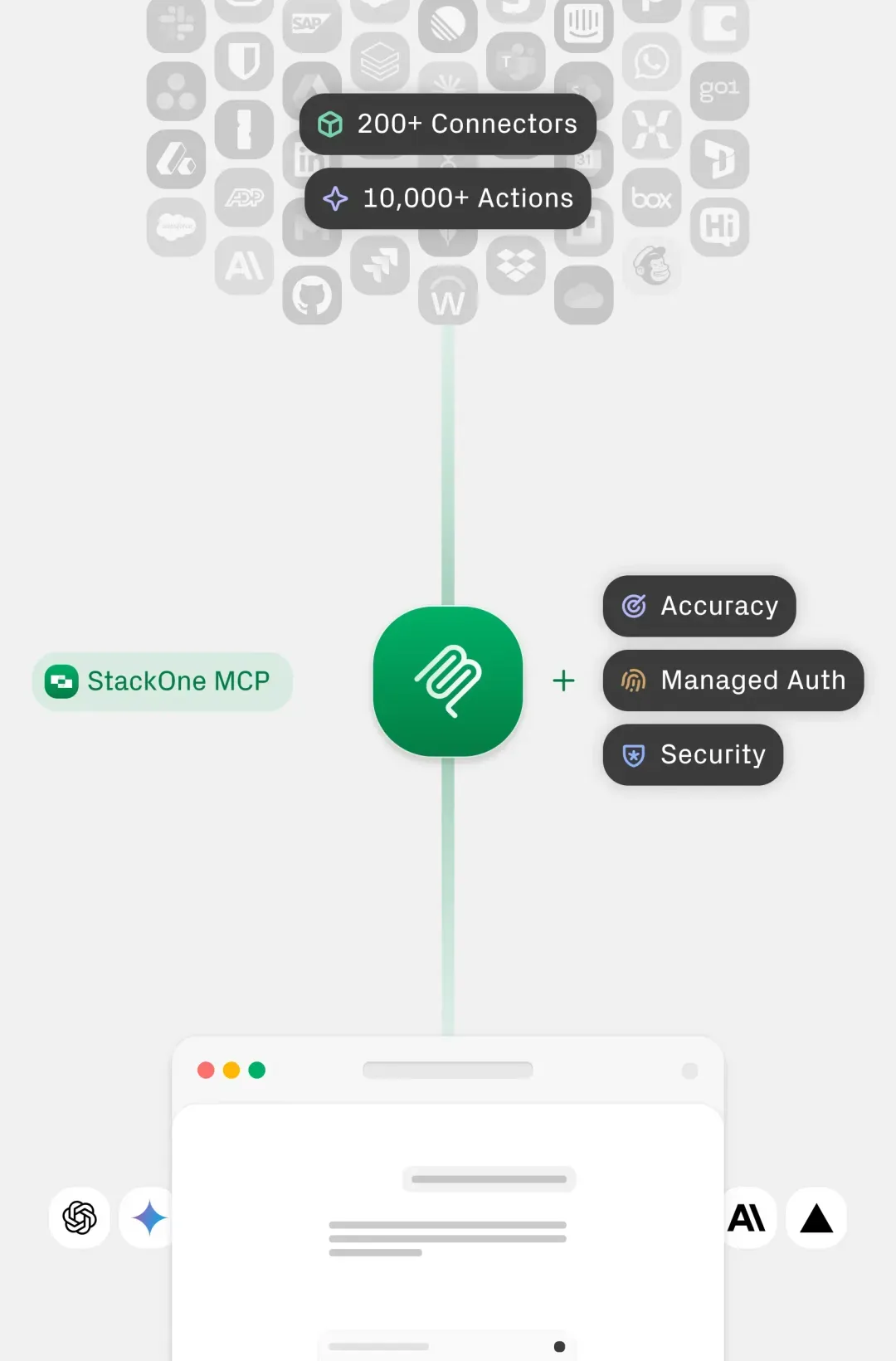
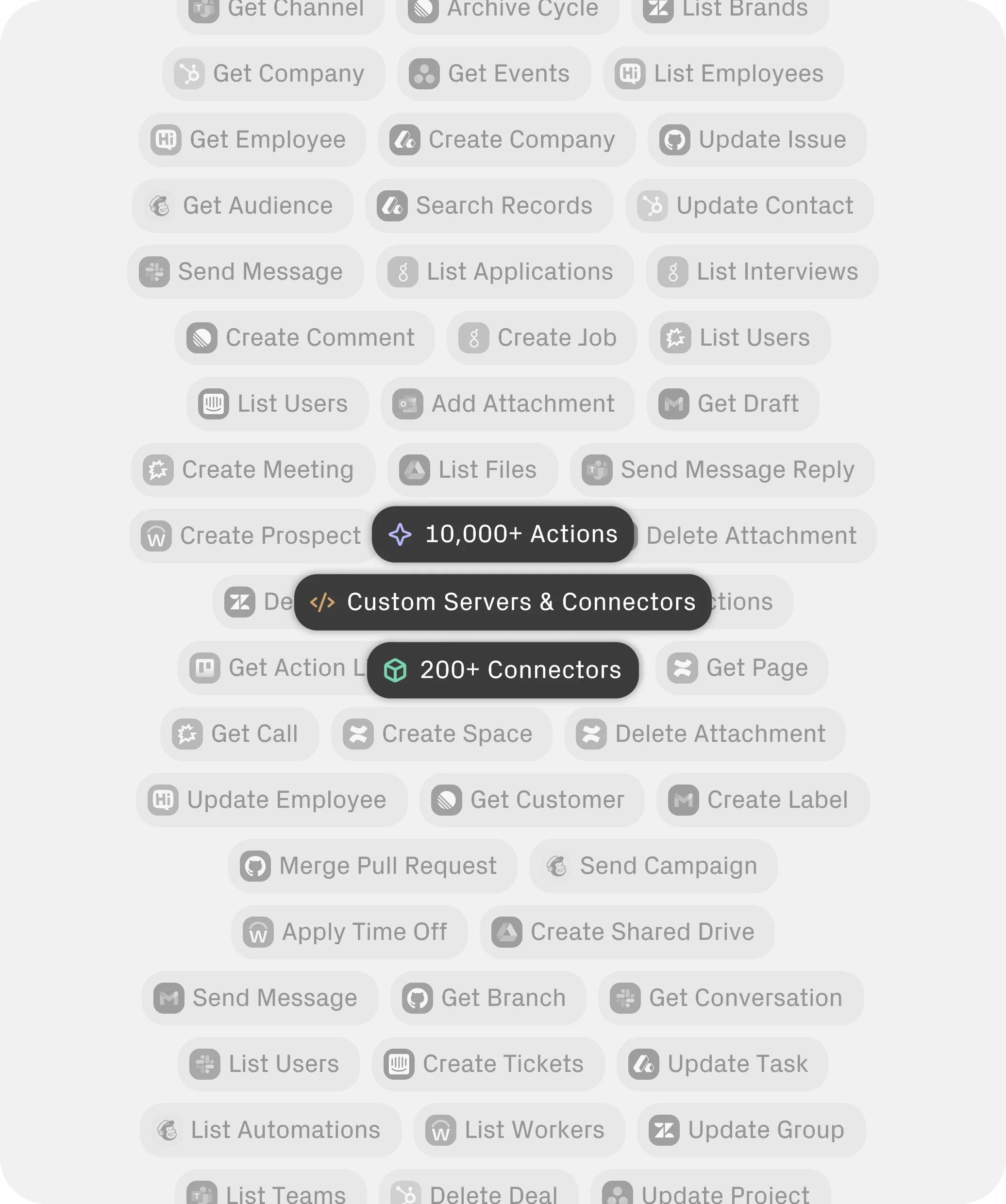
10,000 tools available across 200+ MCP servers. No auth hassle. No maintenance.

StackOne MCP: The Industry-Standard for Production Agents
Open AI-to-tool communication protocol

Enterprise Security. MCP with enterprise-grade security, auth, and reliability built in.
Reliability & Accuracy. Read, search, and update systems reliably with StackOne MCPs.
Zero Maintenance. No failure on auth, schema drift, or tool quality—Just working integrations.

MCP Agent Operation

StackOne MCP servers connect agents with the tools they need for any integration.
1
2
3

Agent Request

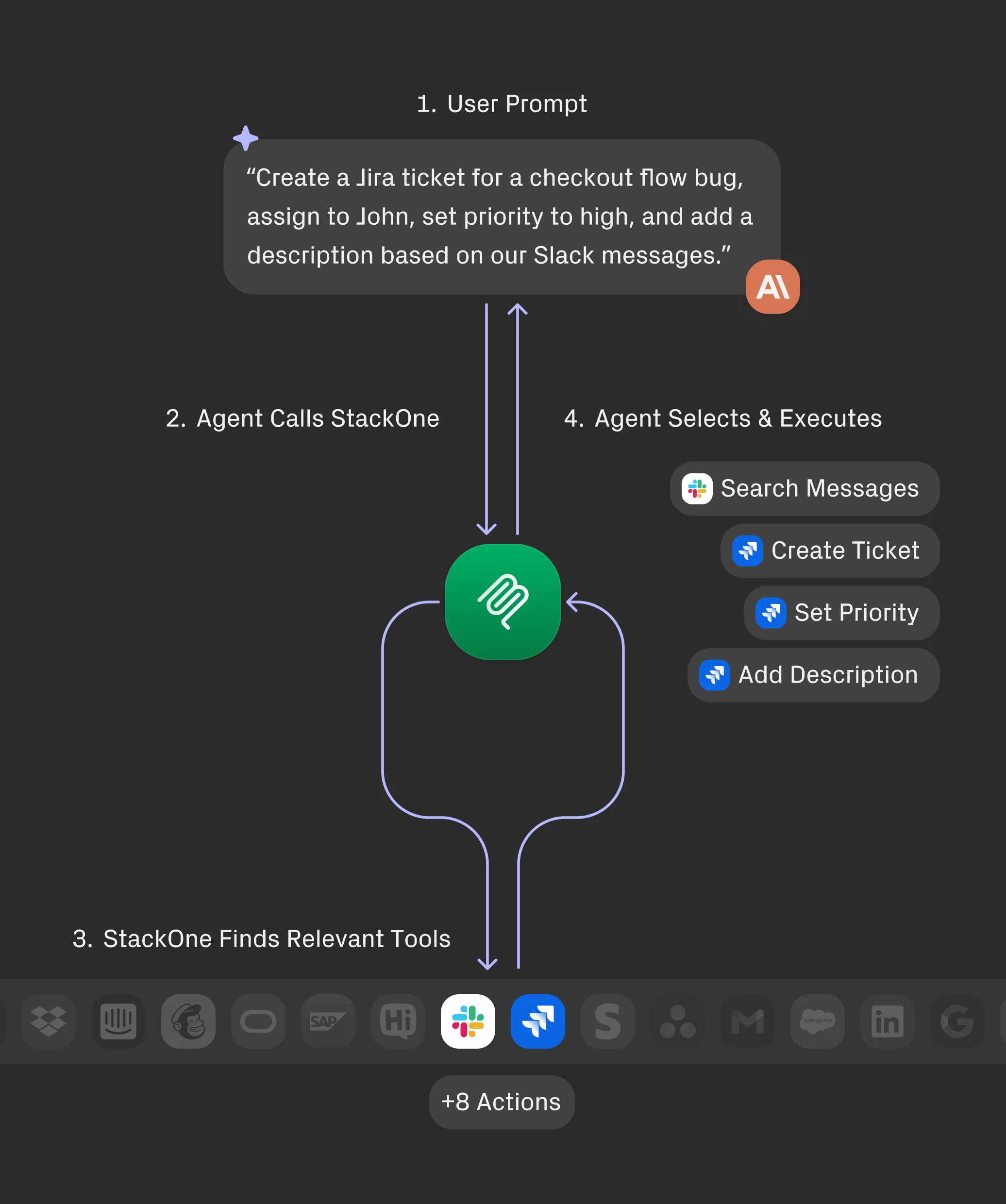
An agent requests the StackOne research algorithm to provide the most suitable tool based on its prompt — maximising accuracy and speed.
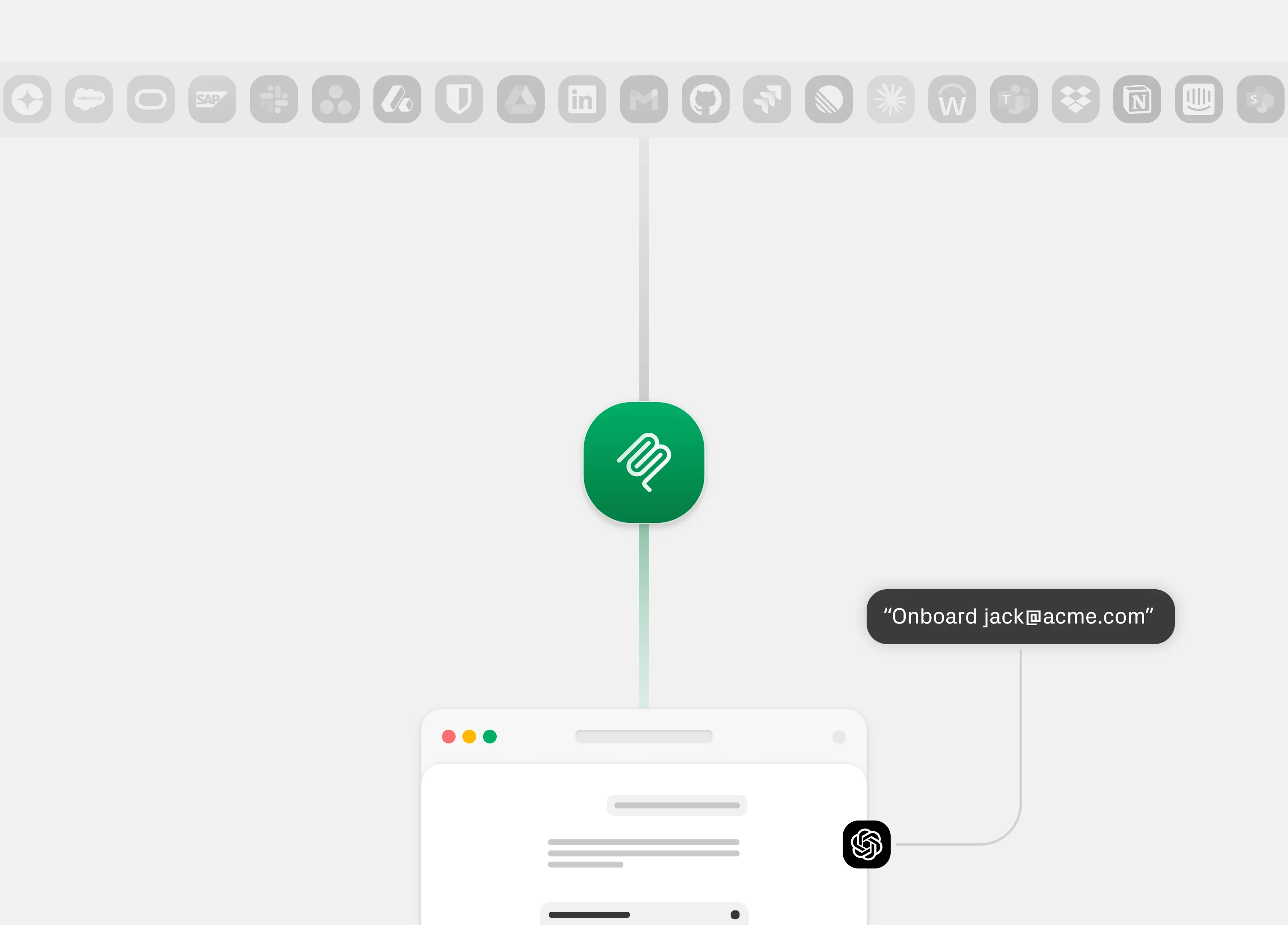
1
2
3
4

Authentication. Permissions.
Execution.

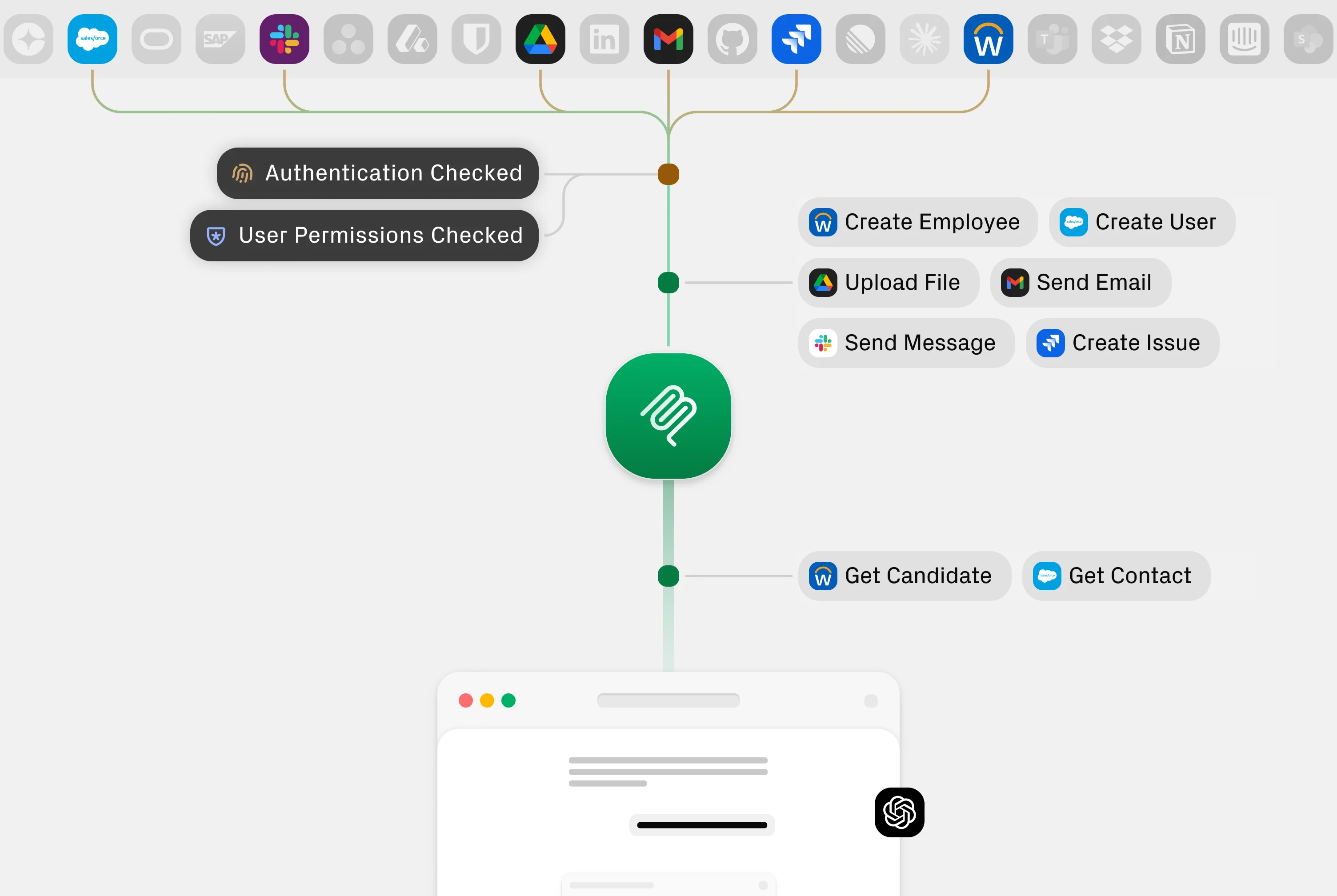
StackOne MCP gateway authenticates user access, determines user permissions, and executes tools.
1
2
3
4

MCP Response

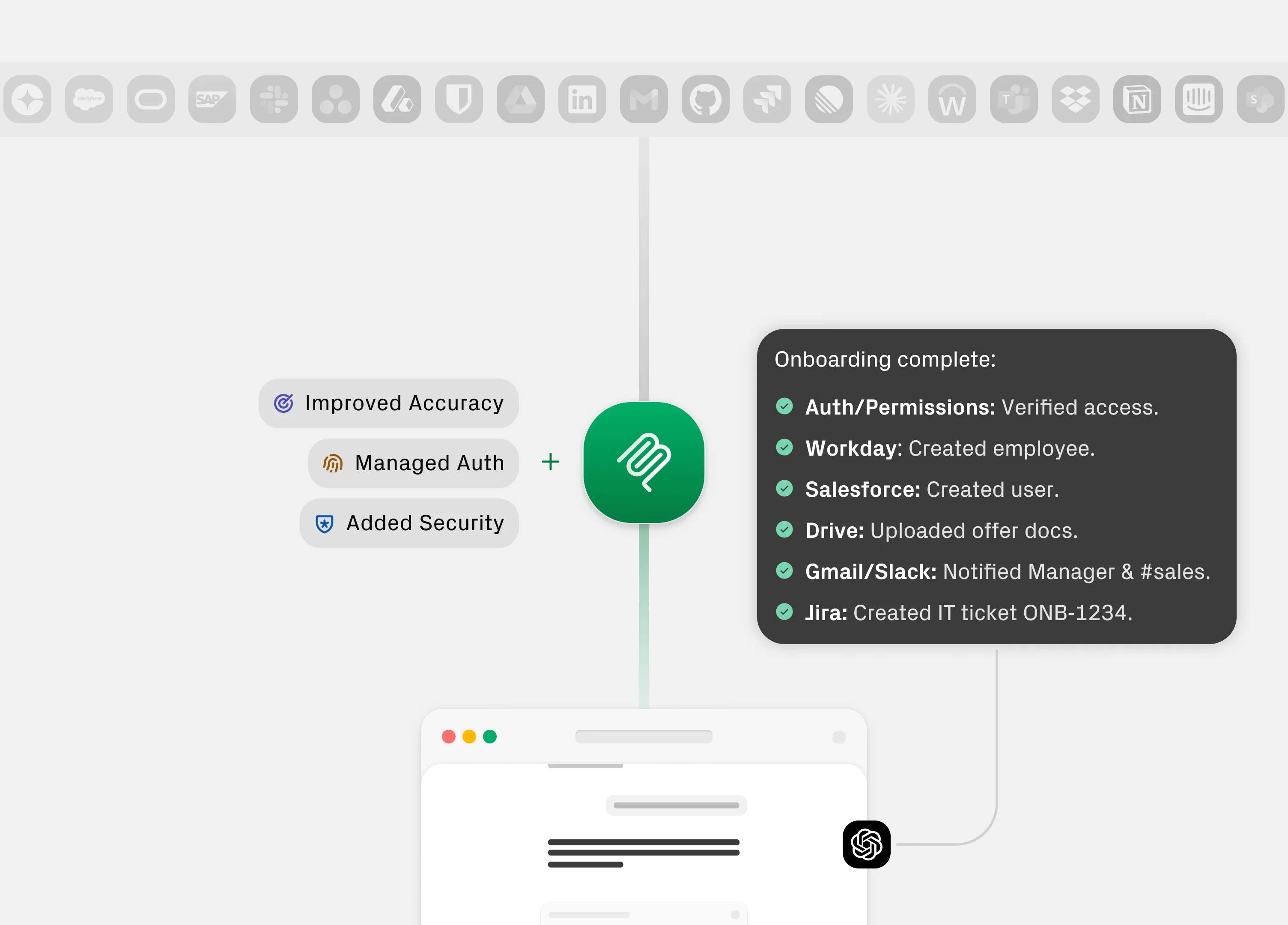
Agents receive authentication, permissions, and tool execution validation.

Get More Out of StackOne Production-Ready MCP
Coverage. Accuracy. Security. Developer Experience.

Coverage

Act across 200+ apps

Read, search, and update your data across HR, CRM, IT, Finance, and more.
Accuracy

Enhance tool calling accuracy

More accurate tool calls. Less wasted context. Better agent decisions. Continuously improved through reinforcement learning.
Customization

Build and customize anything

Edit tool behaviour, define your own tools, run your own servers. Customise available tools per integration or per linked account.
Flexibility

Works with any framework

Compatible with LangChain, Vercel AI SDK, Claude, Cursor, OpenAI, and every MCP client.
Security

Enterprise Ready.

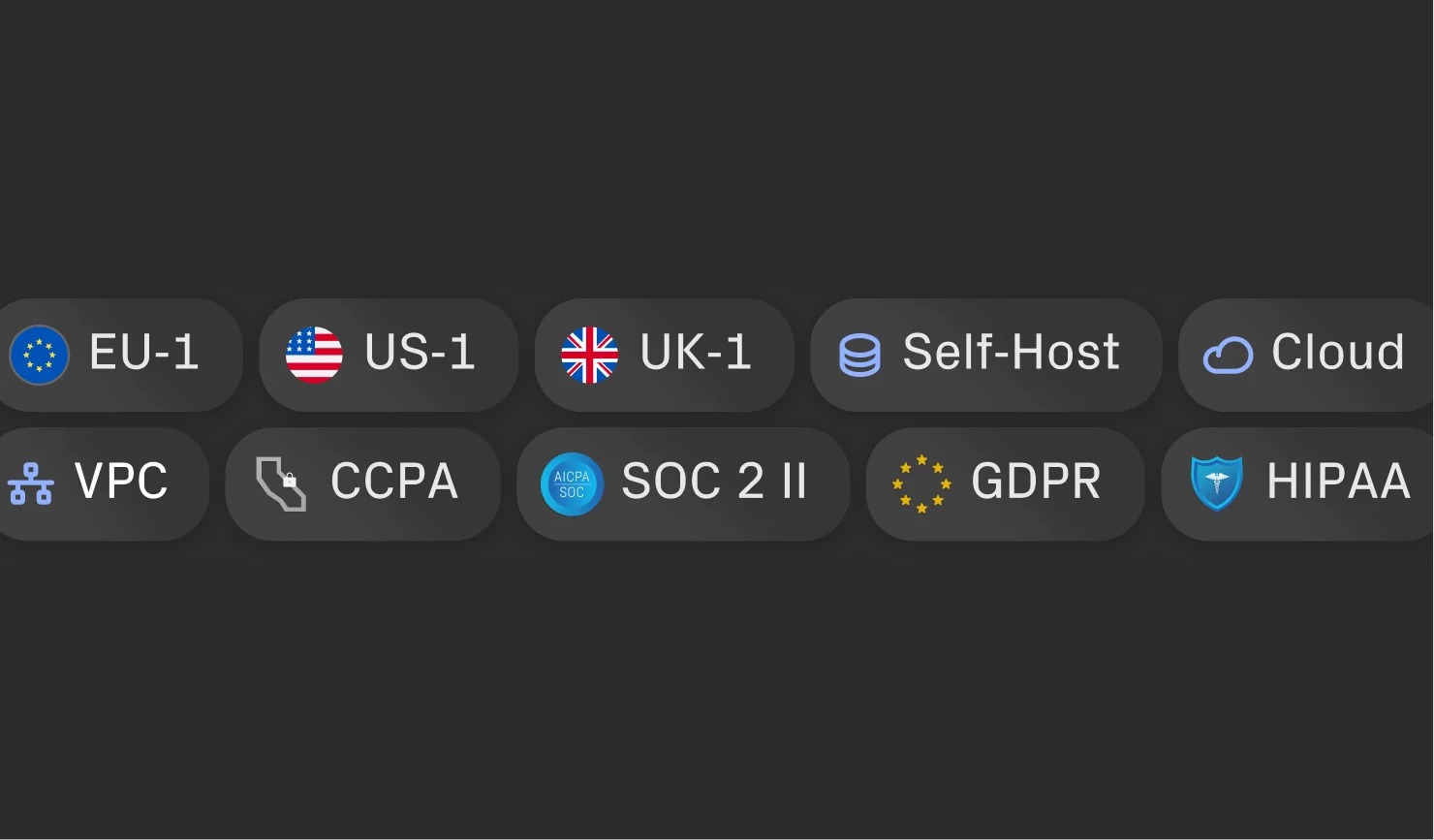
Multi-tenant infra, VPC/on-prem deployment, and multi-region deployment. Certified, secure, private.

Beyond Standard MCP Functionalities
Improve performance. Reduce Maintenance.

Depth & Breadth

Unmatched Depth.
Access 10,000 actions from 200+ managed MCP Servers in minutes.

200+ Enterprise App MCP servers, 10,000+ AI tools.
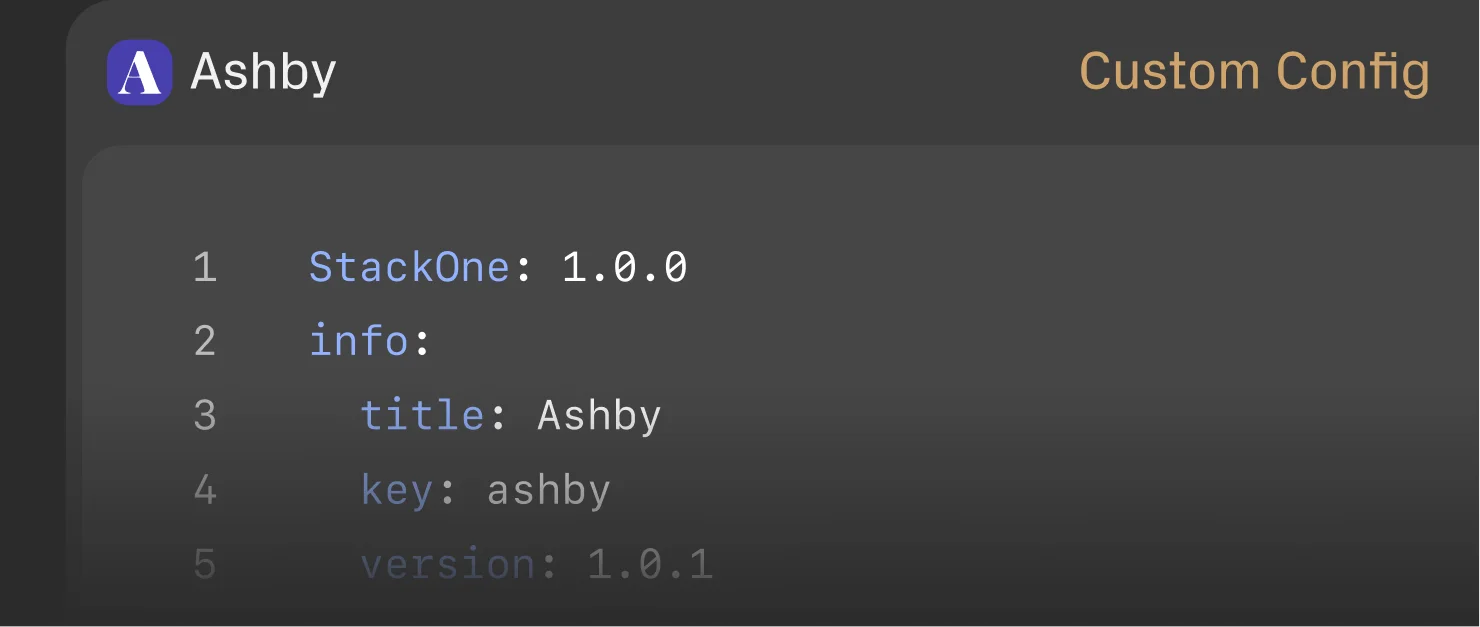
New MCP server creation. Fully automated.
Build custom MCP servers with AI.
Context Optimization

Smarter Search.
Instant Execution.

Increase accuracy, efficiency, and speed with dynamic tool discovery.
Show your agent only the tools that matter. Fewer tokens. Lower cost. Faster execution.
Access via MCP servers or the AI action SDKs.
Auth & Multi-Tenant

Granular Control.
Unified Auth.

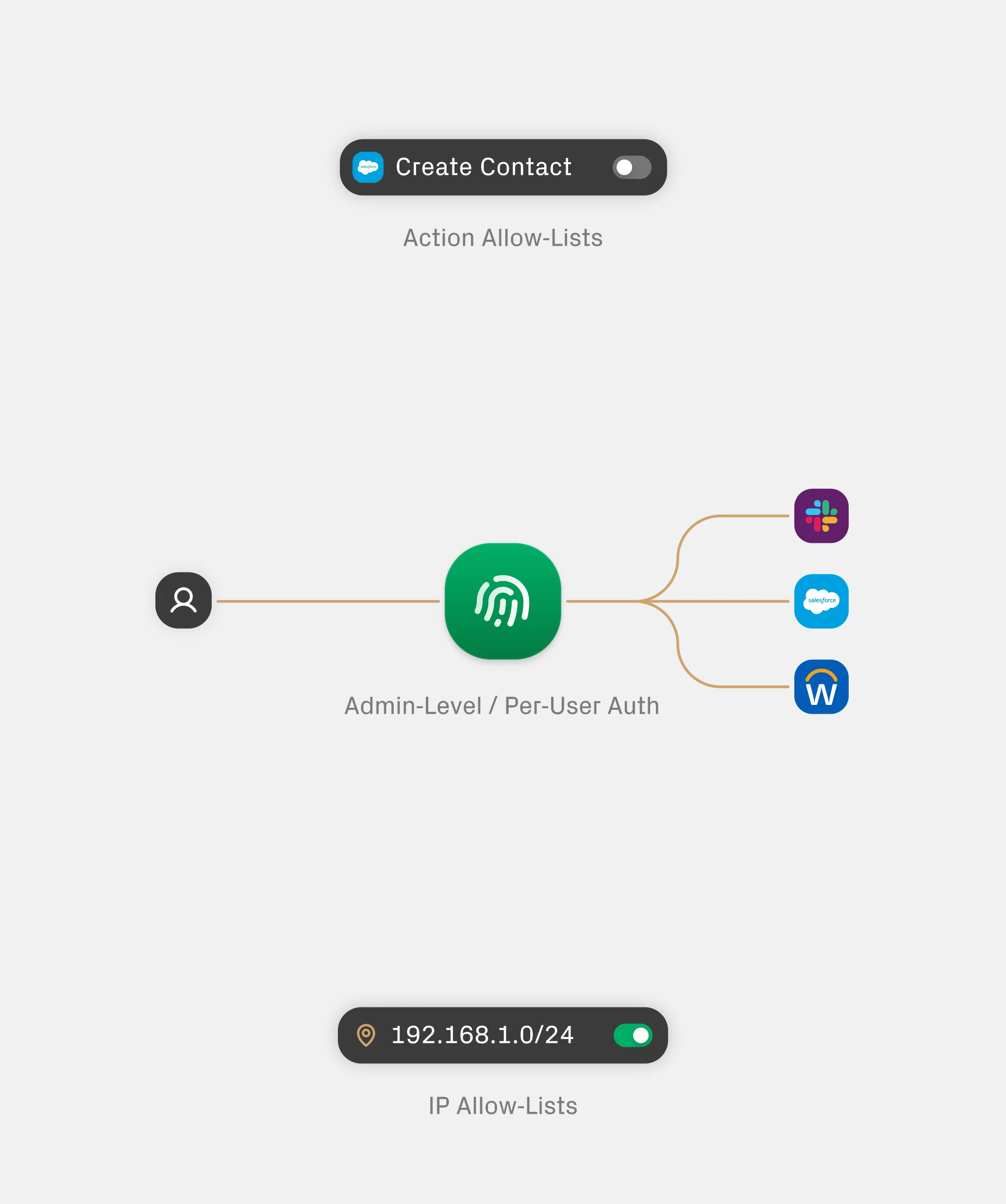
Admin-level or per-user OAuth.
Multiple linked accounts per connectors.
Fine-grained action control per server.
No MCP server limit per tenant.
Framework Compatibility

Your Agent.
Your Tech Stack.

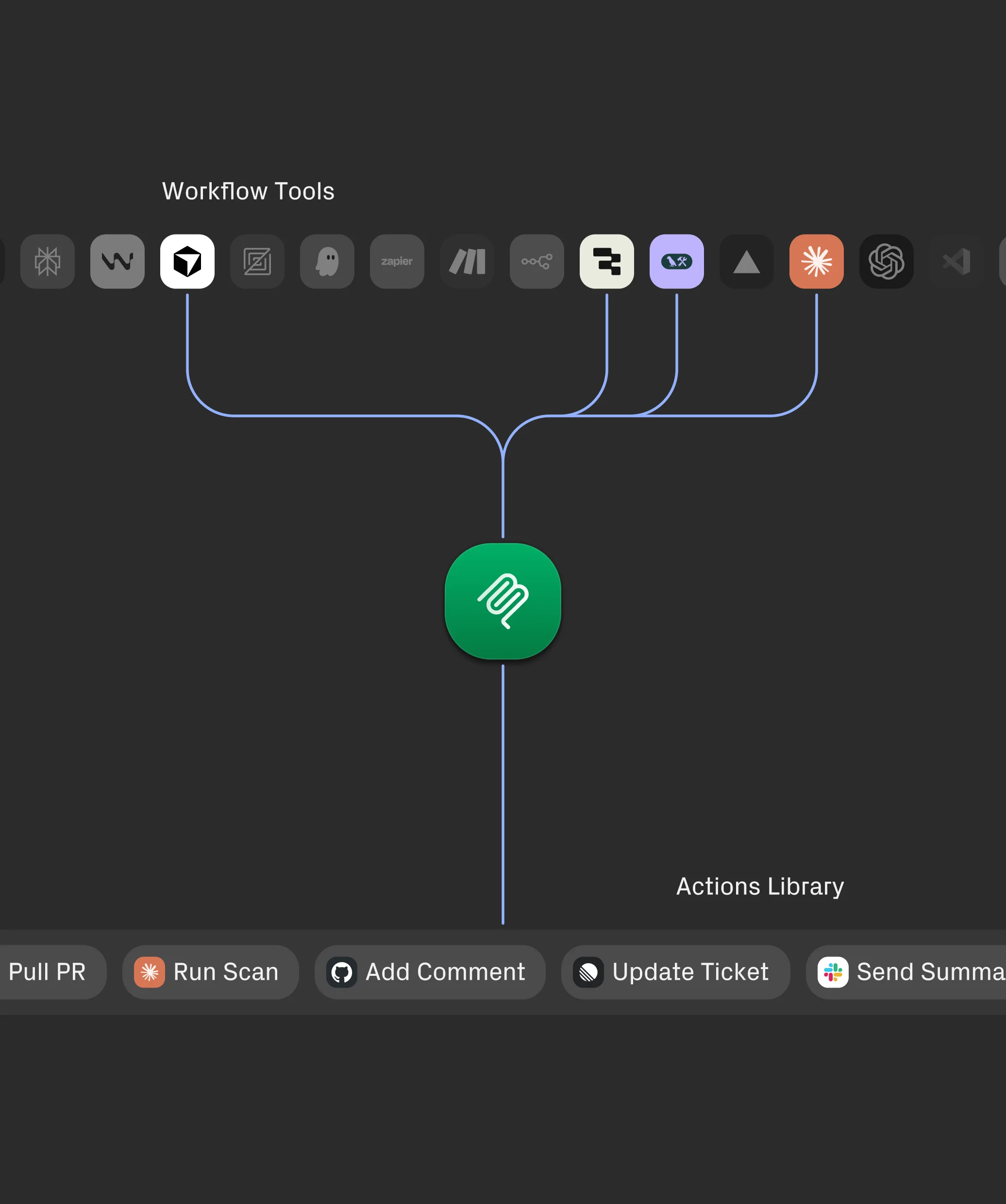
Integrates with Langchain, Crew AI, and Pydantic.
Use the tools already in your workflow.
Works with Claude, OpenAI, Vercel AI, and more.
Getting Started

Easy to implement.
And widely supported.

Connect your agents to 200+ MCP servers
with the AI SDK in minutes.
OpenAI Agents SDK MCP
TypeScript
Docs
Arrow icon in slider slide

import { Agent } from "@openai/agents";
import { MCPServerStreamableHttp } from "@openai/agents/mcp";

// Configure StackOne account
const STACKONE_ACCOUNT_ID = "<account_id>"; // Your StackOne account ID

// Encode API key for Basic auth
const authToken = Buffer.from(`${process.env.STACKONE_API_KEY}:`).toString("base64");

// Create MCP server connection
const stackoneMcp = new MCPServerStreamableHttp({
 url: "https://api.stackone.com/mcp",
 headers: {
   Authorization: `Basic ${authToken}`,
   "x-account-id": STACKONE_ACCOUNT_ID,
 },
});

// Create agent with StackOne tools
const agent = new Agent({
 model: "gpt-5.2",
 mcpServers: [stackoneMcp],
});

// Run agent
const response = await agent.run("List Salesforce accounts");
console.log(response.output);

OpenAI Agents SDK MCP
Python
Docs
Arrow icon in slider slide

import os
import base64

from agents import Agent
from agents.mcp import MCPServerStreamableHttp, MCPServerStreamableHttpParams

# Configure StackOne account
STACKONE_ACCOUNT_ID = "<account_id>"  # Your StackOne account ID

# Encode API key for Basic auth
auth_token = base64.b64encode(
   f"{os.getenv('STACKONE_API_KEY')}:".encode()
).decode()

# Create MCP server connection
stackone_mcp = MCPServerStreamableHttp(
   params=MCPServerStreamableHttpParams(
       url="https://api.stackone.com/mcp",
       headers={
           "Authorization": f"Basic {auth_token}",
           "x-account-id": STACKONE_ACCOUNT_ID,
       },
   )
)

# Create agent with StackOne tools
agent = Agent(
   model="gpt-5.2",
   mcp_servers=[stackone_mcp]
)

# Run agent
response = agent.run("List Salesforce accounts")
print(response.output)

Vercel AI SDK
TypeScript
Docs
Arrow icon in slider slide

import { anthropic } from "@ai-sdk/anthropic";
import { generateText, stepCountIs } from "ai";
import { experimental_createMCPClient } from "@ai-sdk/mcp";

// Connect to StackOne MCP server
const mcp = await experimental_createMCPClient({
  transport: {
      type: "http",
      url: "https://api.stackone.com/mcp",
      headers: {
         Authorization: `Basic ${Buffer.from(`${process.env.STACKONE_API_KEY}:`).toString("base64")}`,
         "x-account-id": "<stackone_account_id>",
      },
   },
});

// Get StackOne tools
const tools = await mcp.tools();

// Use with any AI SDK provider
const result = await generateText({
   model: anthropic("claude-haiku-4-5-20251001"),
   tools,
   prompt: "List all employees",
   stopWhen: stepCountIs(2),
});

console.log(result.text);

Claude Desktop MCP
JSON
Docs
Arrow icon in slider slide

{
 "mcpServers": {
   "stackone": {
     "command": "npx",
     "args": [
       "-y",
       "@modelcontextprotocol/client-http",
       "https://api.stackone.com/mcp"
     ],
     "env": {
       "MCP_HTTP_HEADERS": "{\"Authorization\":\"Basic YOUR_BASE64_TOKEN\",\"x-account-id\":\"YOUR_ACCOUNT_ID\"}"
     }
   }
 }
}

LangChain MCP
Python
Docs
Arrow icon in slider slide

import os
import base64

from langchain_mcp_adapters import MultiServerMCPClient
from langchain.agents import AgentExecutor, create_tool_calling_agent
from langchain_openai import ChatOpenAI
from langchain.prompts import ChatPromptTemplate

# Configure StackOne account
STACKONE_ACCOUNT_ID = "<account_id>"  # Your StackOne account ID

# Encode API key for Basic auth
auth_token = base64.b64encode(
   f"{os.getenv('STACKONE_API_KEY')}:".encode()
).decode()

# Connect to StackOne MCP server
mcp_client = MultiServerMCPClient({
   "stackone": {
       "url": "https://api.stackone.com/mcp",
       "transport": "streamable_http",
       "headers": {
           "Authorization": f"Basic {auth_token}",
           "x-account-id": STACKONE_ACCOUNT_ID,
           "Content-Type": "application/json",
           "Accept": "application/json,text/event-stream",
           "MCP-Protocol-Version": "2025-06-18"
       }
   }
})

# Get StackOne tools
tools = mcp_client.list_tools()

# Create agent with StackOne tools
llm = ChatOpenAI(model="gpt-5.2")
prompt = ChatPromptTemplate.from_messages([
   ("system", "You are a helpful assistant with access to data from various integrations."),
   ("human", "{input}"),
   ("placeholder", "{agent_scratchpad}")
])

agent = create_tool_calling_agent(llm, tools, prompt)
agent_executor = AgentExecutor(agent=agent, tools=tools)

# Run agent
result = agent_executor.invoke({"input": "List Salesforce accounts"})
print(result["output"])

Setup Steps
1
Activate Integrations. Turn on the connectors and actions your agents need, instantly.
2
Link Accounts. Securely connect user accounts and permissions in one managed auth flow.
3
Use MCP. Give agents a structured protocol to discover and execute actions effectively.
Customers

Product Teams Love Building with StackOne.

G2 Logo
Rate star with g2 badgeRate star with g2 badgeRate star with g2 badgeRate star with g2 badgeRate star with g2 badge

Ready to test StackOne MCP Servers?

StackOne Logo
Credits
|
Global Business Tech Awards 2024 Finalist LogoGlobal Business Tech Awards 2024 Finalist Logo
LinkedIn IconTwitter IconGitHub Icon