- Retrieve A Specific Activity Record By Its Unique Identifier. Activities Represent Actions Performed Within The Recruitment System Such As Candidate Stage Changes, Notes Added, Or Emails Sent. Requires Admin Scope.
- Retrieve All Activities Associated With A Specific Candidate. This Returns A Chronological Feed Of Actions And Events Related To The Candidate, Such As Profile Updates, Stage Changes, Notes Added, Emails Sent, And Other Recruitment Activities. Requires Admin Scope.
- Retrieve All Activities Associated With A Specific Job Posting. This Returns A Chronological Feed Of Actions And Events Related To The Job, Such As Applications Received, Stage Changes, Candidate Movements, And Other Recruitment Activities. Requires Admin Scope.
- Retrieve All Activities Performed By A Specific User In The Recruitment System. This Returns A Chronological Feed Of Actions The User Has Taken, Such As Adding Notes, Moving Candidates Between Stages, Sending Emails, And Completing Tasks. Requires Admin Scope.
- Retrieve Candidate Responses To Application Questions. IMPORTANT - You Must Use Filter_question Parameter To Avoid Timeout Errors, As The Answers Endpoint Returns Massive Datasets That Will Cause Bad Gateway Errors Without Filtering. Only Question And Candidate Relationships Can Be Included.
- Retrieve A Specific Answer By Its Unique Identifier. Returns The Complete Response Including The Answer Content And Metadata. Only Question And Candidate Relationships Can Be Included.
- Create A New Answer For A Candidate'S Response To An Application Question. Requires Candidate_id From List_candidates, Question_id From List_questions, And Picked_question_id From List_picked_questions.
- Retrieve A Time-Limited Authenticated URL For Accessing Video Answer Content. The Returned URL Is Valid For 2 Hours And Can Be Used To Play Back Video Responses Submitted By Candidates.
- Retrieve A Paginated List Of All Candidates In The Recruitment System. Candidates Are Individuals Who Have Applied For Positions Or Been Sourced By Recruiters. You Can Filter By Various Criteria Including Email Address, Department, Role, Location, And Date Ranges. Available Include Options Are Activities, Division, Department, Role, Job-Applications, Questions, Answers, Locations, Regions, Uploads, Custom-Field-Values, Partner-Results, Form-Answers, Onboardings, And Interviews. Requires Admin Scope.
- Retrieve Complete Information About A Specific Candidate Using Their Unique Identifier. Returns The Full Candidate Profile Including Personal Details, Contact Information, Application History, And Any Associated Documents Or Data. Available Include Options Are Activities, Division, Department, Role, Job-Applications, Questions, Answers, Locations, Regions, Uploads, Custom-Field-Values, Partner-Results, Form-Answers, Onboardings, And Interviews. Requires Admin Scope.
- Add A New Candidate To The Recruitment System With Their Profile Information. Conditional Requirement - Either Email Is Required OR Sourced Must Be Set To True. This Creates A Candidate Record That Can Then Be Associated With Job Applications. Requires Admin Scope With Write Permissions.
- Modify An Existing Candidate'S Profile Information. Use This To Update Contact Details, Correct Information, Or Add Additional Data To A Candidate Record. Requires Admin Scope With Write Permissions.
- Permanently Remove A Candidate And All Their Associated Data From The System. This Action Cannot Be Undone And Should Be Used With Caution. Requires Admin Scope With Elevated Write Permissions.
- Retrieve The Organization'S Company Profile And Account Settings. Returns Core Company Information Including Company Name, Career Site URL, Branding Settings, And Account Configuration. This Is The Central Resource For Understanding The Teamtailor Account Setup.
- Update The Organization'S Company Profile Settings. Allows Modifying Company Name And Website. Can Also Update The Manager Relationship By Providing A User ID. Requires Admin Scope With Write Permissions.
- Retrieve Custom Field Values For Specific Candidates Or Jobs.
- Retrieve A Specific Custom Field Value By Its Unique Identifier. Obtain The ID From List_custom_field_values Action.
- Set A Custom Field Value For A Candidate. Requires Custom_field_id From List_custom_fields (Must Be A Candidate Owner-Type Field) And Candidate_id From List_candidates.
- Modify An Existing Custom Field Value. Requires Id From List_custom_field_values Or Create_custom_field_value.
- Retrieve All Custom Field Definitions Configured In The System. Custom Fields Extend The Standard Candidate And Job Data Model With Additional Attributes Specific To Your Organization'S Needs, Such As Source Tracking, Skill Ratings, Or Compliance Information. Requires Admin Scope.
- Retrieve A Specific Custom Field Definition By Its Unique Identifier. Requires Id Obtained From List_custom_fields.
- Create A New Custom Field Definition For Candidates Or Jobs.
- Update An Existing Custom Field Definition. Requires Id From List_custom_fields. Note That Api-Name Cannot Be Changed After Creation.
- Retrieve A Specific Select-Type Custom Field By Its Unique Identifier. Returns The Complete Field Configuration Including Its Available Options.
- Create A New Select-Type Custom Field Definition. Allows Creating Single-Select Or Multi-Select Fields With Predefined Options That Users Can Choose From.
- Update An Existing Select-Type Custom Field Definition. Allows Modifying The Name Or API Name Of An Existing Select Or Multi-Select Field.
- Retrieve All Available Options For Select-Type Custom Fields. Options Are The Individual Choices That Appear In Dropdown Menus For Single-Select And Multi-Select Custom Fields. Filter By Custom Field To See Options For A Specific Field.
- Retrieve A Specific Custom Field Option By Its Unique Identifier. Returns The Option'S Value And The Custom Field It Belongs To.
- Create A New Option For A Select-Type Custom Field. Adds A New Choice To The Dropdown Menu Of An Existing Single-Select Or Multi-Select Field.
- Update An Existing Custom Field Option. Allows Modifying The Display Value Of A Dropdown Choice.
- Retrieve All Divisions Configured In The Organization. Divisions Represent The Highest Level Of Organizational Hierarchy, Grouping Multiple Departments Together. Examples Include Business Units Like Sales Division, Engineering Division, Or Regional Divisions Like North America And Europe. Requires Admin Scope.
- Retrieve Detailed Information About A Specific Division By Its Unique Identifier. Returns The Division Name And Related Organizational Data.
- Retrieve A Paginated List Of All Departments In The Organization. Departments Are Used To Categorize Jobs And Organize The Hiring Process By Team Or Business Unit. Useful For Building Career Site Filters And Syncing Organizational Structure.
- Retrieve Complete Information About A Specific Department Using Its Unique Identifier. Returns The Department Name, Associated Jobs, And Organizational Relationships.
- Add A New Department To The Organizational Structure. Departments Are Used To Categorize Jobs And Appear As Filters On The Career Site. Requires Write Permissions.
- Modify An Existing Department'S Information, Such As Renaming It. Useful For Organizational Restructuring Or Keeping Department Names In Sync With External HR Systems. Requires Write Permissions.
- Permanently Remove A Department From The Organizational Structure. Before Deleting, Ensure No Jobs Are Assigned To This Department Or Reassign Them First. Requires Write Permissions.
- Retrieve All Forms Configured In The Organization. Forms Are Customizable Questionnaires Used To Collect Structured Information From Candidates During The Application Process. They Can Include Text Fields, Multiple Choice Questions, File Uploads, And More. Requires Admin Scope.
- Retrieve Detailed Information About A Specific Form By Its Unique Identifier. Returns The Form Configuration, Title, And Structure.
- Retrieve All Questions Used Across Forms. Questions Define What Information Is Collected From Candidates, Including The Question Text, Type Such As Text, Select, Or File Upload, And Whether An Answer Is Required. Filter By Form To See Questions For A Specific Form.
- Retrieve A Specific Form Question By Its Unique Identifier. Returns The Complete Question Configuration Including Text, Type, And Validation Rules.
- Retrieve Candidate Responses To Form Questions. Answers Contain The Actual Data Submitted By Candidates When Completing Application Forms Or Questionnaires.
- Retrieve A Specific Form Answer By Its Unique Identifier. Returns The Complete Response Including The Question Asked And The Candidate'S Answer.
- Retrieve All Scheduled Interviews Across The Organization. Interviews Are Meetings Arranged Between Candidates And Team Members During The Hiring Process. This Endpoint Is Read-Only As Interviews Are Created Through The Teamtailor UI Or Calendar Integrations. Requires Admin Scope.
- Retrieve Detailed Information About A Specific Interview By Its Unique Identifier. Returns The Complete Interview Record Including Scheduling Details, Participants, And Location. This Endpoint Is Read-Only.
- Retrieve A Paginated List Of All Job Postings In The System. Jobs Represent Open Positions That Candidates Can Apply For. You Can Filter By Status, Department, Location, And Other Criteria. The Jobs Visible Depend On Your API Key Scope Where Public Keys See Only Published Jobs While Admin Keys See All Jobs Including Drafts And Archived Positions.
- Retrieve Complete Information About A Specific Job Posting Using Its Unique Identifier. Returns The Full Job Details Including Title, Description, Requirements, Application Form Settings, And All Associated Data. Useful For Displaying Job Details On External Career Sites Or Integrating With Job Boards.
- Create A New Job Posting In The Recruitment System. The Job Can Be Created As A Draft For Review Or Published Immediately To Your Career Site. You Must Specify A User Who Will Own And Manage The Job. Requires Write Permissions.
- Modify An Existing Job Posting. Use This To Update Job Details, Change The Status, Or Edit The Description. Commonly Used To Publish Draft Jobs, Archive Filled Positions, Or Update Job Requirements. Requires Write Permissions.
- Permanently Remove A Job Posting And All Its Associated Data From The System. This Action Cannot Be Undone. Consider Archiving The Job Instead If You Want To Preserve Historical Data And Candidate Records. Requires Write Permissions.
- Retrieve A Paginated List Of All Job Applications In The System. Job Applications Represent Candidates Who Have Applied For Specific Positions And Track Their Progress Through The Hiring Pipeline. You Can Filter By Stage Type, Specific Candidate, Specific Job, And Date Ranges. Requires Admin Scope.
- Retrieve Complete Information About A Specific Job Application Using Its Unique Identifier. Returns The Full Application Details Including The Candidate'S Current Stage, Application History, Match Score, And Any Rejection Information. Requires Admin Scope.
- Submit A New Job Application Connecting A Candidate To A Specific Job Position. This Creates The Link Between A Candidate And A Job And Places Them Into The Hiring Pipeline. Requires Admin Scope With Write Permissions.
- Modify A Job Application To Update The Cover Letter. Requires Admin Scope With Write Permissions.
- Retrieve All Employment Offers That Have Been Extended To Candidates. Job Offers Track The Formal Offer Process Including Salary Details, Start Dates, And Candidate Responses. This Endpoint Is Read-Only As Offers Are Created Through The Teamtailor UI. Requires Admin Scope.
- Retrieve Detailed Information About A Specific Job Offer By Its Unique Identifier. Returns The Complete Offer Record Including Status, Terms, And Candidate Response. This Endpoint Is Read-Only.
- Retrieve A Paginated List Of All Office Locations In The Organization. Locations Represent Physical Offices Or Work Sites Where Jobs Are Available. They Appear As Filters On The Career Site Allowing Candidates To Find Positions Near Them.
- Retrieve Complete Information About A Specific Location Using Its Unique Identifier. Returns The Full Address Details, Geographic Coordinates If Available, And Associated Region Information.
- Add A New Office Location To The Organization. Locations Are Used To Categorize Jobs Geographically And Appear As Filters On The Career Site. Requires Write Permissions.
- Modify An Existing Location'S Information Such As Its Name Or Address Details. Useful When Office Addresses Change Or Names Need Updating. Requires Write Permissions.
- Permanently Remove A Location From The Organization. Before Deleting, Ensure No Jobs Are Assigned To This Location Or Reassign Them First. Requires Write Permissions.
- Retrieve A Paginated List Of All Notes And Comments Recorded On Candidates And Their Job Applications. Notes Capture Recruiter Observations, Interview Feedback, And Important Information Gathered During The Hiring Process. Requires Admin Scope.
- Retrieve The Complete Content Of A Specific Note Using Its Unique Identifier. Returns The Full Note Text, Information About Who Wrote It, When It Was Created, And Which Candidate Or Application It Relates To. Requires Admin Scope.
- Add A New Note Or Comment To A Candidate'S Profile. Use This To Record Interview Feedback, Document Observations, Or Share Information With The Hiring Team About A Candidate. Requires Admin Scope With Write Permissions.
- Add A New Note Or Comment To A Specific Job Application. Use This When The Feedback Is Specific To One Application Rather Than The Candidate Overall, Such As Interview Notes For A Particular Position. Requires Admin Scope With Write Permissions.
- Modify The Content Of An Existing Note. Use This To Correct Information, Add Additional Details, Or Update Feedback After Further Consideration. Requires Admin Scope With Write Permissions.
- Permanently Remove A Note From A Candidate Or Job Application. Use This To Delete Outdated Information, Remove Inappropriate Comments, Or Clean Up Test Data. This Action Cannot Be Undone. Requires Admin Scope With Write Permissions.
- Retrieve All Onboarding Records For Hired Candidates. Onboardings Track The New Hire Process From Offer Acceptance Through Their First Day And Beyond, Including Paperwork Completion, Equipment Setup, And Orientation Scheduling. Filter By Candidate To See Their Onboarding Status. Requires Admin Scope.
- Retrieve Detailed Information About A Specific Onboarding Record By Its Unique Identifier. Returns The Complete Onboarding Status And New Hire Information.
- Retrieve The Mapping Of Questions To Specific Jobs. Picked Questions Represent Which Questions From The Library Have Been Selected For Each Job'S Application Form. To See Questions For A Specific Job, Use Get_job With Include=Picked-Questions Instead.
- Retrieve All Questions From The Organization'S Question Library. Questions Are Reusable Across Multiple Job Postings And Can Be Text Fields, Multiple Choice, File Uploads, Or Other Types. These Form The Building Blocks Of Application Forms And Screening Questionnaires. Requires Admin Scope.
- Retrieve All Configured Rejection Reasons Available In The System. Rejection Reasons Provide Standardized Explanations For Why Candidates Were Not Selected Or Why They Withdrew From The Process. These Reasons Are Used For Analytics And Consistent Candidate Communication.
- Retrieve A Specific Rejection Reason By ID.
- Add A New Rejection Reason Option.
- Modify An Existing Rejection Reason. Requires Reject Reason Id From List_reject_reasons.
- Remove A Rejection Reason Option. Requires Reject Reason Id From List_reject_reasons.
- Retrieve All Job Requisitions And Their Approval Status. Requisitions Are Formal Requests To Fill A Position, Often Requiring Approval From Managers Or HR Before A Job Posting Can Be Created. They Support Headcount Planning And Budget Control For Hiring. Requires Admin Scope.
- Retrieve Detailed Information About A Specific Requisition By Its Unique Identifier. Returns The Complete Requisition Including Approval Status, Headcount, And Organizational Assignment.
- Submit A New Job Requisition For Approval. This Initiates The Hiring Approval Workflow, Requesting Permission To Fill A Position. Requires Location_id From List_locations. Optionally Use List_departments For Department_id. Note - Requires Requisitions Feature To Be Enabled On The Teamtailor Account.
- Modify An Existing Requisition'S Details Such As Title, Headcount, Or Reason. Requires Requisition Id From List_requisitions. Note That Approval Status Changes May Be Handled Through Separate Workflow Actions. Note - Requires Requisitions Feature To Be Enabled On The Teamtailor Account.
- Retrieve All Job Role Categories Configured In The Organization. Roles Classify Jobs By Function Or Area Of Expertise Such As Engineering, Sales, Marketing, Or Customer Support. They Appear On Career Sites As Filters Helping Candidates Find Relevant Positions. Requires Admin Scope.
- Retrieve A Specific Role By Its Unique Identifier. Returns The Role Name And Configuration.
- Create A New Job Role Category In The Organization. Roles Classify Jobs By Function Or Area Of Expertise Such As Engineering, Sales, Or Marketing.
- Delete A Job Role Category From The Organization. Requires Role Id From List_roles.
- Retrieve All Hiring Pipeline Stages Across Jobs. Stages Represent The Steps Candidates Progress Through During Recruitment, Such As Application Received, Phone Screen, Interview, Offer, And Hired. Filter By Job To See The Pipeline For A Specific Position.
- Retrieve Complete Information About A Specific Hiring Stage Using Its Unique Identifier. Returns The Stage Name, Type, Position In The Pipeline, And Which Job It Belongs To.
- Add A New Stage To A Job'S Hiring Pipeline. Use This To Customize The Recruitment Workflow With Additional Steps Like Technical Assessments, Panel Interviews, Or Reference Checks. Requires Write Permissions.
- Retrieve All Available Stage Type Definitions That Categorize Stages In The Hiring Pipeline. Stage Types Include Inbox For New Applications, In Process For Active Candidates Being Evaluated, And Hired For Successful Candidates.
- Retrieve A Specific Stage Type By Its Unique Identifier. Returns The Stage Type Name And Configuration.
- Retrieve All Teams Configured In The Organization. Teams Group Users Together For Permission Management And Collaborative Hiring. Team Membership Determines Which Candidates And Jobs Users Can Access. Requires Admin Scope.
- Retrieve Detailed Information About A Specific Team By ID.
- Add A New Team For Organizing Users And Managing Access. Requires User_id From List_users As The Team Manager.
- Update An Existing Team'S Information. Requires Team Id From List_teams.
- Remove A Team From The Organization. Requires Team Id From List_teams.
- Retrieve Team Membership Records Showing User-Team Associations.
- Retrieve Details Of A Specific Team Membership By ID.
- Add A User To A Team. Requires User_id From List_users And Team_id From List_teams.
- Remove A User From A Team. Requires Membership Id From List_team_memberships.
- Retrieve A Paginated List Of All Users In The System. Users Include Recruiters, Hiring Managers, Administrators, And Other Team Members Involved In The Hiring Process. Each User Has A Role Determining Their Permissions And Capabilities. Requires Admin Scope.
- Retrieve Complete Information About A Specific User Using Their Unique Identifier. Returns The User'S Profile Details, Role, Visibility Settings, And Relationships To Teams And Activities. Requires Admin Scope.
- Add A New Team Member To The Teamtailor System. Use This To Onboard New Recruiters, Create Hiring Manager Accounts, Or Set Up Automated User Provisioning From Your HR System. Requires Admin Scope With Write Permissions.
- Modify An Existing User'S Profile Information, Role, Or Visibility Settings. Use This To Update Names, Change Permission Levels, Or Control Visibility On The Career Site. Requires Admin Scope With Write Permissions.
- Remove A User Account From The System. Before Deleting, Reassign Any Jobs Owned By This User To Another Team Member. This Action Cannot Be Undone. Requires Admin Scope With Write Permissions.
- Retrieve All File Uploads Attached To Candidates. Uploads Include Resumes, Cover Letters, Portfolios, And Other Documents Submitted By Or For Candidates. Filter By Candidate To See All Their Attached Files Or By Job For Application-Specific Documents. Note That This Action May Timeout When Used Without Pagination Parameters. Use Page_size And Page_number For Large Datasets. Requires Admin Scope.
- Retrieve A Specific Upload By ID.
- Attach A File To A Candidate Profile Using A Public URL. Requires Candidate_id From List_candidates.








 Connectors & Actions
 Multiple Interfaces
 Managed Authentication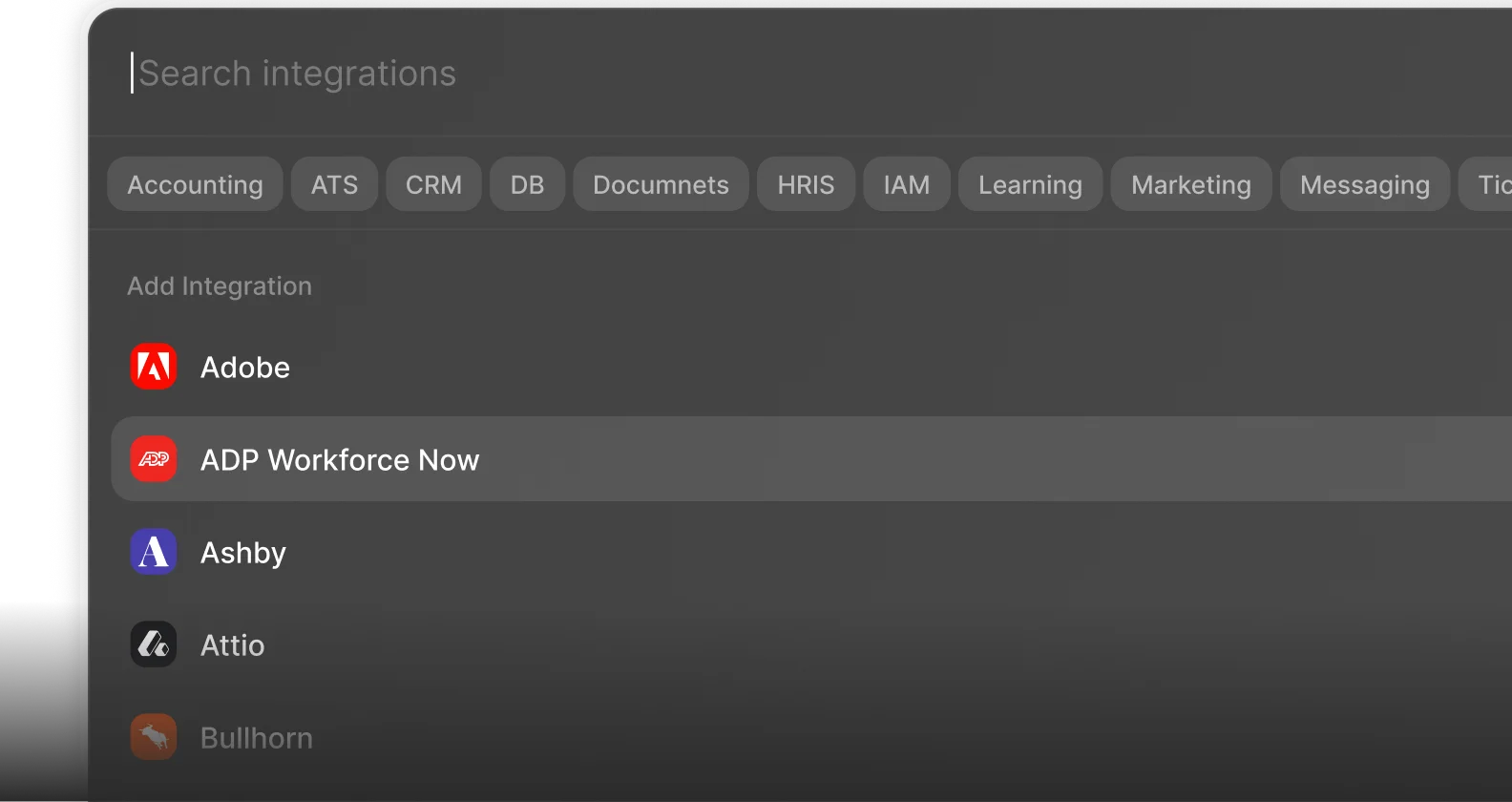
 Enterprise-Ready