- Get A List Of All Data Sources On The Site
- Get Details Of A Specific Data Source
- Update Data Source Properties
- Delete A Data Source From The Site
- Get Connection Details For A Data Source
- Update Connection Details For A Data Source
- Get Revision History For A Data Source
- Delete A Specific Revision Of A Data Source
- Get All Schedules On The Site
- Get All Extract Refresh Tasks On The Site
- Run An Extract Refresh Task Immediately
- Get All Jobs On The Site
- Get Details Of A Specific Job
- Get Permissions For A Specific Project
- Add Permissions To A Project For A User Or Group
- Remove A Specific Permission From A Project For A User
- Remove A Specific Permission From A Project For A Group
- Get Permissions For A Specific Workbook
- Add Permissions To A Workbook For A User Or Group
- Remove A Specific Permission From A Workbook For A User
- Remove A Specific Permission From A Workbook For A Group
- Get Permissions For A Specific Datasource
- Add Permissions To A Datasource For A User Or Group
- Remove A Specific Permission From A Datasource For A User
- Remove A Specific Permission From A Datasource For A Group
- Get Default Workbook Permissions For A Project
- Get Default Datasource Permissions For A Project
- Add Default Workbook Permissions To A Project
- Add Default Datasource Permissions To A Project
- Remove Default Workbook Permissions From A Project For A User
- Remove Default Workbook Permissions From A Project For A Group
- Remove Default Datasource Permissions From A Project For A User
- Remove Default Datasource Permissions From A Project For A Group
- Get A List Of All Projects On The Site
- Create A New Project On The Site
- Update An Existing Project
- Delete A Project From The Site
- Get Tableau Server Product And Version Information
- Get Details Of The Site You Are Signed Into
- Get Information About The Current Session
- Delete A Specified Server Session (Tableau Server Only)
- Sign Out And Invalidate The Current Authentication Token
- Switch To Another Site Without Re-Authenticating (Tableau Server Only)
- Revoke All PATs Created By Server Administrators (Tableau Server Only)
- List All Active Directory Domains Configured On The Server (Tableau Server Only)
- Update An Active Directory Domain Configuration (Tableau Server Only)
- Get Site Details By Site Name
- Get Site Details By Content URL
- Get Recently Viewed Content For The Current User
- Get Embedding Settings For The Site
- Update Embedding Settings For The Site
- Get Data Acceleration Report For The Site (Deprecated, Tableau Server Only)
- Update Site Settings
- Create A New Site (Server Admin Only)
- Delete A Site By ID (Server Admin Only)
- Get Site Details Using The Site ID
- Delete A Site Using Its Content URL (Server Admin Only)
- Delete A Site Using Its Site Name (Server Admin Only)
- Get All Views Across All Workbooks In The Site
- List All Sites On Tableau Server (Not Available For Tableau Cloud)
- Get The Personal Space For The Current User (API 3.13+)
- List Authentication Configurations For A Site (API 3.24+, Tableau Cloud Only)
- Delete A Site Asynchronously By ID (Server Admin Only)
- Delete A Site Asynchronously By Name (Server Admin Only)
- Delete A Site Asynchronously By Content URL (Server Admin Only)
- Get Details Of A Specific User On The Site
- List All Users On The Site With Filtering And Pagination
- Add A New User To The Site
- Update User Details On The Site
- Remove A User From The Site
- Get All Groups That A User Belongs To
- Get A List Of All Groups On The Site
- Create A New Group On The Site
- Update A Group On The Site
- Delete A Group From The Site
- Get All Users That Belong To A Group
- Add A User To A Group
- Remove A User From A Group
- List All Personal Access Tokens For A User (Tableau Cloud Only)
- Revoke A Personal Access Token (Tableau Cloud Only)
- Get A List Of All Workbooks On The Site
- Get All Workbooks Owned By A Specific User
- Get Details Of A Specific Workbook
- Update Workbook Properties Including Name, Owner, Project, And Acceleration Settings
- Delete A Workbook From The Site
- Refresh All Extracts In A Workbook
- Get Connection Details For A Workbook
- Update Connection Details For A Workbook
- Get Revision History For A Workbook
- Add Tags To A Workbook
- Remove A Tag From A Workbook
- Get A List Of All Views On The Site
- Get All Views In A Specific Workbook
- Get Details Of A Specific View
- Get Underlying Data From A View In CSV Format
- Add Tags To A View
- Remove A Tag From A View
- Get Recommended Views For A User
- Get A List Of Custom Views On The Site
- Get Details Of A Specified Custom View
- Update A Custom View'S Name Or Owner
- Delete A Custom View
- Download The Workbook File In .Twbx Format
- Export The Workbook As A PDF File
- Export The Workbook As A PowerPoint File
- Download A Specific Revision Of A Workbook
- Get The Preview Image For A Workbook
- Get The View Rendered As An Image
- Export A View As A PDF File
- Export View Data As An Excel Crosstab File
- Get View Details Using The View'S URL Name
- Hide A Recommended View For The Current User
- Unhide A Previously Hidden View Recommendation
- Get Version Compatibility Information For Downgrading A Workbook








 Connectors & Actions
 Multiple Interfaces
 Managed Authentication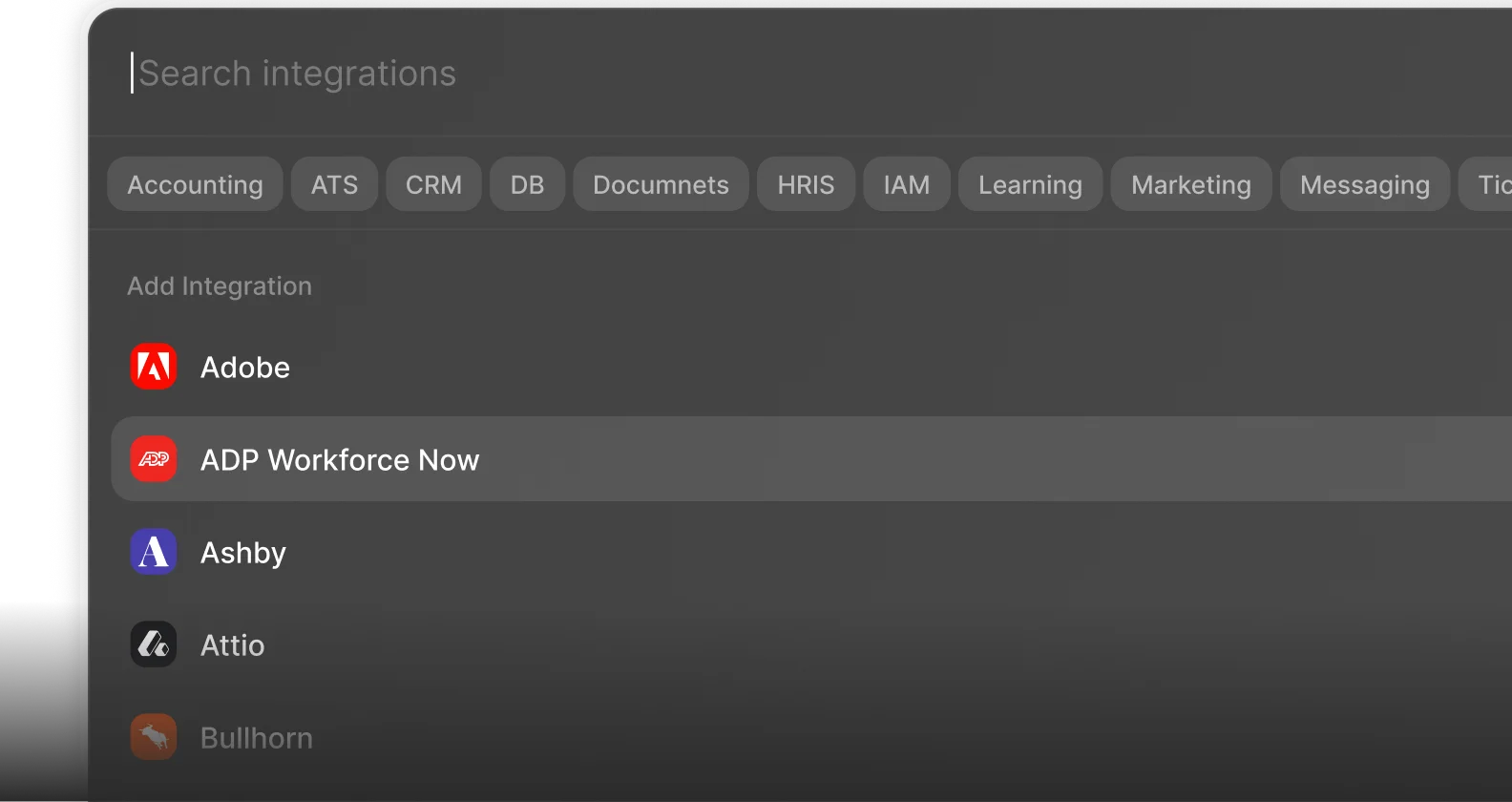
 Enterprise-Ready