- Retrieve Records From Any ServiceNow Table Using The Table API With Filtering, Pagination, And Field Selection Support. Use List_tables To Discover Available Tables In Your Instance And Get_table_schema With The Table_name To Discover Available Fields For Filtering And Selection.
- Retrieve A Single Record By Sys_id From Any ServiceNow Table Using The Table API. Use List_tables To Discover Available Tables And Get_table_schema To See Available Fields.
- Create A New Record In Any ServiceNow Table Using The Table API With Dynamic Field Support. Use Get_table_schema With The Table_name To Discover Required Fields And All Available Attributes. Use Get_choice_list To Get Valid Values For Choice/Dropdown Fields.
- Update An Existing Record In Any ServiceNow Table Using The Table API With Dynamic Field Support. Use Get_table_schema With The Table_name To Discover Updateable Fields. Use Get_choice_list To Get Valid Values For Choice/Dropdown Fields Before Updating.
- Delete A Record From Any ServiceNow Table Using The Table API. Ensure You Have The Correct Sys_id From List Or Get Operations Before Deletion.
- Retrieve A List Of All Tables In The ServiceNow Instance From Sys_db_object. Returns Table Names, Labels, Super Classes, And Accessibility Info. Use This To Discover Available Tables Before Creating Records.
- Retrieve Complete Field Schema For A ServiceNow Table From Sys_dictionary. Returns Field Names, Types, Max Length, Mandatory Status, And Reference Tables. Use To Discover Available Fields Before Creating/Updating Records.
- Retrieve Detailed Metadata About A Specific ServiceNow Table From Sys_db_object Including Structure, Parent Tables, Access Controls, And Configuration. Useful For Understanding Table Relationships And Inheritance.
- Retrieve Simplified List Of Column Names, Labels, And Types For A ServiceNow Table From Sys_dictionary. Returns Field Names, Labels, Data Types, Max Length, Mandatory Status, And Default Values. Lightweight Alternative To Get_table_schema.
- Retrieve Valid Choices (Dropdown Options) For A Field In A ServiceNow Table From Sys_choice. Returns Label, Value, Sequence, And Status For Choice Fields Like State, Priority, Urgency, Impact. Essential For Building Forms With Proper Validation.
- Retrieve Reference Qualifier Rules For Fields That Reference Other Tables From Sys_dictionary. Returns Filtering Rules That Limit Which Records Can Be Selected (E.G., Only Active Users For Assigned_to Field).
- Create A New Table In ServiceNow By Inserting A Record Into Sys_db_object. This Creates The Table Structure. Use Create_table_field To Add Fields/Columns To The Table. Requires Admin Permissions.
- Add A New Field/Column To A ServiceNow Table By Inserting Into Sys_dictionary. Use After Create_table To Define The Table Structure. Use Get_table_schema To See Existing Fields.
- Retrieve A List Of All Incidents From ServiceNow. Use Get_table_schema Action With Table_name=Incident To Discover Available Fields, Or Get_choice_list To Get Valid Values For State, Priority, Urgency Fields.
- Retrieve A Single Incident By Sys_id From ServiceNow. Use List_table_columns With Table_name=Incident To See All Available Fields You Can Request In Sysparm_fields Parameter.
- Create A New Incident In ServiceNow. Use Get_table_schema With Table_name=Incident To Discover All Available Fields And Required Fields. Use Get_choice_list To Get Valid Values For State, Priority, Urgency, Impact Fields.
- Update An Existing Incident In ServiceNow. Use Get_table_schema With Table_name=Incident To Discover Updateable Fields. Use Get_choice_list To Get Valid Values For State, Priority, Urgency, Impact Fields.
- Delete An Incident From ServiceNow
- Retrieve A List Of All Problem Records From ServiceNow For Root Cause Analysis Of Recurring Incidents. Use Get_table_schema With Table_name=Problem To Discover Available Fields.
- Retrieve A Single Problem Record By Sys_id From ServiceNow
- Create A New Problem Record In ServiceNow For Tracking Root Cause Of Recurring Incidents. Use Get_table_schema With Table_name=Problem To Discover Required Fields. Use Get_choice_list To Get Valid Values For State, Problem_state, Priority Fields.
- Update An Existing Problem Record In ServiceNow. Use Get_table_schema With Table_name=Problem To Discover Updateable Fields. Use Get_choice_list To Get Valid Values For State, Problem_state Fields.
- Delete A Problem Record From ServiceNow. Note That Some Problem States (E.G., Known Error) May Be Protected By Business Rules And Cannot Be Deleted.
- Retrieve A List Of All Change Request Records From ServiceNow For Managing Planned Infrastructure And Service Changes. Use Get_table_schema With Table_name=Change_request To Discover Available Fields.
- Retrieve A Single Change Request Record By Sys_id From ServiceNow
- Create A New Change Request In ServiceNow For Planned Infrastructure Or Service Modifications. Use Get_table_schema With Table_name=Change_request To Discover Required Fields. Use Get_choice_list To Get Valid Values For Type, State, Risk, Impact Fields.
- Update An Existing Change Request In ServiceNow. Use Get_table_schema With Table_name=Change_request To Discover Updateable Fields. Use Get_choice_list To Get Valid Values For Type, State, Risk Fields.
- Delete A Change Request From ServiceNow
- Retrieve A List Of All Task Records From ServiceNow (Base Table For Incidents, Problems, Etc.). Use Get_table_schema With Table_name=Task To Discover Available Fields.
- Retrieve A Single Task Record By Sys_id From ServiceNow
- Create A New Task Record In ServiceNow. Use Get_table_schema With Table_name=Task To Discover Required Fields. Use Get_choice_list To Get Valid Values For State, Priority Fields.
- Update An Existing Task Record In ServiceNow. Use Get_table_schema With Table_name=Task To Discover Updateable Fields. Use Get_choice_list To Get Valid Values For State Field.
- Delete A Task Record From ServiceNow
- Retrieve A List Of Service Catalog Request Records From ServiceNow. Use Get_table_schema With Table_name=Sc_request To Discover Available Fields.
- Retrieve A Single Service Catalog Request By Sys_id From ServiceNow
- Create A New Service Catalog Request In ServiceNow. Use Get_table_schema With Table_name=Sc_request To Discover Required Fields. Use Get_choice_list To Get Valid Values For Request_state, Priority Fields.
- Update An Existing Service Catalog Request In ServiceNow
- Delete A Service Catalog Request From ServiceNow
- Retrieve A List Of Service Catalog Request Item Records From ServiceNow (Individual Items Within Requests)
- Retrieve A Single Service Catalog Request Item By Sys_id From ServiceNow
- Create A New Service Catalog Request Item In ServiceNow. Required Fields Are Request (Parent Sc_request Sys_id) And Cat_item (Catalog Item Sys_id). Use List_catalog_requests To Find Request Sys_ids And List_catalog_items To Find Cat_item Sys_ids.
- Update An Existing Service Catalog Request Item In ServiceNow
- Delete A Service Catalog Request Item From ServiceNow
- Retrieve A List Of Knowledge Base Articles From ServiceNow. Use Get_table_schema With Table_name=Kb_knowledge To Discover Available Fields.
- Retrieve A Single Knowledge Article By Sys_id From ServiceNow
- Create A New Knowledge Base Article In ServiceNow. Use Get_table_schema With Table_name=Kb_knowledge To Discover Required Fields. Use Get_choice_list To Get Valid Values For Workflow_state, Article_type Fields.
- Update An Existing Knowledge Base Article In ServiceNow. Use Get_table_schema With Table_name=Kb_knowledge To Discover Updateable Fields. Use Get_choice_list To Get Valid Values For Workflow_state Field.
- Delete A Knowledge Article From ServiceNow
- Retrieve A List Of Knowledge Base Categories From ServiceNow
- Retrieve A Single Knowledge Category By Sys_id From ServiceNow
- Create A New Knowledge Base Category In ServiceNow
- Retrieve A List Of Knowledge Bases From ServiceNow
- Retrieve A Single Knowledge Base By Sys_id From ServiceNow
- Create A New Knowledge Base In ServiceNow
- Retrieve A List Of User Roles From ServiceNow Sys_user_role Table
- Retrieve A Single User Role By Sys_id From ServiceNow. Use List_user_roles To Find Valid Role Sys_ids First.
- Retrieve A List Of User-Role Assignments From ServiceNow Sys_user_has_role Table
- Create A New User-Role Assignment In ServiceNow. Use List_users To Find User Sys_ids And List_user_roles To Find Role Sys_ids Before Creating The Assignment.
- Retrieve A List Of Company Locations From ServiceNow Cmn_location Table
- Retrieve A Single Location By Sys_id From ServiceNow
- Create A New Location In ServiceNow
- Retrieve A List Of Departments From ServiceNow Cmn_department Table
- Retrieve A Single Department By Sys_id From ServiceNow
- Create A New Department In ServiceNow
- Retrieve A List Of Users From ServiceNow Sys_user Table To Get Sys_id Values For Caller_id And Assigned_to Fields. Use Get_table_schema With Table_name=Sys_user To Discover Available Fields.
- Retrieve A Single User By Sys_id From ServiceNow Sys_user Table
- Create A New User In ServiceNow Sys_user Table. Use Get_table_schema With Table_name=Sys_user To Discover Required Fields And All Available User Attributes.
- Update An Existing User In ServiceNow Sys_user Table
- Delete A User From ServiceNow Sys_user Table
- Retrieve A List Of Assignment Groups From ServiceNow Sys_user_group Table To Get Sys_id Values For Assignment_group Field. Use Get_table_schema With Table_name=Sys_user_group To Discover Available Fields.
- Retrieve A Single Assignment Group By Sys_id From ServiceNow Sys_user_group Table
- Create A New Assignment Group In ServiceNow Sys_user_group Table. Use Get_table_schema With Table_name=Sys_user_group To Discover Required Fields And Group Attributes.
- Update An Existing Assignment Group In ServiceNow Sys_user_group Table
- Delete An Assignment Group From ServiceNow Sys_user_group Table








 Connectors & Actions
 Multiple Interfaces
 Managed Authentication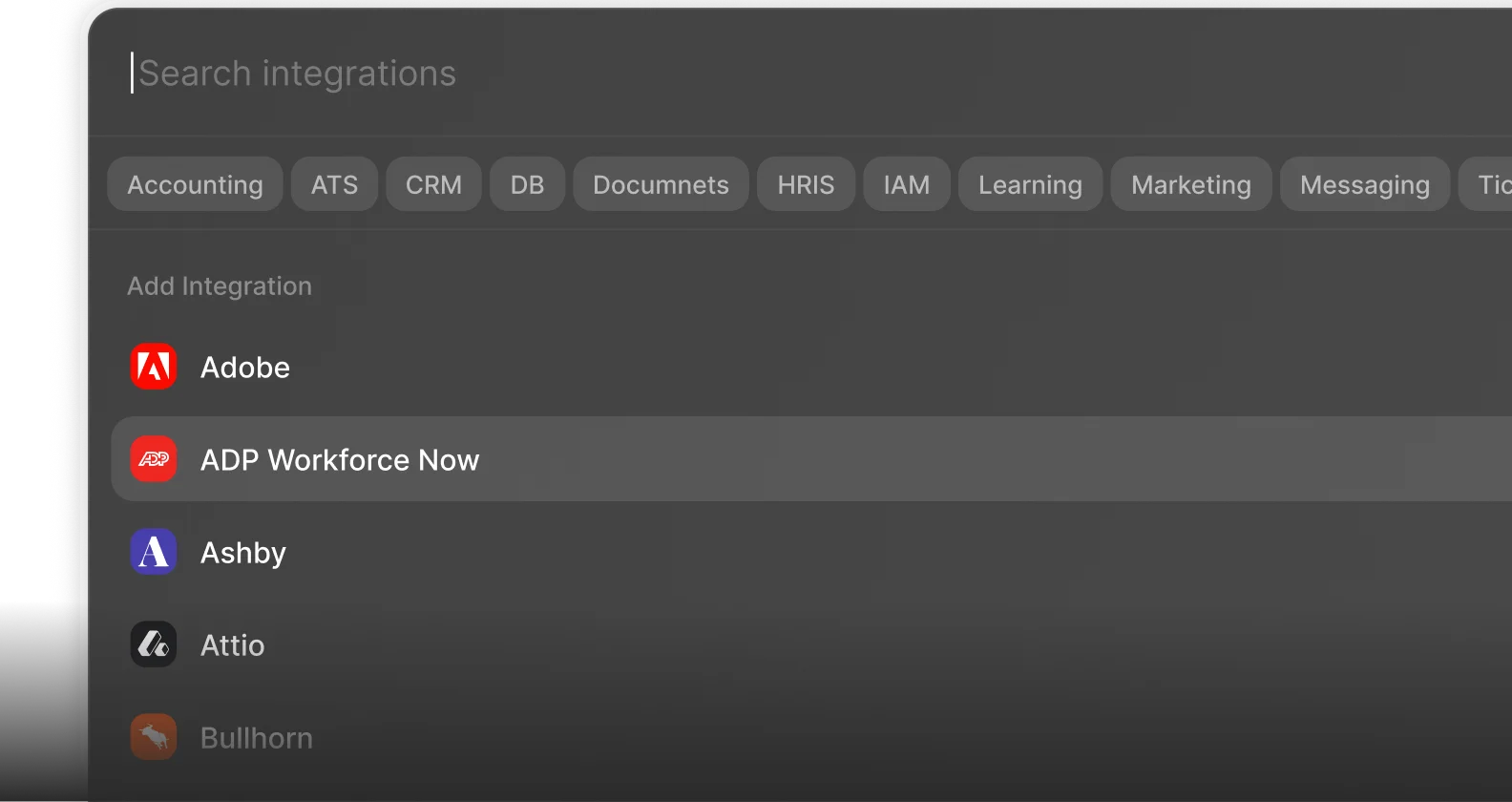
 Enterprise-Ready