- Retrieve A Paginated List Of Users In The Qlik Cloud Tenant
- Retrieve Details Of A Specific User By ID
- Retrieve The Currently Authenticated User'S Profile
- Create A New User In The Qlik Cloud Tenant
- Delete A User From The Qlik Cloud Tenant
- Get The Total Count Of Users In The Tenant
- Filter Users Using POST Request With Complex Filter Criteria
- Send Invitation Emails To New Users
- Retrieves Spaces That The Current User Has Access To And Match The Query
- Creates A Space
- Retrieves A Single Space By ID
- Updates A Space
- Deletes A Space
- Retrieves The Assignments Of The Space Matching The Query
- Creates An Assignment For A User Or Group (Assignee) To A Space With The Specified Roles
- Retrieves A Single Assignment By Assignment ID
- Updates A Single Assignment By Assignment ID
- Deletes An Assignment
- Retrieves The Shares Of The Space Matching The Query
- Creates A Share
- Retrieves A Single Space Share By ID
- Deletes A Space Share
- Gets A List Of Distinct Space Types Available For Use In The Tenant
- Returns A List Of Groups With Cursor-Based Pagination
- Creates A New Group
- Returns The Requested Group
- Updates The Requested Group
- Deletes The Requested Group
- Retrieves A List Of Groups Matching The Filter Using Advanced Query String
- Returns The Tenant'S Group Settings
- Returns A List Of Roles Using Cursor-Based Pagination
- Creates A Custom Role
- Returns The Requested Role
- Updates The Requested Role
- Deletes The Requested Role
- Lists Items That The User Has Access To
- Finds And Returns An Item
- Updates An Item
- Deletes An Item And Removes The Item From All Collections
- Finds And Returns The Collections (And Tags) Of An Item
- Finds And Returns The Items Service Settings For The Current Tenant
- Retrieves The Collections That The User Has Access To
- Creates And Returns A New Collection
- Finds And Returns A Collection
- Updates A Collection'S Name And Description
- Deletes A Collection And Removes All Items From The Collection
- Retrieves Items From A Collection That The User Has Access To
- Adds An Item To A Collection And Returns The Item
- Finds And Returns An Item In A Specific Collection
- Removes An Item From A Collection
- Lists The User'S Favorites Collection
- Retrieves A List Of The Automations That The Requesting User Has Access To.
- Retrieves The Full Definition Of An Automation. The Requesting User Must Be The Owner Of The Automation.
- Creates A New Automation. The Requesting User Must Be Assigned The `AutomationCreator` Role.
- Updates The Full Definition Of An Automation. The Requesting User Must Be The Owner Of The Automation.
- Deletes An Automation. The Requesting User Must Be The Owner Of The Automation, Or Be Assigned The `TenantAdmin` Role.
- Changes The Owner Of An Automation To Another User. This Action Removes The History And Change Logs Of This Automation. All Linked Connections Used In The Automation Are Detached And Not Moved To The New Owner.
- Changes The Space Of An Automation By Specifying A New Space.
- Duplicates An Existing Automation. The Requesting User Must Be The Owner Of The Automation.
- Disables An Automation So That It Cannot Be Run. The Requesting User Must Be The Owner Of The Automation, Or Be Assigned The `TenantAdmin` Role.
- Enables An Automation So That It Can Be Run. The Requesting User Must Be The Owner Of The Automation, Or Be Assigned The `TenantAdmin` Role.
- Changes The Owner Of An Automation To Another User. This Action Removes The History And Change Logs Of This Automation. All Linked Connections Used In The Automation Are Detached And Not Moved To The New Owner.
- Retrieves A List Of Runs For A Specific Automation. The Requesting User Must Be The Owner Of The Automation, Or Be Assigned The `TenantAdmin` Role.
- Creates A Runs For A Specific Automation. The Requesting User Must Be The Owner Of The Automation.
- Retrieves A Specific Run For An Automation. The Requesting User Must Be The Owner Of The Automation.
- Retrieves The URL For The Debug Log Of A Specific Automation Run. The Requesting User Must Be The Owner Of The Automation.
- Retries A Specific Run By Creating A New Run Using The Same Inputs. The Requesting User Must Be The Owner Of The Automation.
- Forcefully Stops An Automation Run Immediately. The Requesting User Must Be The Owner Of The Automation.
- Retrieves Paginated Usage Metrics For Automations. The Requesting User Must Be Assigned The `TenantAdmin` Role.
- Retrieves List Of Events For Subscribed Services For Your Tenant. Stores Events For 90 Days, After Which They Can Be Accessed Via `/V1/Audits/Archive`.
- Finds And Returns A Specific Audit Events For The Given Event ID.
- Retrieves Audit Events From Long-Term Storage. Returns All Archived Audit Events For The Specified Date And Tenant, Formatted As A JSON Array. Archived Events Are Retained For The Full Lifetime Of The Tenant, And Are Not Removed Or Size-Limited.
- Returns The Server Configuration Options. It Includes Options That Represent The Server Configuration State And Parameters That Were Used To Run The Server With Certain Functionality.
- Finds And Returns The List Of Possible Event Sources For This Tenant.
- Finds And Returns The List Of Possible Event Types For This Tenant.
- Lists API Keys For The Tenant With Cursor-Based Pagination
- Creates An API Key For A User Or For Configuring SCIM
- Returns An API Key For A Given ID
- Deletes Or Revokes An API Key
- Updates An API Key Description Using JSON Patch Operations
- Retrieves The API Key Configuration For A Tenant
- Updates The API Keys Configuration For A Tenant Using JSON Patch Operations
- List Tasks
- Get A Task
- Delete A Task
- Start A Task
- List All Extensions
- Get A Specific Extension
- Delete A Specific Extension
- Download Extension As An Archive
- Download File From Extension Archive
- List Brands
- Retrieve A Brand
- Update A Brand
- Delete A Brand
- Activate A Brand
- Deactivate A Brand
- Download Brand File
- Delete A Brand File
- Retrieve Active Brand








 Connectors & Actions
 Multiple Interfaces
 Managed Authentication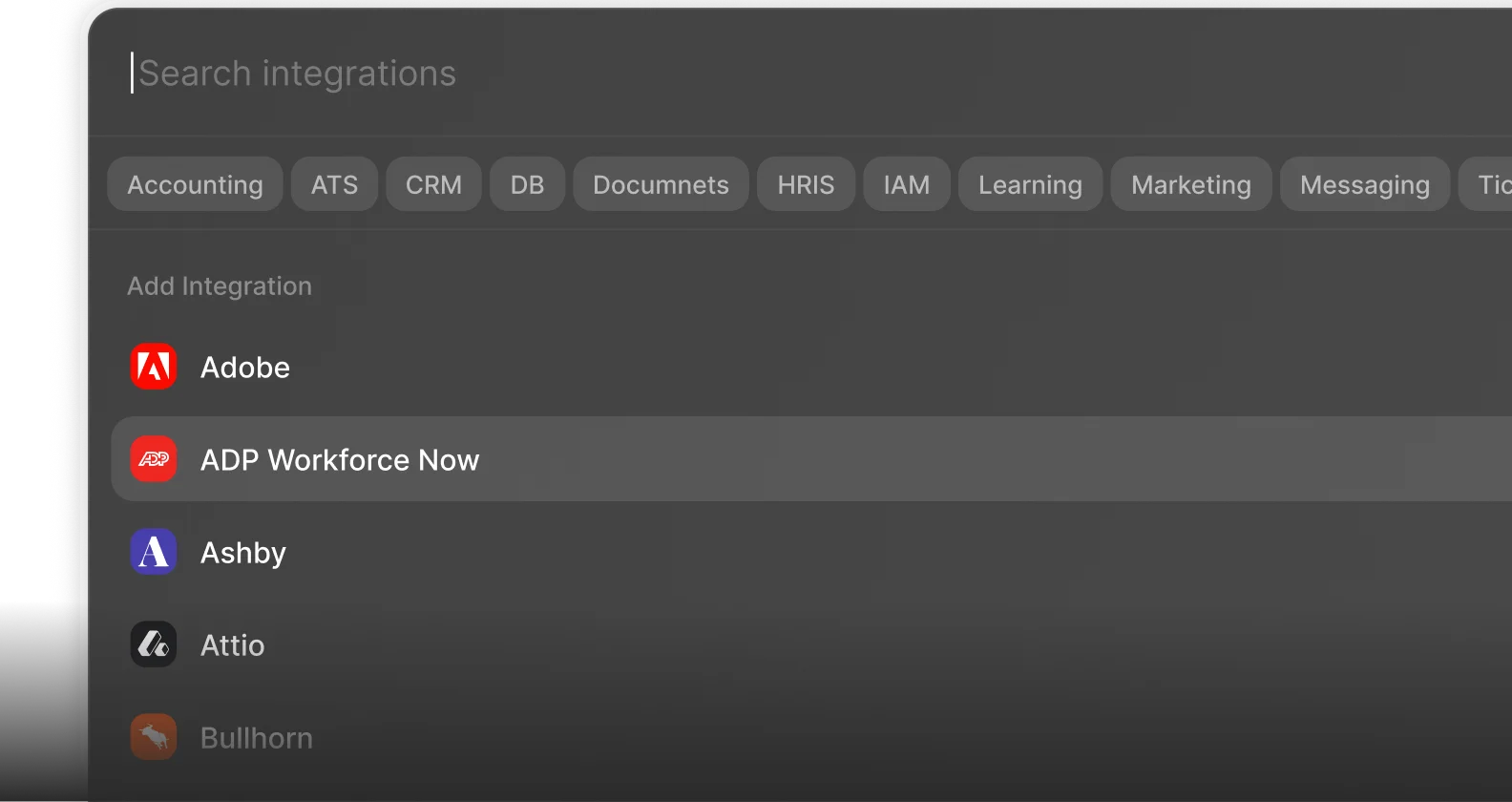
 Enterprise-Ready