Announcing StackOne Defender: leading open-source prompt injection guard for your agent Read More

Connectors OneNote
Live 37 Actions

OneNote connector for AI agents

Connect your AI agent to OneNote with production-ready actions. Ship in minutes.

StackOne
DrataGPLocalyzeFlipMindtoolsScreenloop

StackOne AI Agent Actions
for OneNote.

37 production-ready actions for your agent to do more on OneNote.

37 Actions
List Notebooks - Retrieves A Collection Of All Notebooks Accessible To The User
Get Notebook - Retrieves The Properties And Metadata Of A Specific Notebook By ID
Create Notebook - Creates A New Notebook In The User'S Default Notebooks Location
Copy Notebook - Creates A Copy Of A Notebook To A Specified Destination
List Notebook Sections - Retrieves All Sections Within A Specific Notebook
List Notebook Section Groups - Retrieves All Section Groups Within A Specific Notebook
List User Notebooks - Retrieves A Collection Of Notebooks For A Specific User By ID Or UserPrincipalName
Get User Notebook - Retrieves The Properties And Metadata Of A Specific Notebook For A Specific User By ID
Create User Notebook - Creates A New Notebook For A Specific User In Their Default Notebooks Location
Get Recent Notebooks - Retrieves The Most Recently Accessed Notebooks For The User
List Users - Retrieve A List Of User Objects. By Default, Returns A Limited Set Of Properties (BusinessPhones, DisplayName, GivenName, Id, JobTitle, Mail, MobilePhone, OfficeLocation, PreferredLanguage, Surname, UserPrincipalName). Use $Select To Specify Alternative Properties.
Get User - Retrieve The Properties And Relationships Of A Specific User By Their ID Or UserPrincipalName. By Default, Only A Limited Set Of Properties Are Returned (BusinessPhones, DisplayName, GivenName, Id, JobTitle, Mail, MobilePhone, OfficeLocation, PreferredLanguage, Surname, UserPrincipalName). Use The Select Parameter To Return An Alternative Property Set.
List All Sections - Retrieves All Sections Accessible To The User Across All Notebooks
Get Section - Retrieves The Properties And Metadata Of A Specific Section By ID
Create Section - Creates A New Section In A Specified Notebook
Copy Section To Notebook - Copies A Section To A Specific Notebook
Copy Section To Section Group - Copies A Section To A Specific Section Group
List Section Pages - Retrieves All Pages Within A Specific Section
List All Section Groups - Retrieves All Section Groups Accessible To The User
Get Section Group - Retrieves The Properties And Metadata Of A Specific Section Group By ID
Create Section In Group - Creates A New Section Within A Specific Section Group
List Section Group Sections - Retrieves All Sections Within A Specific Section Group
List Nested Section Groups - Retrieves All Nested Section Groups Within A Parent Section Group
List User Sections - Retrieves All Sections Accessible To A Specific User Across All Their Notebooks
Get User Section - Retrieves The Properties And Metadata Of A Specific Section For A Specific User By ID
List User Section Groups - Retrieves All Section Groups Accessible To A Specific User
List All Pages - Retrieves All Pages Accessible To The User Across All Notebooks And Sections
Get Page - Retrieves The Properties And Metadata Of A Specific Page By ID
Get Page Content - Retrieves The HTML Content Of A Specific Page
Create Page - Creates A New Page In A Specified Section With HTML Content
Delete Page - Deletes A Page From OneNote
Copy Page To Section - Copies A Page To A Different Section
Get Page Preview - Retrieves A Preview Image And Excerpt Text Of A Page
Get Operation Status - Retrieves The Status Of A Long-Running Asynchronous Operation
Get Page Resource - Retrieves The Binary Content Of A Specific Resource (Image Or File) From A Page
List User Pages - Retrieves All Pages Accessible To A Specific User Across All Their Notebooks And Sections
Create User Page - Creates A New Page In A Specific User'S OneNote Default Section With HTML Content
37 Actions
List Notebooks-Retrieves A Collection Of All Notebooks Accessible To The User
Get Notebook-Retrieves The Properties And Metadata Of A Specific Notebook By ID
Create Notebook-Creates A New Notebook In The User'S Default Notebooks Location
Copy Notebook-Creates A Copy Of A Notebook To A Specified Destination
List Notebook Sections-Retrieves All Sections Within A Specific Notebook
List Notebook Section Groups-Retrieves All Section Groups Within A Specific Notebook
List User Notebooks-Retrieves A Collection Of Notebooks For A Specific User By ID Or UserPrincipalName
Get User Notebook-Retrieves The Properties And Metadata Of A Specific Notebook For A Specific User By ID
Create User Notebook-Creates A New Notebook For A Specific User In Their Default Notebooks Location
Get Recent Notebooks-Retrieves The Most Recently Accessed Notebooks For The User
List Users-Retrieve A List Of User Objects. By Default, Returns A Limited Set Of Properties (BusinessPhones, DisplayName, GivenName, Id, JobTitle, Mail, MobilePhone, OfficeLocation, PreferredLanguage, Surname, UserPrincipalName). Use $Select To Specify Alternative Properties.
Get User-Retrieve The Properties And Relationships Of A Specific User By Their ID Or UserPrincipalName. By Default, Only A Limited Set Of Properties Are Returned (BusinessPhones, DisplayName, GivenName, Id, JobTitle, Mail, MobilePhone, OfficeLocation, PreferredLanguage, Surname, UserPrincipalName). Use The Select Parameter To Return An Alternative Property Set.
List All Sections-Retrieves All Sections Accessible To The User Across All Notebooks
Get Section-Retrieves The Properties And Metadata Of A Specific Section By ID
Create Section-Creates A New Section In A Specified Notebook
Copy Section To Notebook-Copies A Section To A Specific Notebook
Copy Section To Section Group-Copies A Section To A Specific Section Group
List Section Pages-Retrieves All Pages Within A Specific Section
List All Section Groups-Retrieves All Section Groups Accessible To The User
Get Section Group-Retrieves The Properties And Metadata Of A Specific Section Group By ID
Create Section In Group-Creates A New Section Within A Specific Section Group
List Section Group Sections-Retrieves All Sections Within A Specific Section Group
List Nested Section Groups-Retrieves All Nested Section Groups Within A Parent Section Group
List User Sections-Retrieves All Sections Accessible To A Specific User Across All Their Notebooks
Get User Section-Retrieves The Properties And Metadata Of A Specific Section For A Specific User By ID
List User Section Groups-Retrieves All Section Groups Accessible To A Specific User
List All Pages-Retrieves All Pages Accessible To The User Across All Notebooks And Sections
Get Page-Retrieves The Properties And Metadata Of A Specific Page By ID
Get Page Content-Retrieves The HTML Content Of A Specific Page
Create Page-Creates A New Page In A Specified Section With HTML Content
Delete Page-Deletes A Page From OneNote
Copy Page To Section-Copies A Page To A Different Section
Get Page Preview-Retrieves A Preview Image And Excerpt Text Of A Page
Get Operation Status-Retrieves The Status Of A Long-Running Asynchronous Operation
Get Page Resource-Retrieves The Binary Content Of A Specific Resource (Image Or File) From A Page
List User Pages-Retrieves All Pages Accessible To A Specific User Across All Their Notebooks And Sections
Create User Page-Creates A New Page In A Specific User'S OneNote Default Section With HTML Content
Falcon

Make your OneNote agents perform.

Every OneNote action runs on Falcon.

Falcon, StackOne's execution engine, makes your agents fast, accurate, and reliable.

Explore Falcon Engine
StackOne Defender

88.7% attack detection accuracy.

Built in the StackOne platform.

StackOne Defender scans and classifies every OneNote payload before it reaches your agent, with precision and latency no other solution can match.

StackOne Defender Meta PG v1 Meta PG v2 DeBERTa 88.7% 67.5% 63.1% 56.9% Detection accuracy
StackOne Platform

Do More, Build Less.

Managed Integration Infrastructure for OneNote AI Agents.

Connectors & Actions

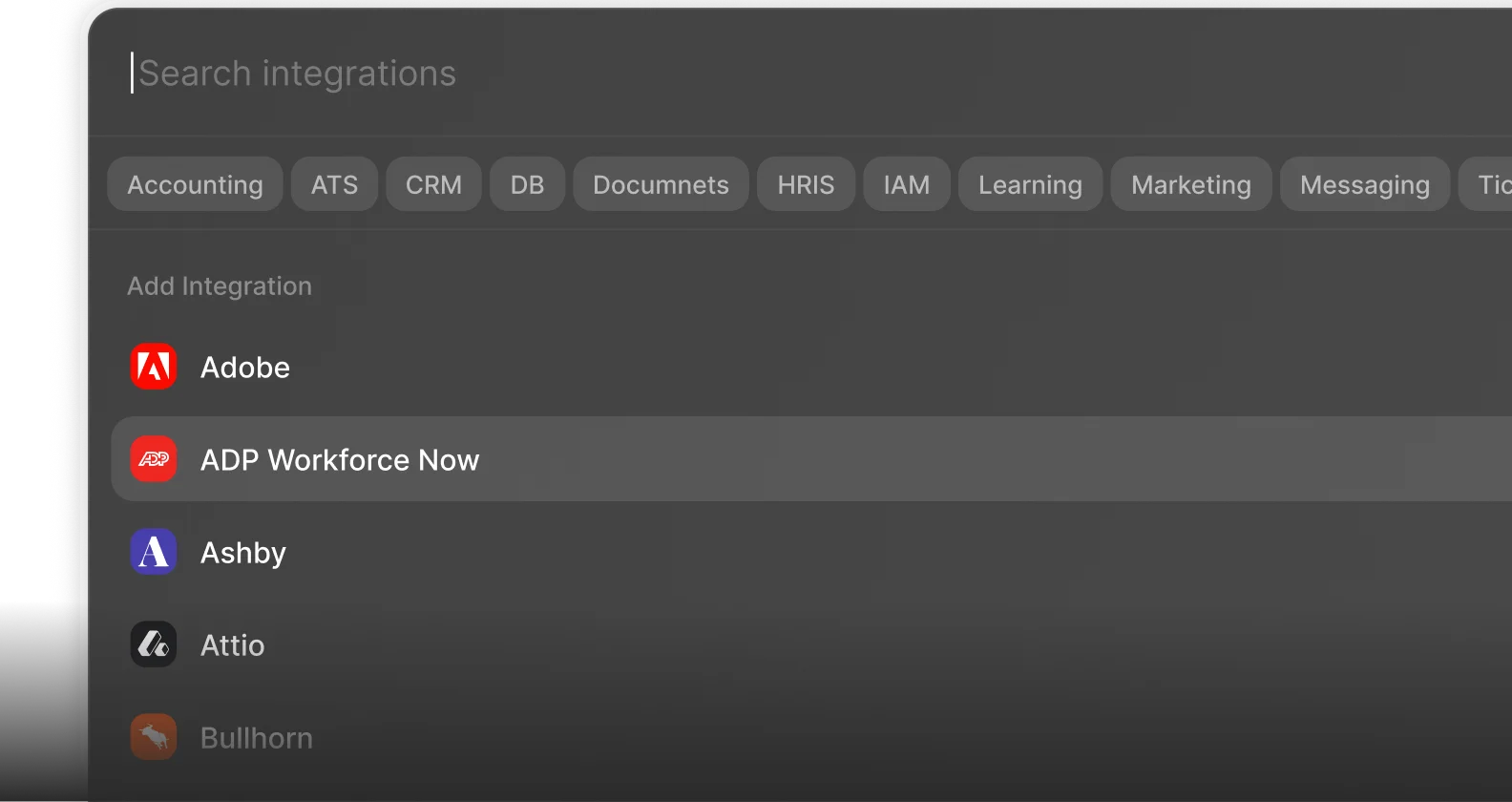
200+ Connectors. 10,000+ Actions.

Multiple Interfaces

Access integrations via API, AI SDKs, MCP & A2A.

Managed Authentication

Pre-built authentication UI.

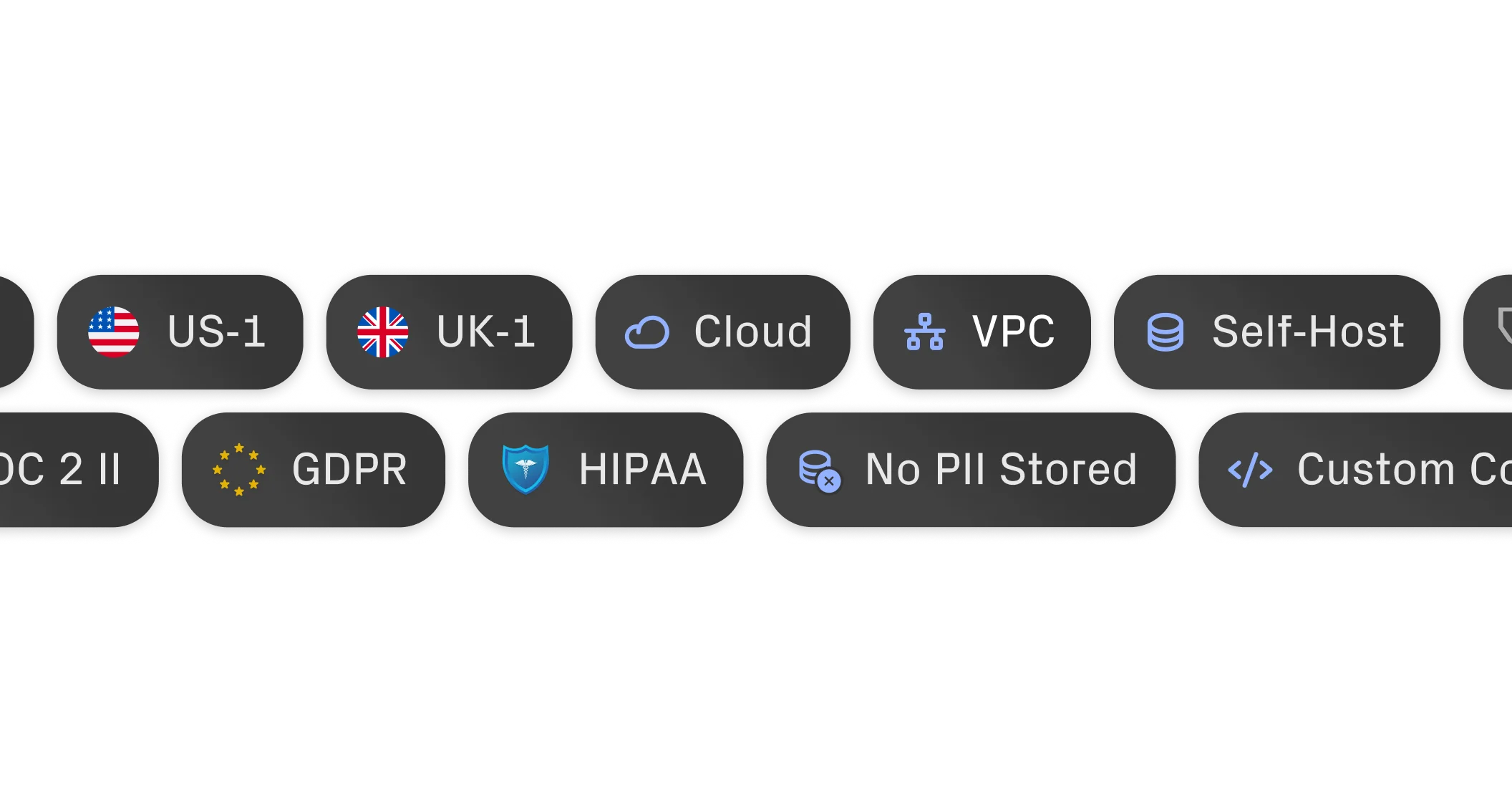
Enterprise-Ready

Enterprise-Ready architecture.
"What impressed us most about StackOne is its ambition and clarity. They're creating infrastructure that modern software and the entire AI agent ecosystem can rely on. The depth of secure integrations, the pace of delivery, and the team's foresight into AI's future uniquely position StackOne to redefine this category."

Luna Schmid, Partner at GV

"We've been impressed by how quickly and deeply StackOne integrates with complex enterprise systems -- and now, with their focus on agent-to-agent interoperability, they're unlocking even more powerful use cases for customers. StackOne delivers all of the above in a universal layer -- without compromise."

Barbry McGann, SVP at Workday Ventures

G2 - High Performer G2 - Easiest To Do Business With G2 - Users Love Us G2 - Users Most Likely To Recommend G2 - Easiest Admin

Put your AI agents to work

All the tools you need to build and scale AI agents integrations, with best-in-class security & privacy.