- Retrieve All Tasks From A Specific List With Pagination Support And Comprehensive Task Details Including Status, Assignees, And Custom Fields.
- Retrieve Complete Details Of A Specific Task By ID Including All Metadata, Custom Fields, Checklists, Subtasks, And Relationships.
- Create A New Task In A List With Customizable Properties Including Name, Description, Assignees, Priority, Due Dates, Status, And Custom Fields.
- Modify Task Properties Including Name, Description, Status, Assignees, Dates, Priority, And Custom Fields For An Existing Task.
- Permanently Remove A Task From The Workspace.
- Query Tasks Across Workspace With Advanced Filtering By Spaces, Folders, Lists, Statuses, Assignees, Tags, Dates, And Custom Fields For Powerful Task Discovery.
- Upload A File To A Task As An Attachment. Files Stored In The Cloud Cannot Be Used In This API Request.
- Set A Task As Waiting On Or Blocking Another Task To Define Workflow Order And Task Relationships.
- Remove Dependency Relationship Between Tasks To Update Task Relationships And Remove Workflow Constraints.
- Link Two Tasks Together To Create Relationships Between Related Tasks For Cross-Referencing.
- Remove Link Between Tasks To Update Task Relationships And Remove Connections Between Tasks.
- Create A New List In A Folder With Custom Name, Content, And Due Date Configuration For Organizing Tasks Into Project Stages.
- Retrieve All Lists In A Folder With Metadata Including Statuses, Task Counts, And Configuration Details.
- Retrieve Lists In A Space That Aren'T Contained In Folders For Flat Organizational Structures.
- Get Detailed Information About A Specific List Including Available Statuses, Task Count, And Configuration Settings.
- Modify List Properties Including Name, Content, Color, Priority, Assignee, And Due Dates.
- Remove A List And All Contained Tasks From The Workspace Permanently.
- Retrieve All Spaces In Workspace With Configuration Including Features, Statuses, And Enabled ClickApps.
- Get Details Of A Specific Space Including Features, Statuses, And Enabled ClickApps Configuration.
- Create A New Space In Workspace For High-Level Organization Of Projects And Teams With Custom Configuration.
- Modify Space Properties Including Name, Color, Settings, And Enabled Features.
- Remove A Space And All Contained Folders, Lists, And Tasks From Workspace Permanently.
- Retrieve All Folders In A Space With Metadata Including Lists And Task Counts For Workspace Organization.
- Get Details Of A Specific Folder Including Contained Lists And Folder-Level Metadata.
- Create A New Folder In A Space To Organize Lists Into Logical Project Groups.
- Modify Folder Name And Organizational Properties For Better Workspace Structure.
- Remove A Folder And All Contained Lists And Tasks From Workspace Permanently.
- Add A Comment To A Task With Rich Text Formatting For Collaboration And Feedback.
- Retrieve All Comments On A Task With Author Information And Timestamps For Viewing Conversation History.
- Edit An Existing Comment'S Content To Correct Or Update Information.
- Remove A Comment From Task Or List To Clean Up Discussions And Remove Outdated Information.
- Add Comment To A List For List-Level Discussions And Project Notes Documentation.
- Retrieve Comments On A List For Viewing List Discussions And Project Notes.
- Get Details Of Authenticated User Including Permissions, Workspace Access, And Profile Information For Verification.
- Retrieve All Workspaces That The Authenticated User Has Access To.
- View The Used, Total, And Available Member And Guest Seats For A Workspace.
- View The Current Plan For The Specified Workspace.
- Create A Time Entry With Specified Start And End Times To Manually Log Time Worked On Tasks.
- Retrieve Time Entries With Filtering By Date Range, Assignee, And Location For Generating Time Reports And Timesheets.
- Start A Timer For The Authenticated User On A Task To Track Real-Time Work Duration.
- Stop Currently Running Timer For Authenticated User To Complete Time Tracking Session And Record Duration.
- Edit An Existing Time Entry'S Duration Or Details To Correct Time Tracking Data And Adjust Logged Hours.
- Remove A Time Entry From Records To Clean Up Incorrect Time Entries And Adjust Time Logs.
- Set Up A Webhook To Monitor Events In Workspace With Event Filtering For Real-Time Integrations.
- List All Webhooks Configured For Workspace To Manage Webhook Integrations And Monitor Subscriptions.
- Modify Webhook Configuration Including Events And Status For Changing Webhook Subscriptions And Endpoint Configuration.
- Remove A Webhook Subscription From Workspace To Disconnect Integrations And Stop Event Notifications.
- Create A New Goal In Workspace With Targets And Owners For Tracking Organizational Objectives And OKRs.
- Retrieve All Goals In Workspace With Progress Tracking For Displaying Goal Lists And Overall Progress.
- Get Details Of A Specific Goal Including Targets, Progress, And Completion Status For Tracking.
- Modify Goal Properties Including Name, Due Date, Owners, Color, And Tracking Settings.
- Remove A Goal From Workspace To Archive Completed Goals And Clean Up Objectives.
- Add A Target (Key Result) To A Goal With Measurable Outcomes For Tracking Goal Progress With Specific Metrics.
- Update A Target'S Properties And Progress Values For Tracking Progress Toward Goal Targets And Updating Metrics.
- Remove A Target From A Goal To Clean Up Goal Targets And Remove Obsolete Metrics.
- Add A Checklist To A Task For Breaking Down Work Into Sub-Items With Assignee And Progress Tracking.
- Modify Checklist Name And Position Within Task For Better Organization And Workflow.
- Remove A Checklist From Task To Clean Up Completed Checklists And Simplify Task Structure.
- Add An Item To A Checklist With Assignee And Resolution Tracking For Sub-Task Management.
- Edit Checklist Item Including Name, Assignee, And Resolution Status For Progress Tracking.
- Remove An Item From Checklist To Clean Up Completed Items And Remove Obsolete Entries.
- Get Custom Fields Configured For A Specific Space With Field Definitions And Options.
- Get Custom Fields Available For Tasks In A Specific List With Field Metadata And Validation.
- Add A Tag Label To A Task For Categorization, Filtering, And Organization Across Workspace.
- Remove A Tag From A Task To Update Categorization And Remove Outdated Labels.
- Retrieve All Tags In A Space With Colors And Names For Displaying Available Categorization Options.
- Create A New Tag In A Space With Custom Name And Color For Adding Categorization Options.
- Edit Tag Name And Colors For Better Organization And Visual Distinction In Workspace.
- Remove A Tag From Space To Clean Up Unused Tags And Simplify Categorization Options.
- Create A Custom View At Workspace Level For Custom Data Visualizations And Workflow Displays.
- Create A Custom View At Space Level With Filters, Grouping, And Sorting For Space-Wide Task Visualization.
- Get Details Of A Specific View Including Filters, Grouping, Sorting And Display Settings.
- Modify View Properties Including Name, Filters, Grouping, And Sorting For Customized Data Display.
- Remove A View From Workspace To Clean Up Unused Views And Simplify Interface Organization.
- Retrieve Tasks Displayed In A View With Applied Filters For Custom Views And Dashboards.
- Retrieve All Views Configured For A Space For Listing Available Visualizations And View Options.
- Create A New Document In Workspace For Knowledge Management, Documentation, And Project Notes.
- Retrieve A Document'S Content And Metadata For Accessing Documentation Programmatically.
- Search And Filter Documents In Workspace With Various Criteria For Finding Specific Documentation.
- Retrieve Hierarchical Listing Of All Pages Within A Document For Navigating Document Structure.
- Add A New Page To A Document With Content To Extend Documentation With Additional Pages.
- Retrieve A Specific Page From Document With Content For Accessing Individual Page Content And Metadata.
- Update Page Content And Properties For Maintaining Documentation And Updating Page Content.
- Create A New User Group In Workspace With Members For Organizing Users For Permissions And Notifications Management.
- Modify User Group Members And Properties For Managing Team Organization And Group Membership.
- Retrieve User Groups In Workspace With Optional Filtering By Specific Group IDs.
- Remove A User Group From Workspace To Clean Up Team Structure And Remove Obsolete Groups.
- Retrieve Members With Access To A Specific List For Viewing List Collaborators And Permission Levels.
- Retrieve Members With Access To A Specific Task For Viewing Task Collaborators And Permission Levels.
- View Task Templates Available In Workspace With Pagination For Listing Reusable Task Templates For Standardized Task Creation.
- Retrieve Custom Task Types Configured For Workspace For Getting Available Task Type Options (Tasks, Milestones, Etc.).
- Retrieve Shared Workspace Structure Including Spaces, Folders, And Lists Accessible To User For Viewing Shared Resources.








 Connectors & Actions
 Multiple Interfaces
 Managed Authentication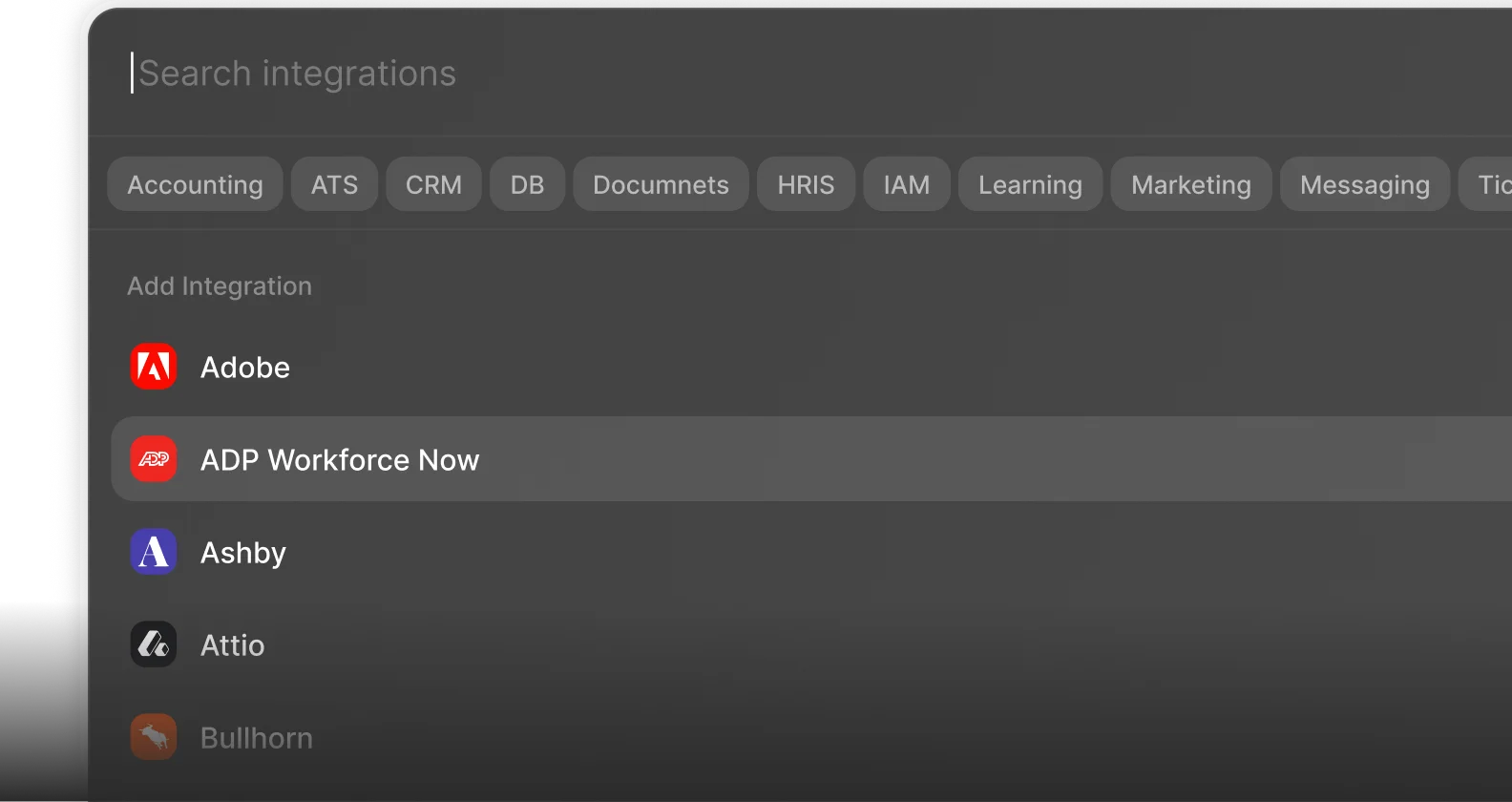
 Enterprise-Ready