- Get All Attachments For A Specific Parent Object (Task Or Project)
- Get Details Of A Specific Attachment
- Delete An Attachment From A Task Or Project
- Get Audit Log Events For Enterprise Security And Compliance Monitoring
- Returns A List Of The Compact Representation Of All Of The Custom Fields In A Workspace
- Get Details Of A Specific Custom Field
- Creates A New Custom Field In A Workspace. Every Custom Field Is Required To Be Created In A Specific Workspace, And This Workspace Cannot Be Changed Once Set. A Custom Field'S Name Must Be Unique Within A Workspace And Not Conflict With Names Of Existing Task Properties Such As Due Date Or Assignee. A Custom Field'S Type Must Be One Of Text, Enum, Multi_enum, Number, Date, Or People. Returns The Full Record Of The Newly Created Custom Field
- A Specific, Existing Custom Field Can Be Updated By Making A PUT Request On The URL For That Custom Field. Only The Fields Provided In The Data Block Will Be Updated; Any Unspecified Fields Will Remain Unchanged. When Using This Method, It Is Best To Specify Only Those Fields You Wish To Change, Or Else You May Overwrite Changes Made By Another User Since You Last Retrieved The Custom Field. A Custom Field'S Type Cannot Be Updated. An Enum Custom Field'S Enum_options Cannot Be Updated With This Endpoint. Instead See Work With Enum Options For Information On How To Update Enum_options. Locked Custom Fields Can Only Be Updated By The User Who Locked The Field. Returns The Complete Updated Custom Field Record
- Creates An Enum Option And Adds It To This Custom Field'S List Of Enum Options. A Custom Field Can Have At Most 50 Enum Options (Including Disabled Options). By Default, New Enum Options Are Inserted At The End Of A Custom Field'S List. Locked Custom Fields Can Only Have Enum Options Added By The User Who Locked The Field. Returns The Full Record Of The Newly Created Enum Option
- Updates An Existing Enum Option. Enum Options Are Ordered By Creation Time With The Most Recently Created At The Top. Locked Custom Fields Can Only Have Enum Options Updated By The User Who Locked The Field. Returns The Complete Updated Enum Option Record
- Custom Fields Are Associated With Projects By Way Of Custom Field Settings. This Method Creates A Setting For The Project
- Removes A Custom Field Setting From A Project
- Custom Fields Are Associated With Portfolios By Way Of Custom Field Settings. This Method Creates A Setting For The Portfolio
- Removes A Custom Field Setting From A Portfolio
- Add One Or More Dependencies To A Task (Tasks That Must Be Completed Before This Task)
- Remove One Or More Dependencies From A Task
- Add One Or More Dependents To A Task (Tasks That Depend On This Task Being Completed)
- Remove One Or More Dependents From A Task
- Get Events On A Resource For Real-Time Change Tracking
- Get Goals In A Workspace Or Portfolio
- Get Details Of A Specific Goal
- Create A New Goal In A Workspace Or Team.
- Update Properties Of An Existing Goal
- Delete A Goal
- Add A Subgoal To A Parent Goal
- Remove A Subgoal From A Parent Goal
- Get All Memberships For A Parent Object (Goal, Project, Portfolio, Or Custom_field)
- Get Details Of A Specific Membership
- Add A User Or Team As A Member Of A Goal, Project, Portfolio, Or Custom_field
- Update An Existing Membership. Only The Fields Provided In The Data Block Will Be Updated; Any Unspecified Fields Will Remain Unchanged. Memberships On Goals, Projects, Portfolios, And Custom_fields Can Be Updated
- Remove A Member From A Project Or Goal
- Request A Complete Export Of An Organization'S Data In JSON Format (Enterprise+ Only)
- Get The Status And Download URL Of An Organization Export Request
- Get All Portfolios In A Workspace
- Get Details Of A Specific Portfolio
- Create A New Portfolio In A Workspace
- Update Properties Of An Existing Portfolio
- Delete A Portfolio
- Get All Projects In A Portfolio
- Add A Project To A Portfolio
- Remove A Project From A Portfolio
- Add Users As Members To A Project
- Remove Users From Project Members
- Add Users As Followers To A Project
- Remove Users From Project Followers
- Get All Projects In A Workspace
- Get Details Of A Specific Project
- Create A New Project In A Workspace Or Team. If The Workspace For Your Project Is An Organization, You Must Also Supply A Team To Share The Project With.
- Update An Existing Project
- Delete A Project Permanently
- Get All Tasks In A Project
- Create A Duplicate Of A Project
- Get All Project Templates In A Workspace Or Team
- Get Details Of A Specific Project Template
- Create A New Project From A Template
- Search For Objects In A Workspace By Name For Autocomplete
- Advanced Search For Tasks In A Workspace With Multiple Filters
- Get All Sections In A Project (Board Columns Or List Headers)
- Get Details Of A Specific Section
- Create A New Section In A Project
- Update Properties Of An Existing Section
- Delete A Section From A Project
- Add A Task To A Specific Section
- Returns The Compact Status Update Records For All Updates On The Object
- Get Details Of A Specific Status Update
- Creates A New Status Update On An Object. Returns The Full Record Of The Newly Created Status Update. Requires Either Text Or Html_text To Be Provided.
- Delete A Status Update
- Get All Stories (Activity Feed And Comments) For A Task
- Get Details Of A Specific Story
- Adds A Story To A Task. This Endpoint Currently Only Allows For Comment Stories To Be Created. The Comment Will Be Authored By The Currently Authenticated User, And Timestamped When The Server Receives The Request. Returns The Full Record For The New Story Added To The Task. Requires Either Text Or Html_text To Be Provided
- Updates The Story And Returns The Full Record For The Updated Story. Only Comment Stories Can Have Their Text Updated, And Only Comment Stories And Attachment Stories Can Be Pinned. Only One Of Text And Html_text Can Be Specified
- Delete A Story/Comment From A Task
- Get All Subtasks For A Specific Task
- Creates A New Subtask And Adds It To The Parent Task. Returns The Full Record For The Newly Created Subtask
- Set Or Change The Parent Task For A Task To Make It A Subtask
- Get All Tags In A Workspace
- Get Details Of A Specific Tag
- Create A New Tag In A Workspace
- Update Properties Of An Existing Tag
- Add A Tag To A Task
- Remove A Tag From A Task
- Create A Copy Of An Existing Task With Optional Field Inclusions
- Add One Or More Followers To A Task
- Remove One Or More Followers From A Task
- Add A Task To An Additional Project
- Remove A Task From A Project
- Returns The Compact Task Records For Some Filtered Set Of Tasks. Use One Or More Of The Parameters Provided To Filter The Tasks Returned. You Must Specify A Project Or Tag If You Do Not Specify Assignee And Workspace.
- Get A Single Task By ID
- Create A New Task In Asana
- Update An Existing Task In Asana
- Delete A Task From Asana
- Get Task Templates From A Project (Premium Feature)
- Get A Single Task Template By ID (Premium Feature)
- Creates And Returns A Job That Will Asynchronously Handle The Task Instantiation
- Get All Teams In A Workspace
- Get Details Of A Specific Team
- Update A Team'S Properties And Access Controls
- Get All Users In A Team
- Add A User To A Team
- Remove A User From A Team
- Get All Time Periods In A Workspace, Optionally Filtered By Date Range
- Get Details Of A Specific Time Period
- Returns Time Tracking Entries For A Given Task
- Returns The Complete Time Tracking Entry Record For A Single Time Tracking Entry
- Creates A Time Tracking Entry On A Given Task. Returns The Record Of The Newly Created Time Tracking Entry
- A Specific, Existing Time Tracking Entry Can Be Updated By Making A PUT Request On The URL For That Time Tracking Entry. Only The Fields Provided In The Data Block Will Be Updated; Any Unspecified Fields Will Remain Unchanged. When Using This Method, It Is Best To Specify Only Those Fields You Wish To Change, Or Else You May Overwrite Changes Made By Another User Since You Last Retrieved The Task. Returns The Complete Updated Time Tracking Entry Record
- Delete A Time Tracking Entry
- Get All Users In A Workspace
- Get Details Of A Specific User
- Get Details Of The Authenticated User
- Get A User'S Favorites
- Get All Teams A User Belongs To
- Get Workspace Memberships For A User
- Get Team Memberships For A User
- Returns The Full Record For A User'S Task List
- Returns The Compact List Of Tasks In A User'S My Tasks List. Note - Access Control Is Enforced For This Endpoint As With All Asana API Endpoints, Meaning A User'S Private Tasks Will Be Filtered Out If The API-Authenticated User Does Not Have Access To Them. Note - Both Complete And Incomplete Tasks Are Returned By Default Unless They Are Filtered Out (For Example, Setting Completed_since=Now Will Return Only Incomplete Tasks, Which Is The Default View For My Tasks In Asana)
- Get The Compact Representation Of All Webhooks Your App Has Registered For The Authenticated User In The Given Workspace
- Returns The Full Record For The Given Webhook
- Create A New Webhook To Receive Notifications About Changes To A Resource
- An Existing Webhook'S Filters Can Be Updated By Making A PUT Request On The URL For That Webhook. Note That The Webhook'S Previous Filters Array Will Be Completely Overwritten By The Filters Sent In The PUT Request
- This Method Permanently Removes A Webhook. Note That It May Be Possible To Receive A Request That Was Already In Flight After Deleting The Webhook, But No Further Requests Will Be Issued
- Get All Workspaces Accessible To The Authenticated User
- Get Details Of A Specific Workspace
- Update Properties Of A Workspace
- Add A User To A Workspace Or Organization. The User Can Be Referenced By Their Globally Unique User ID Or Their Email Address. Returns The Full User Record For The Invited User
- Remove A User From A Workspace Or Organization. The User Making This Call Must Be An Admin In The Workspace. The User Can Be Referenced By Their Globally Unique User ID Or Their Email Address. When Invoked Using A Service Account Token (SAT), This Endpoint Follows The Same Behavior As The SCIM API Delete Endpoint. When Invoked Using A Personal Access Token (PAT), The Endpoint Behaves Similarly, Except That Ownership Of The User'S Resources Is Transferred To The PAT Owner Instead Of The Admin Specified In The Admin Console. Note - If You Wish To Retain Access To A User'S Private Resources (I.E., Those Visible Only To That User), You Have To Make Them Public Manually (Or Ask The User To Do So) Before Removal. Returns An Empty Data Record








 Connectors & Actions
 Multiple Interfaces
 Managed Authentication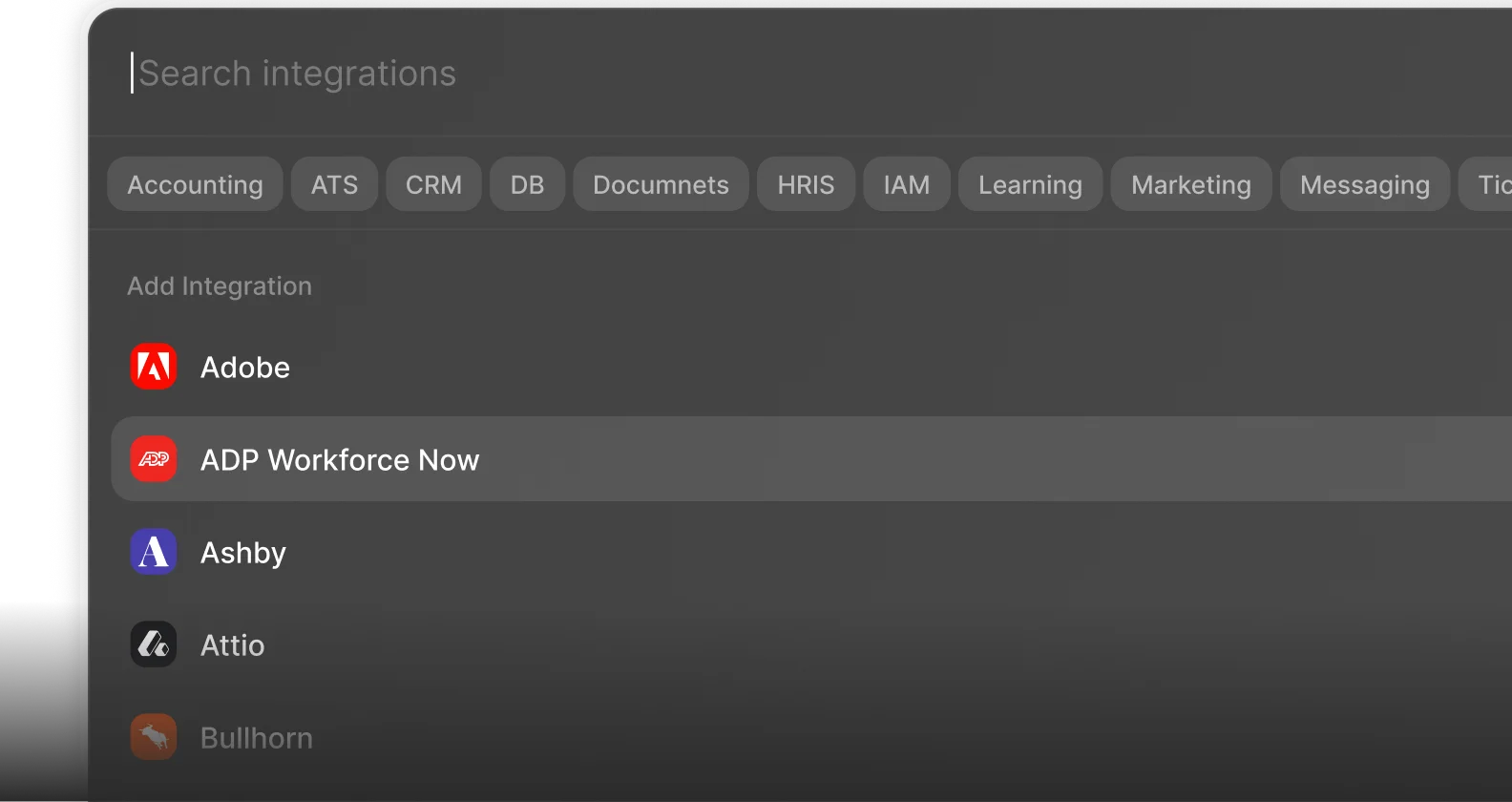
 Enterprise-Ready